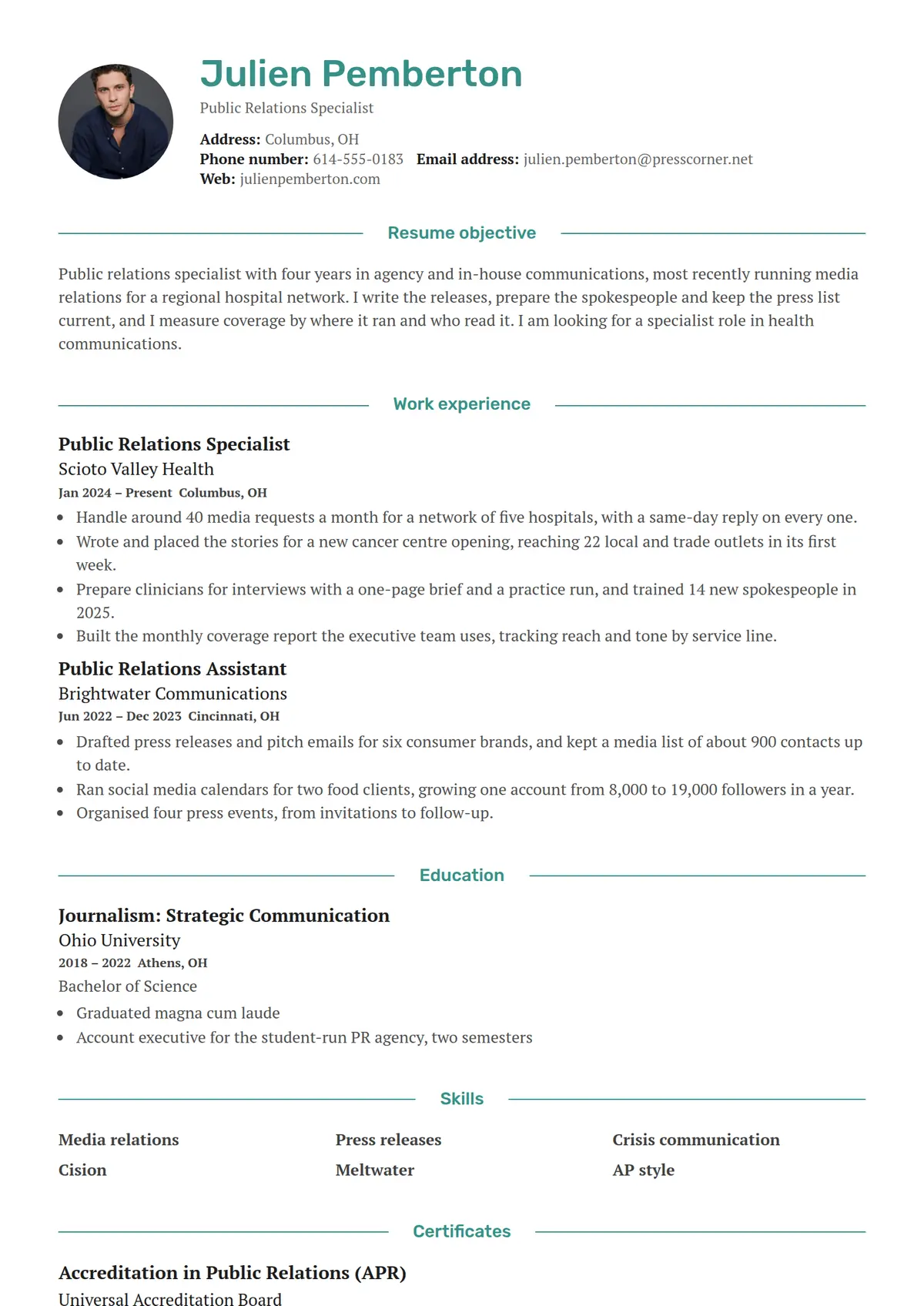
 Cypress
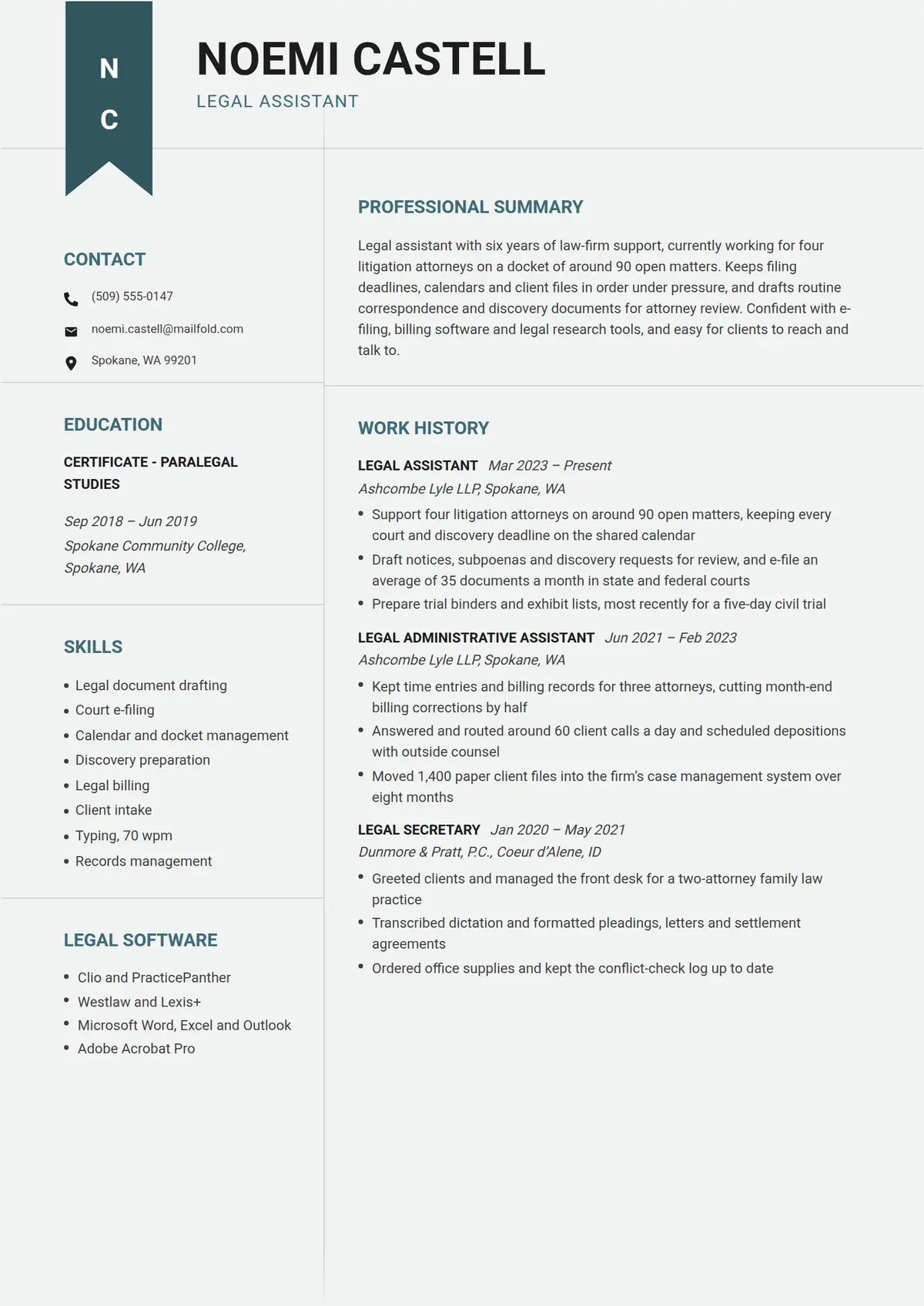 Tassel
 Haze
Haze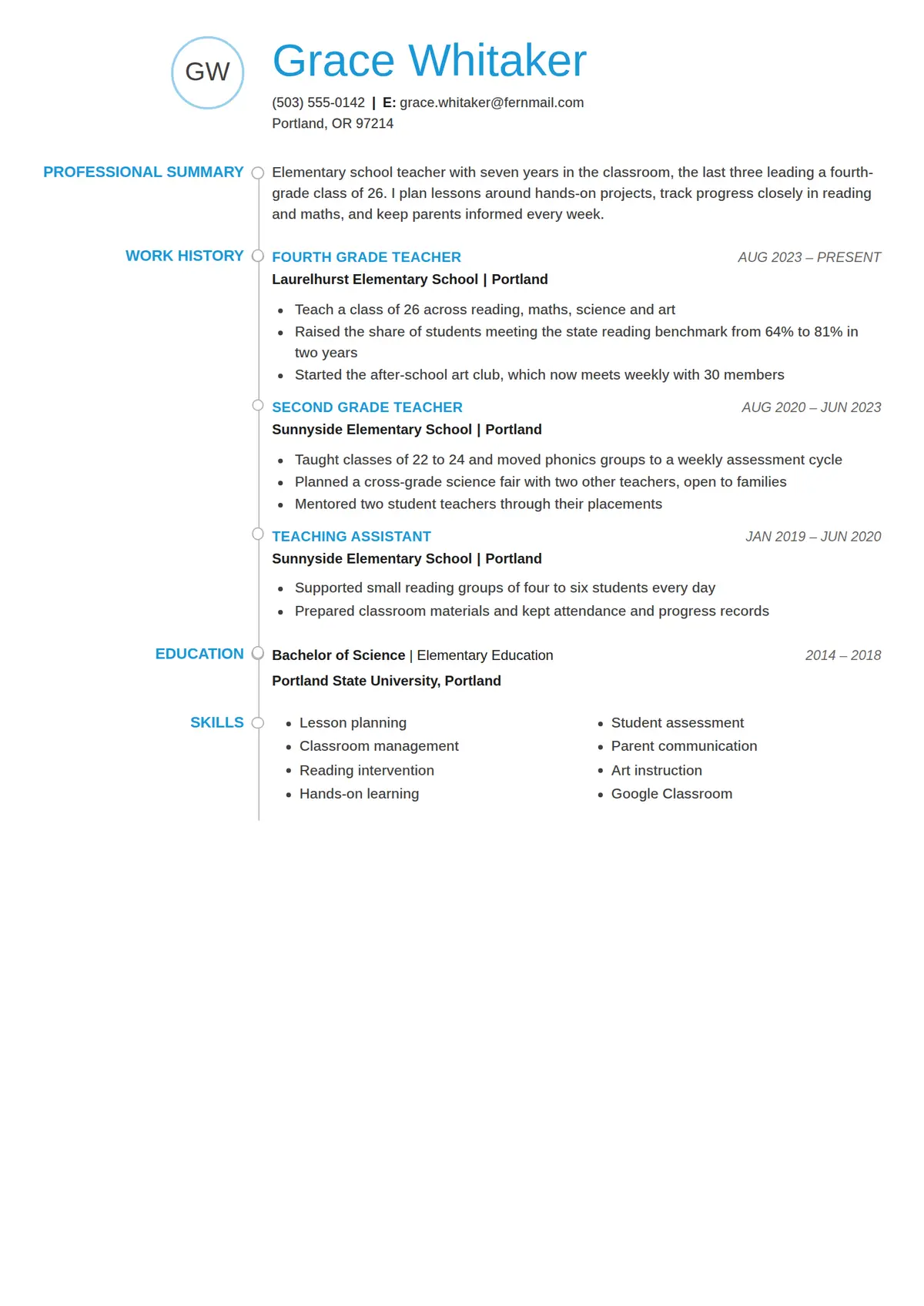 Bead
Bead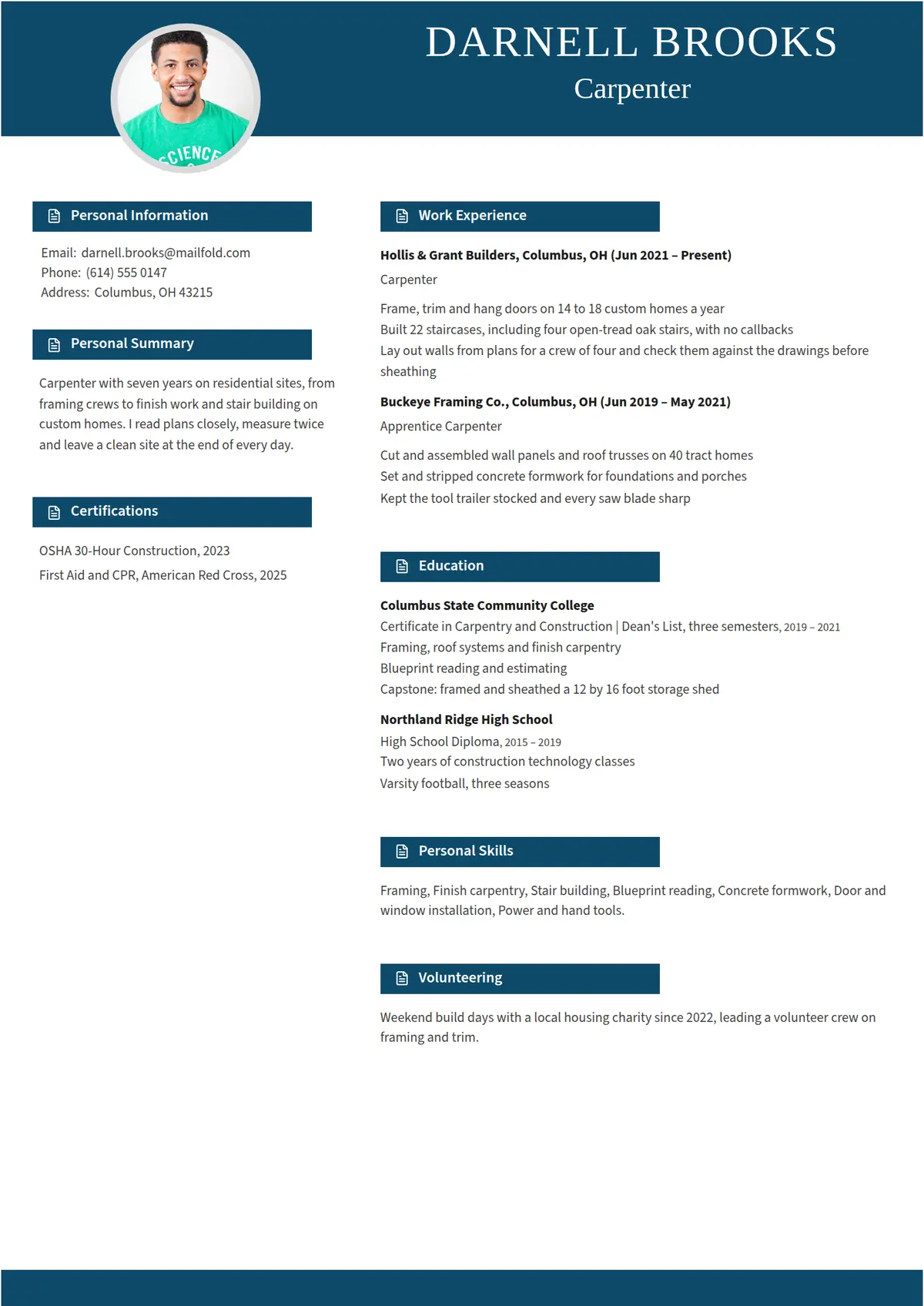 Quire
Quire Blush
Blush Prefect
 Mica
Mica Arbor
Arbor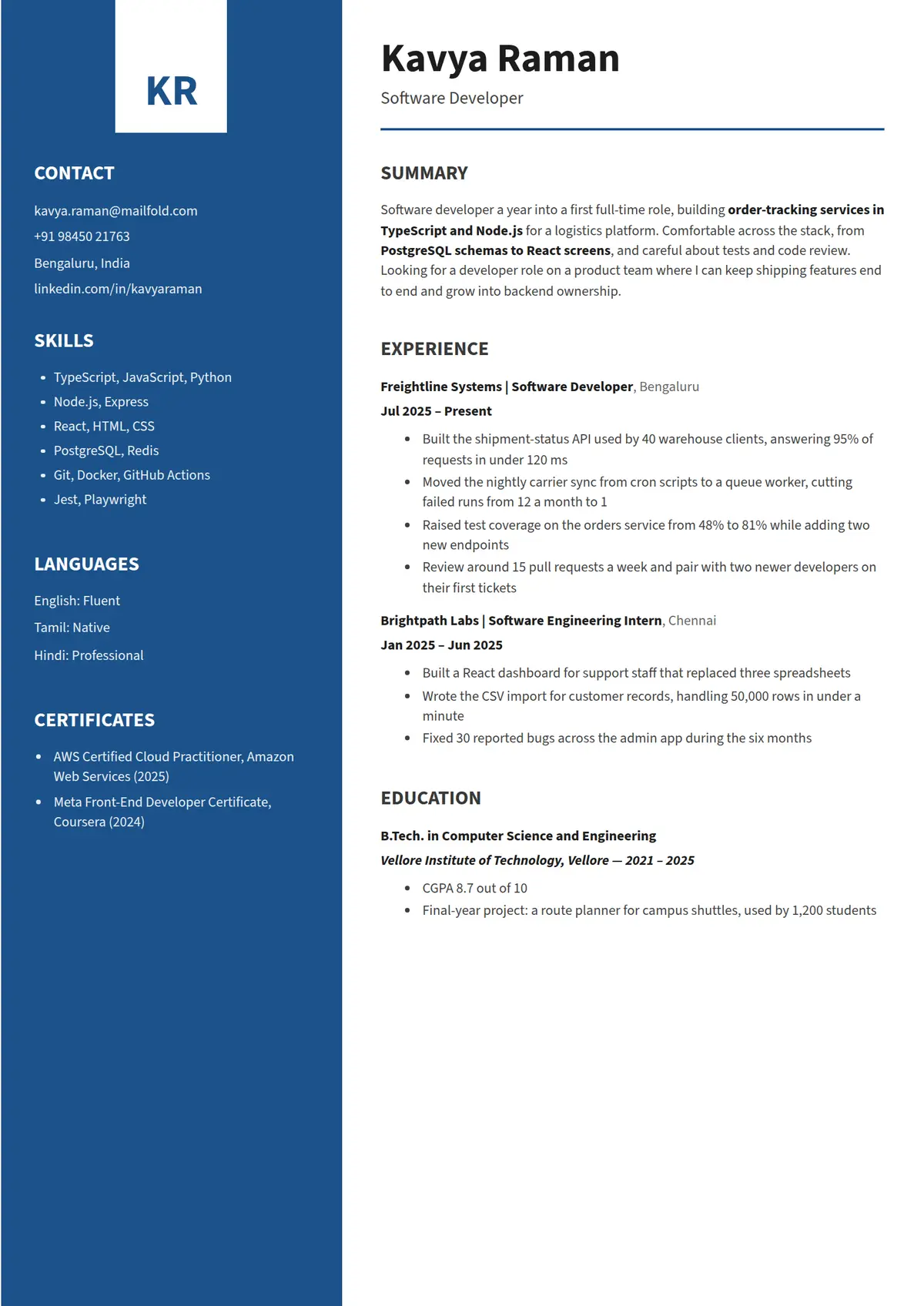 Mariner
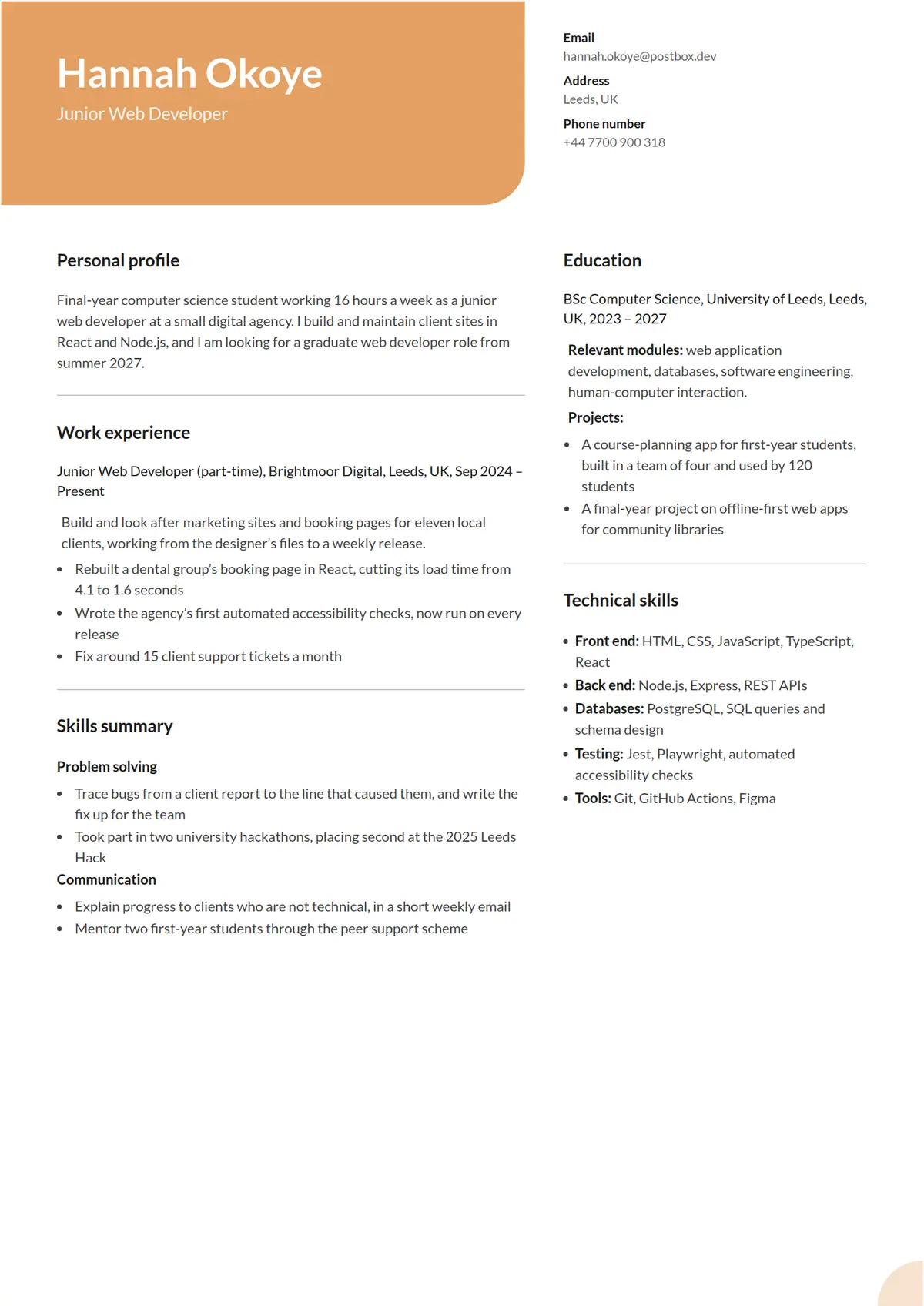 Tawny
Tawny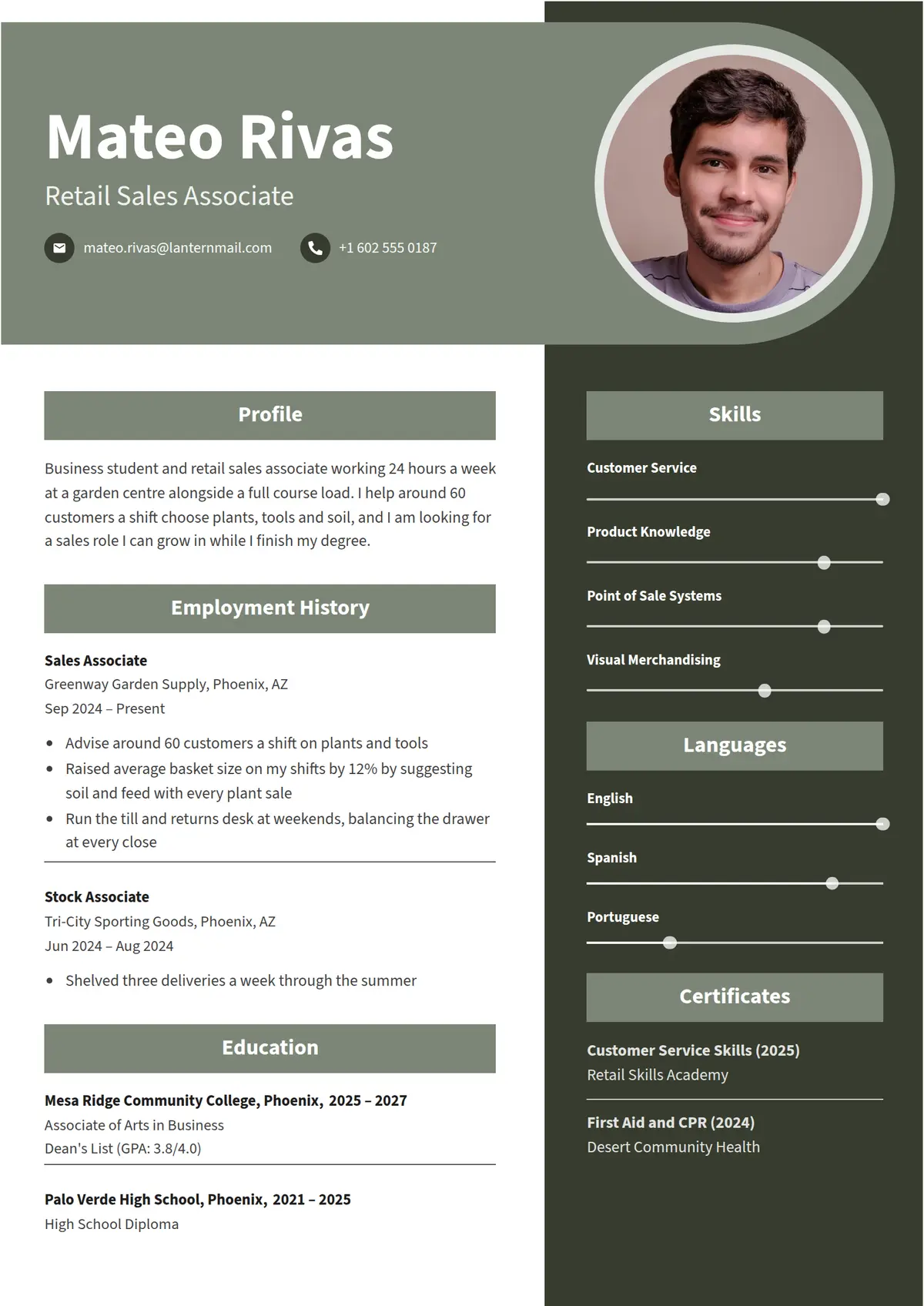 Fennel
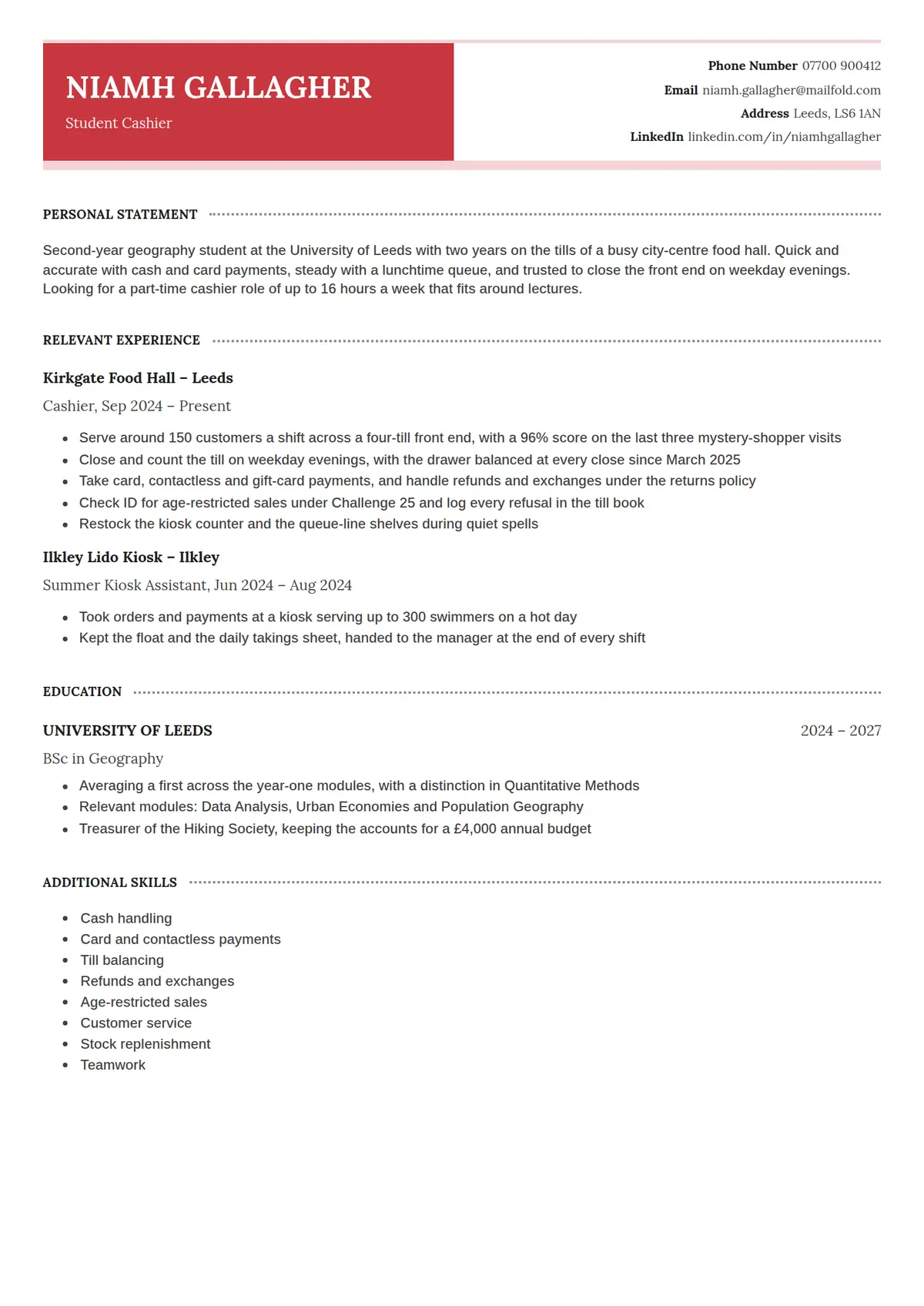 Satchel
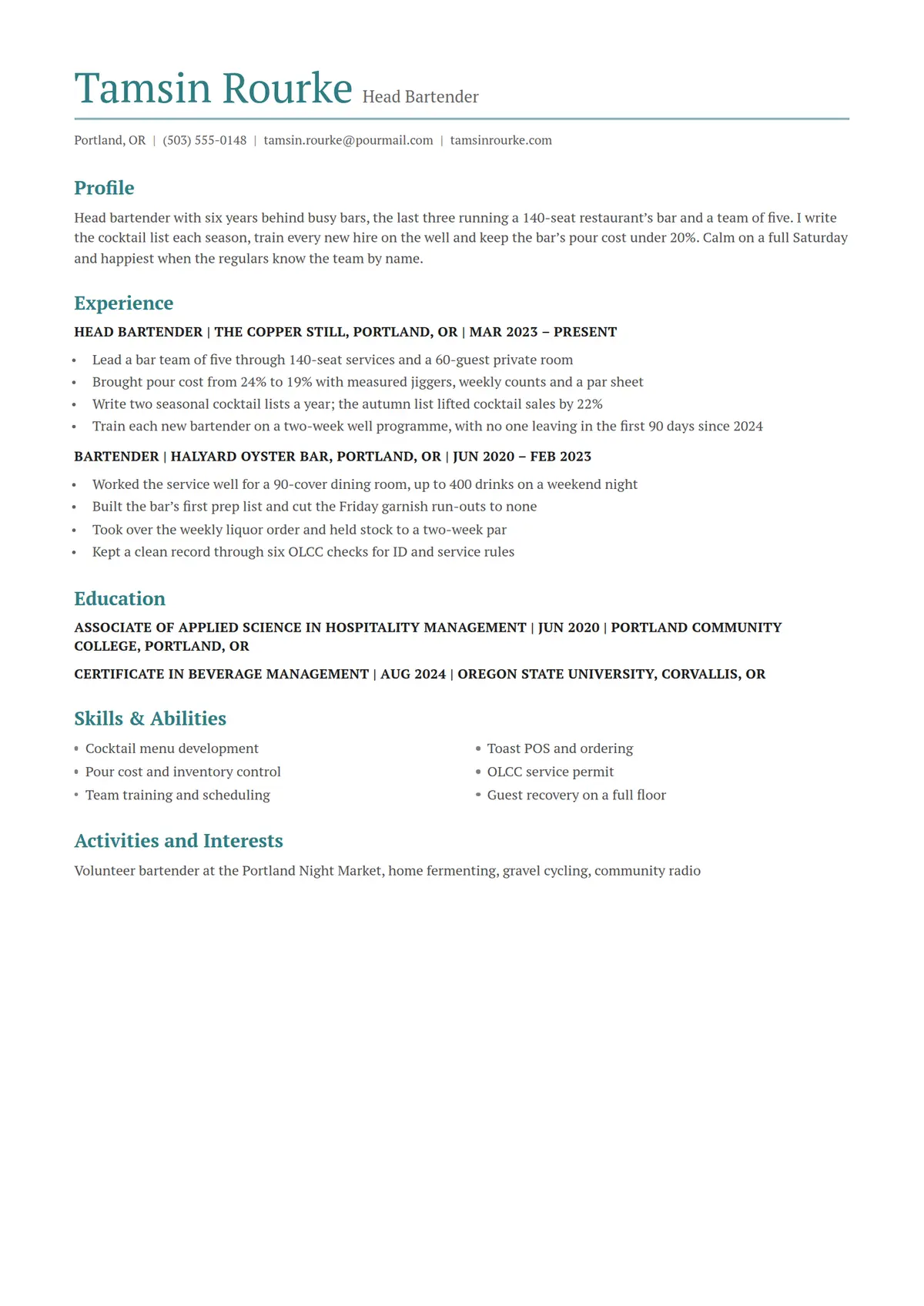 Brook
Brook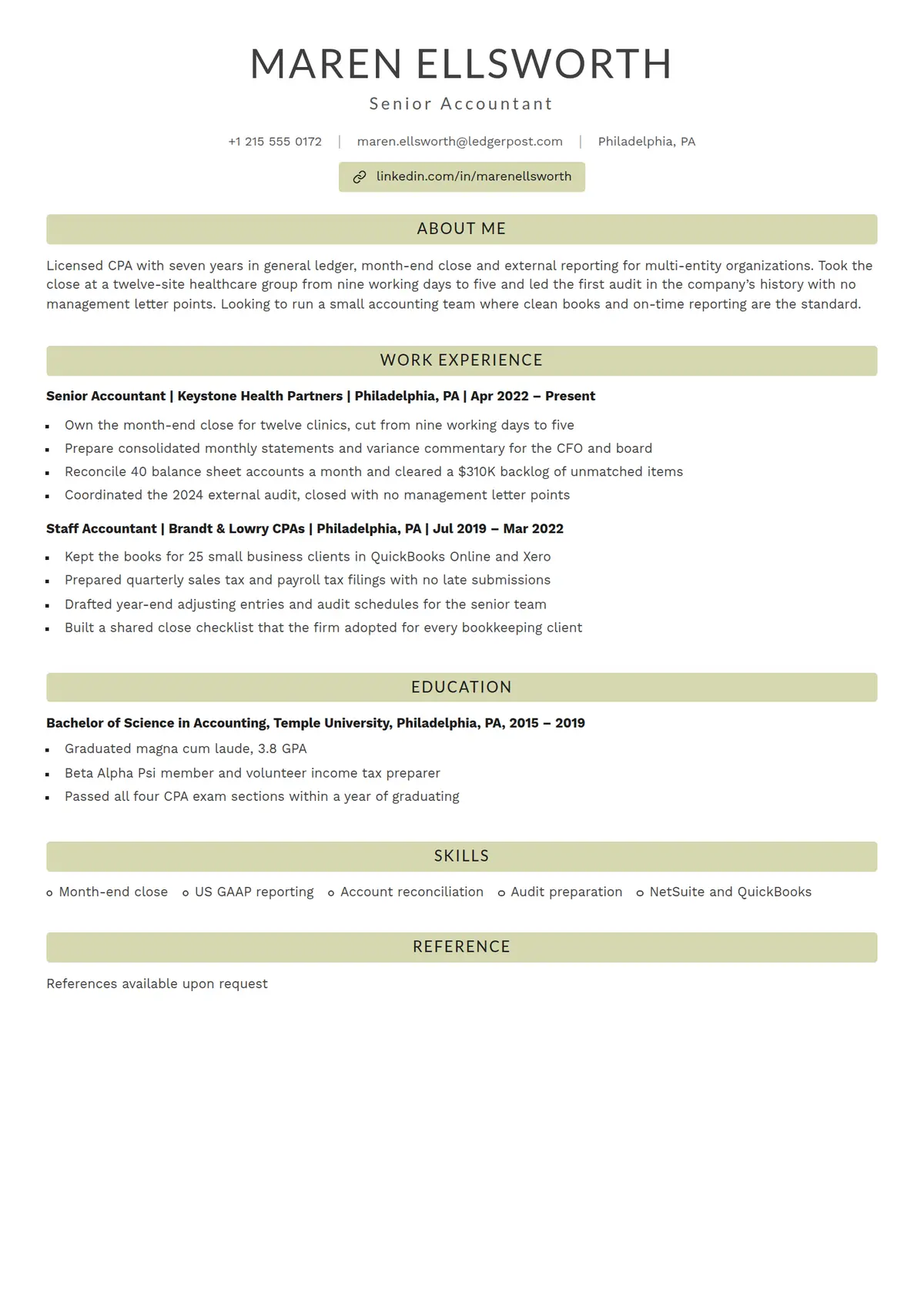 Lichen
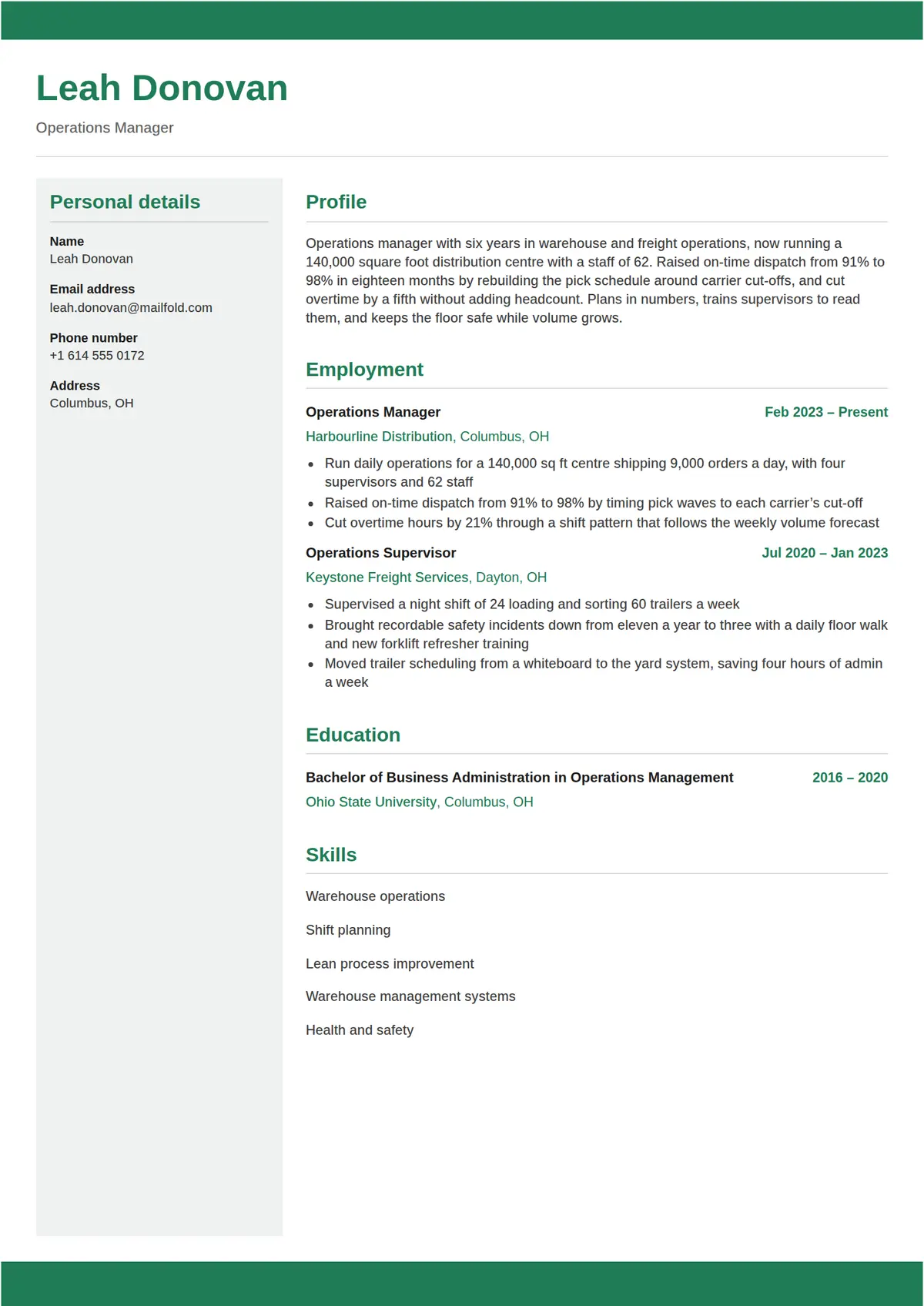 Glade
Glade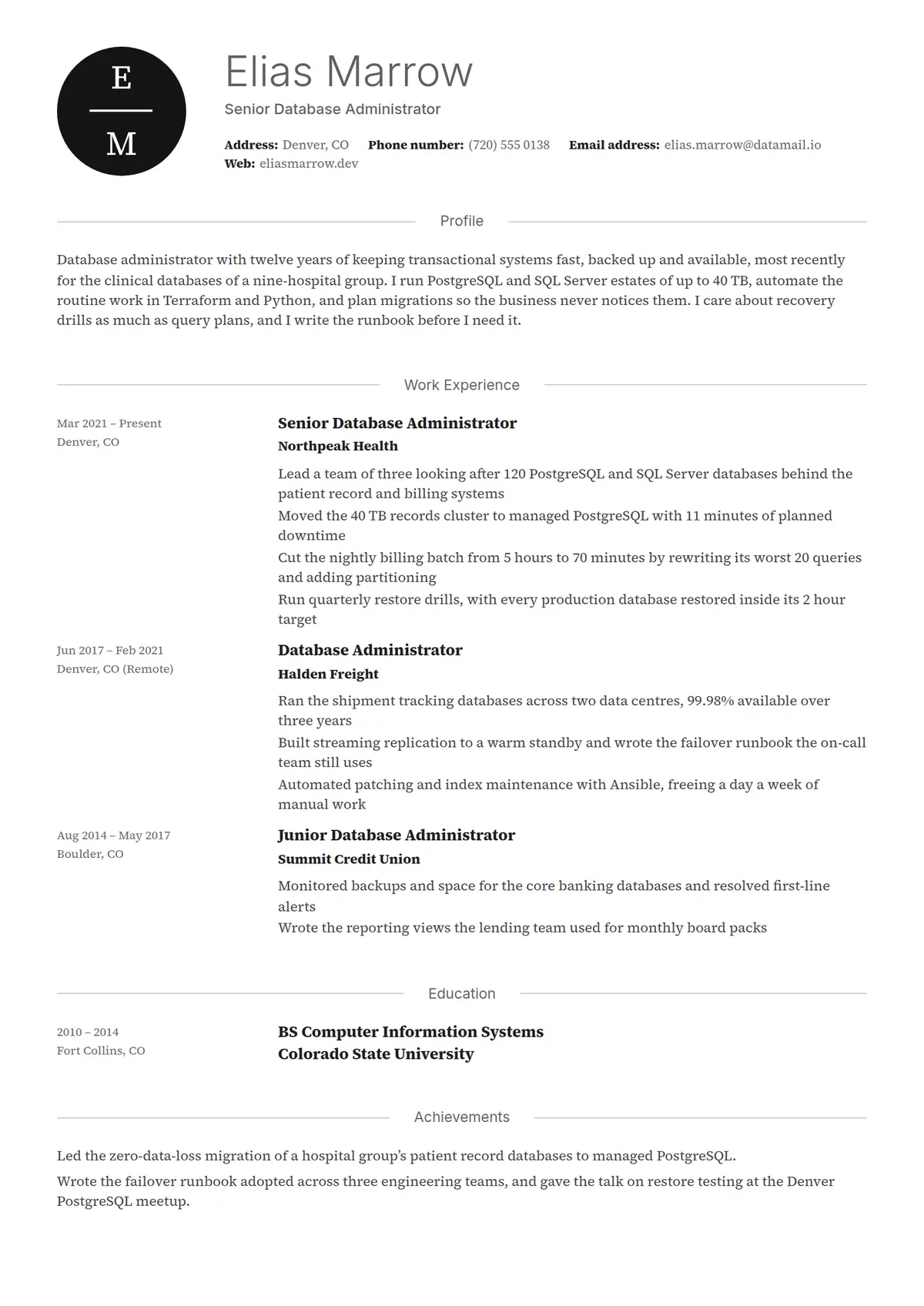 Lucid
Lucid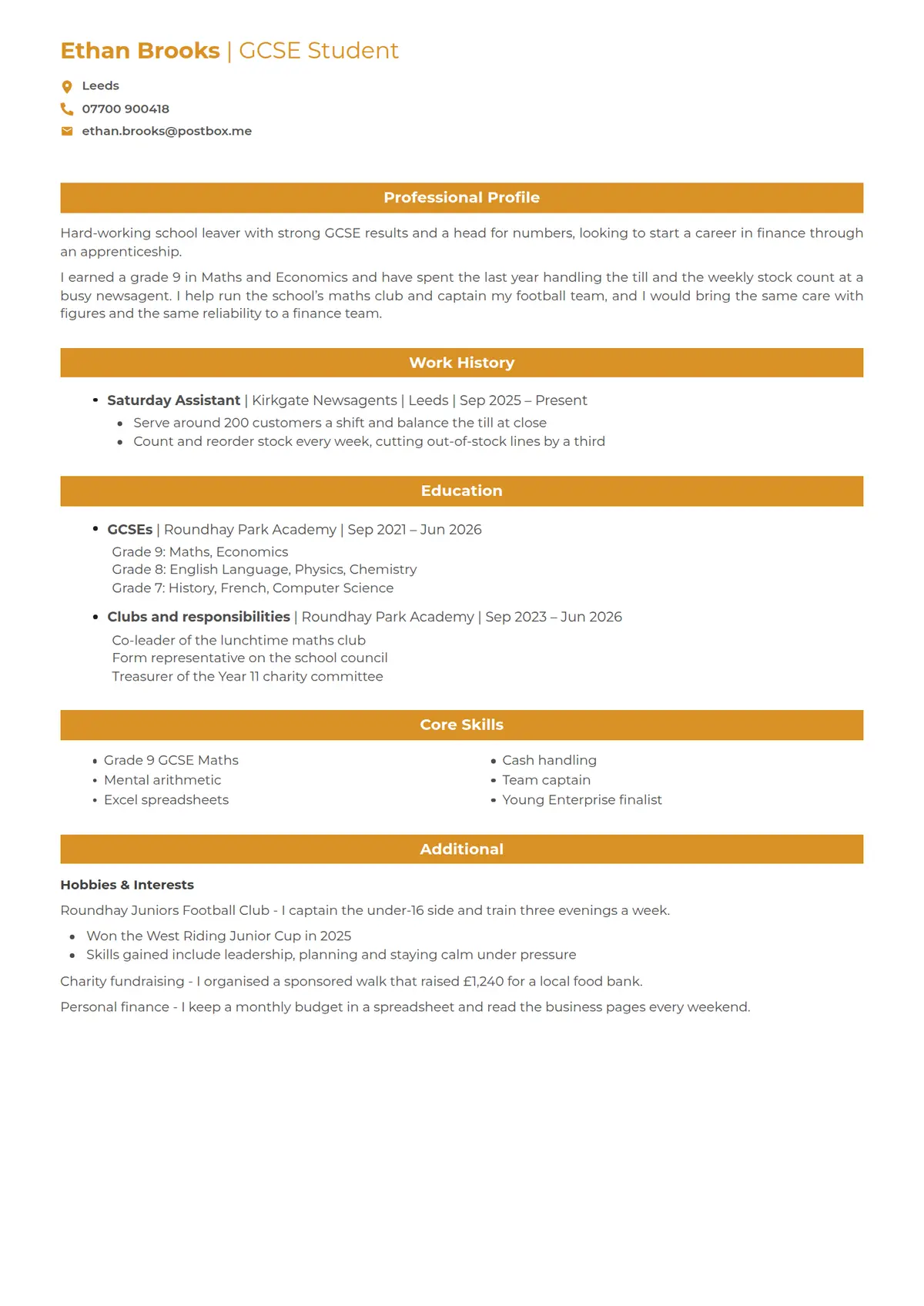 Marigold
 Thesis
 Tern
Tern Halo
Halo Moss
Moss Brief
Brief Lumen
Lumen Lintel
 Memo
Memo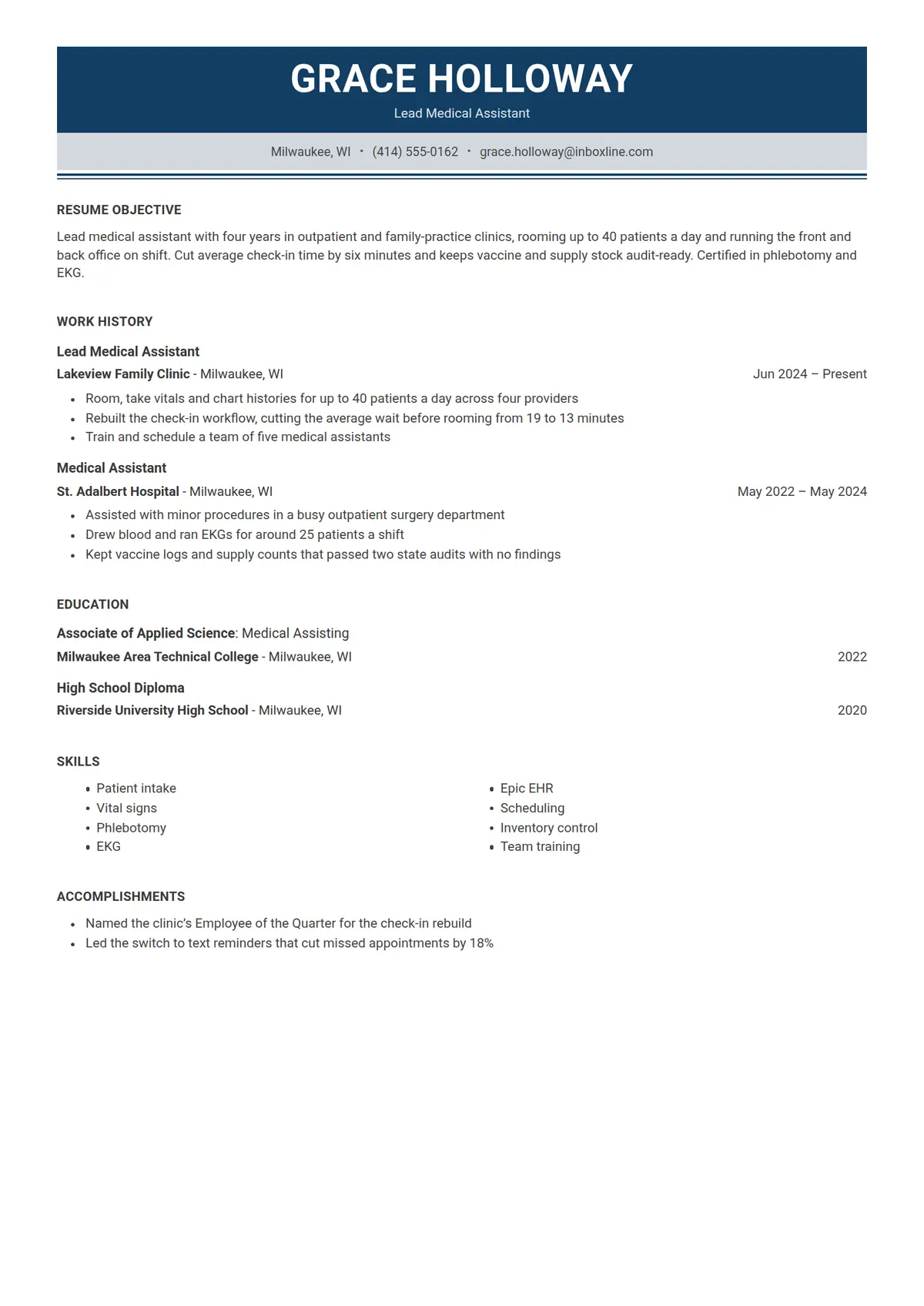 Tenet
Tenet Dune
Dune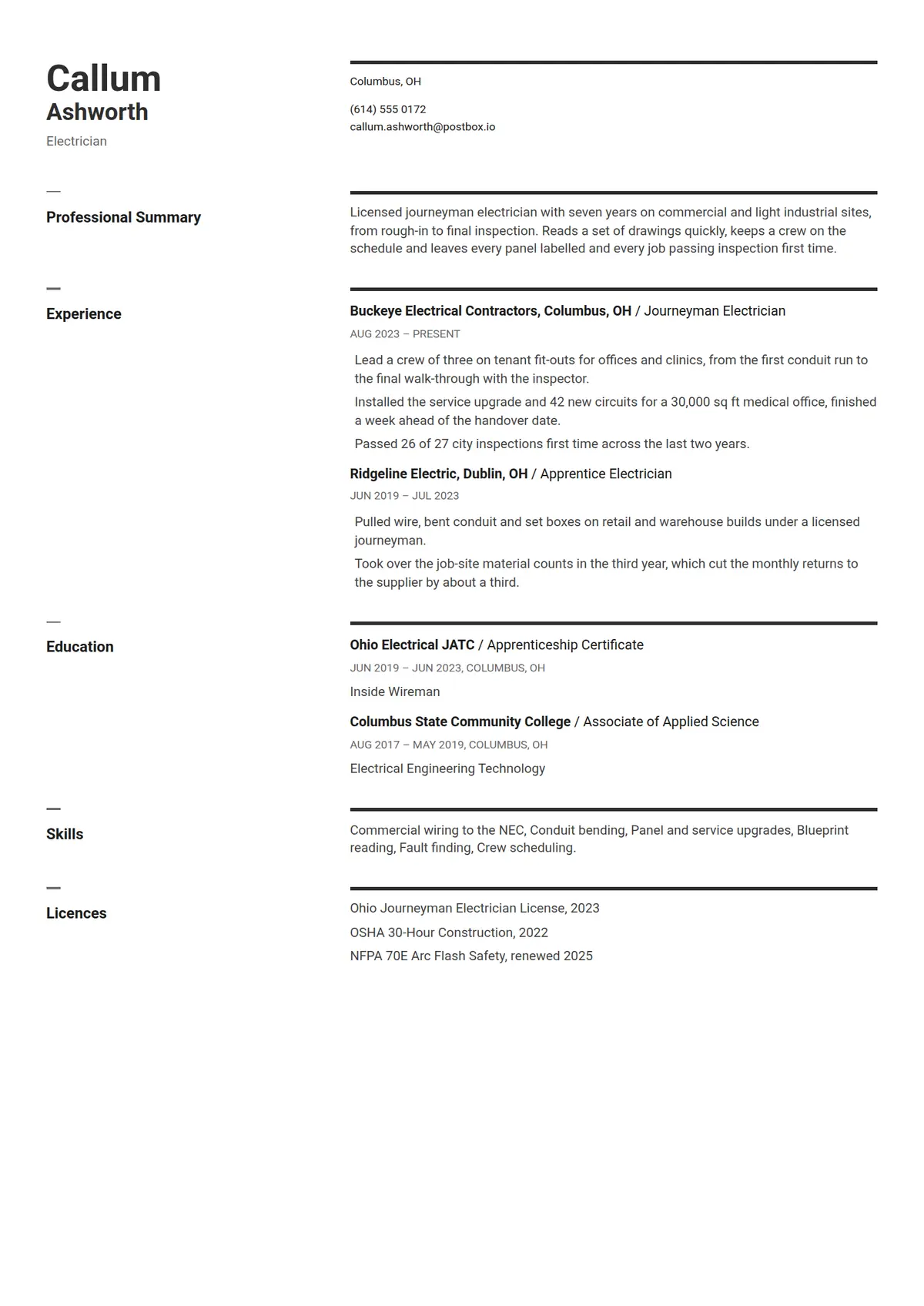 Stave
Stave Regent
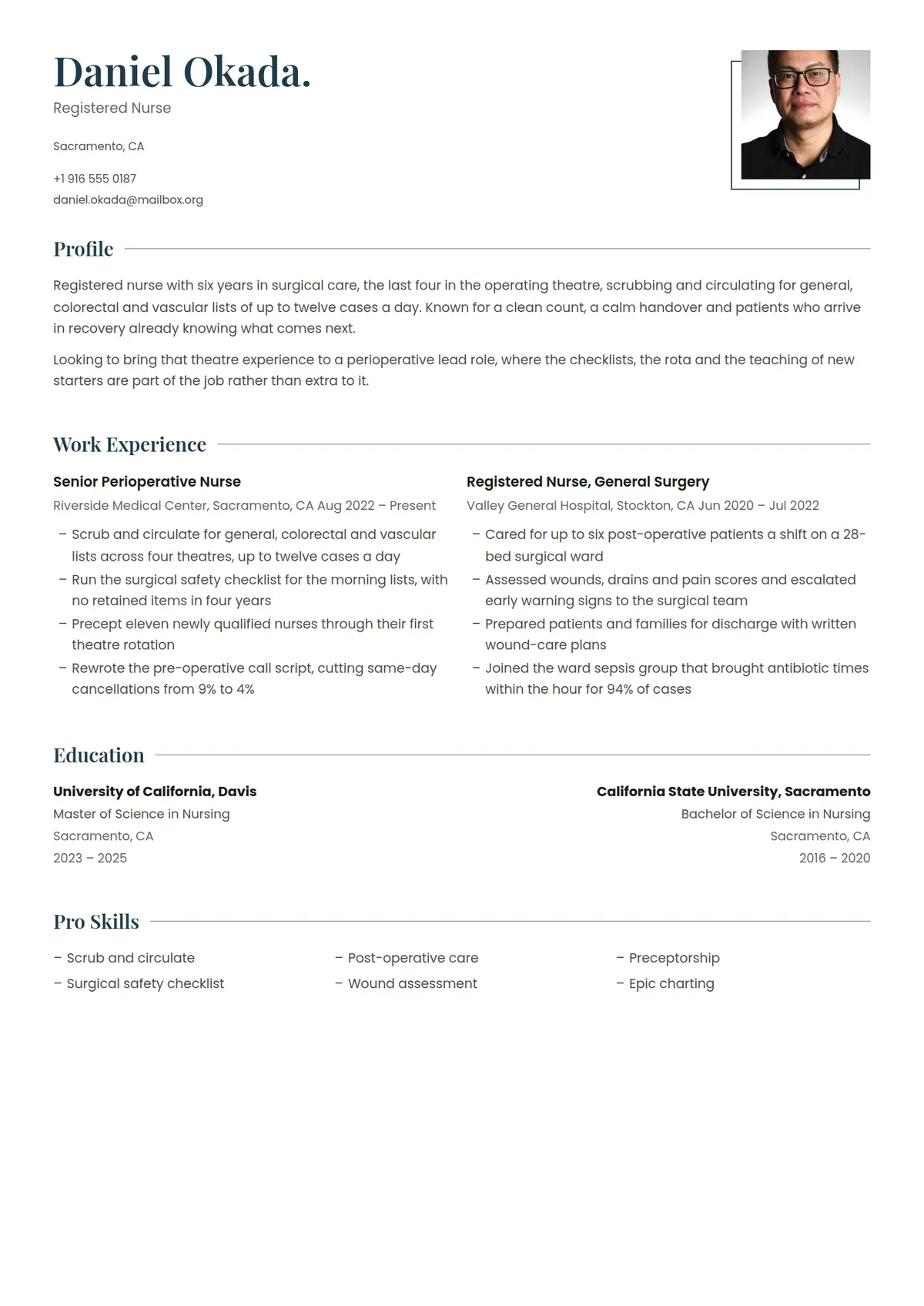 Spruce
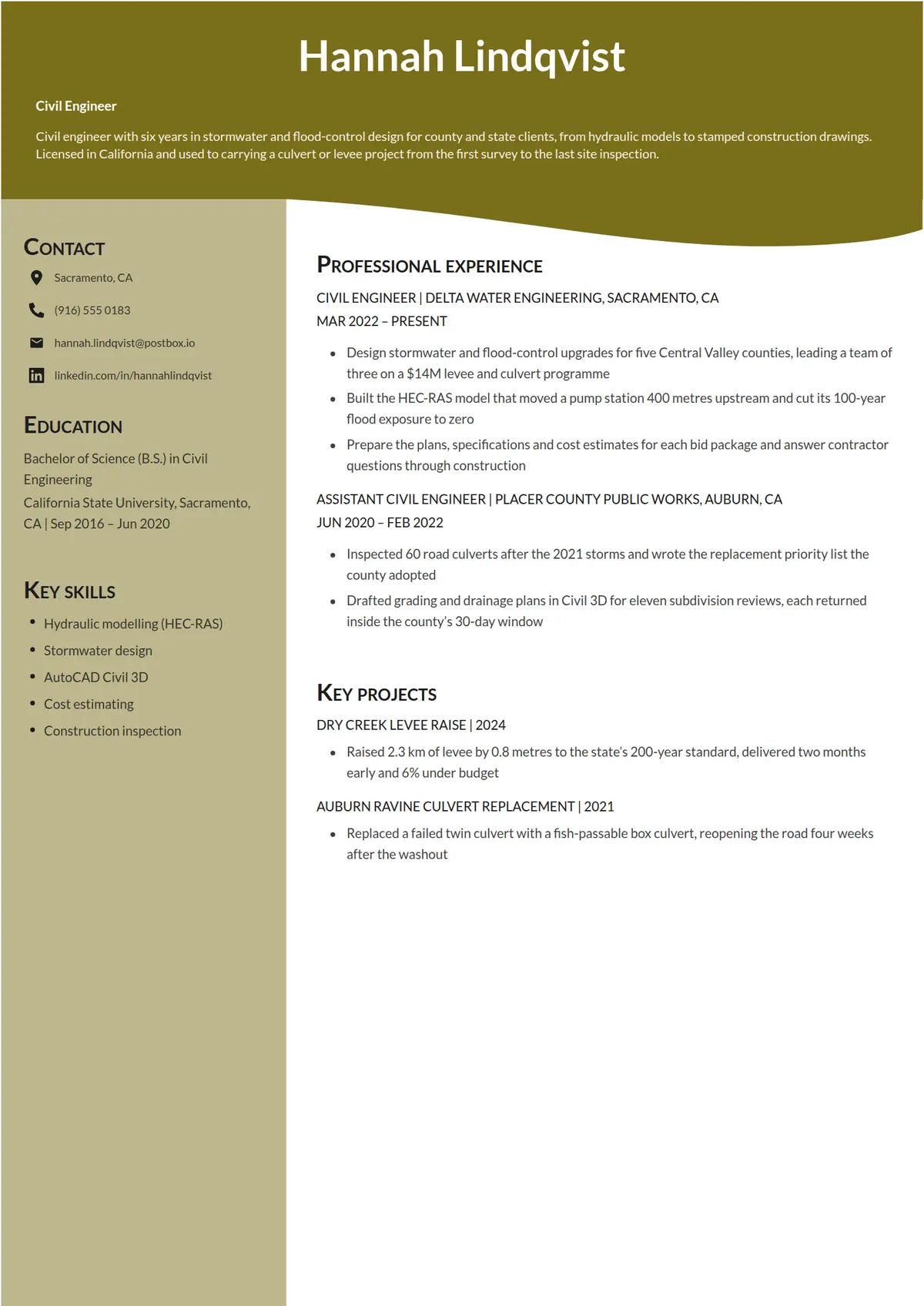 Olive
Olive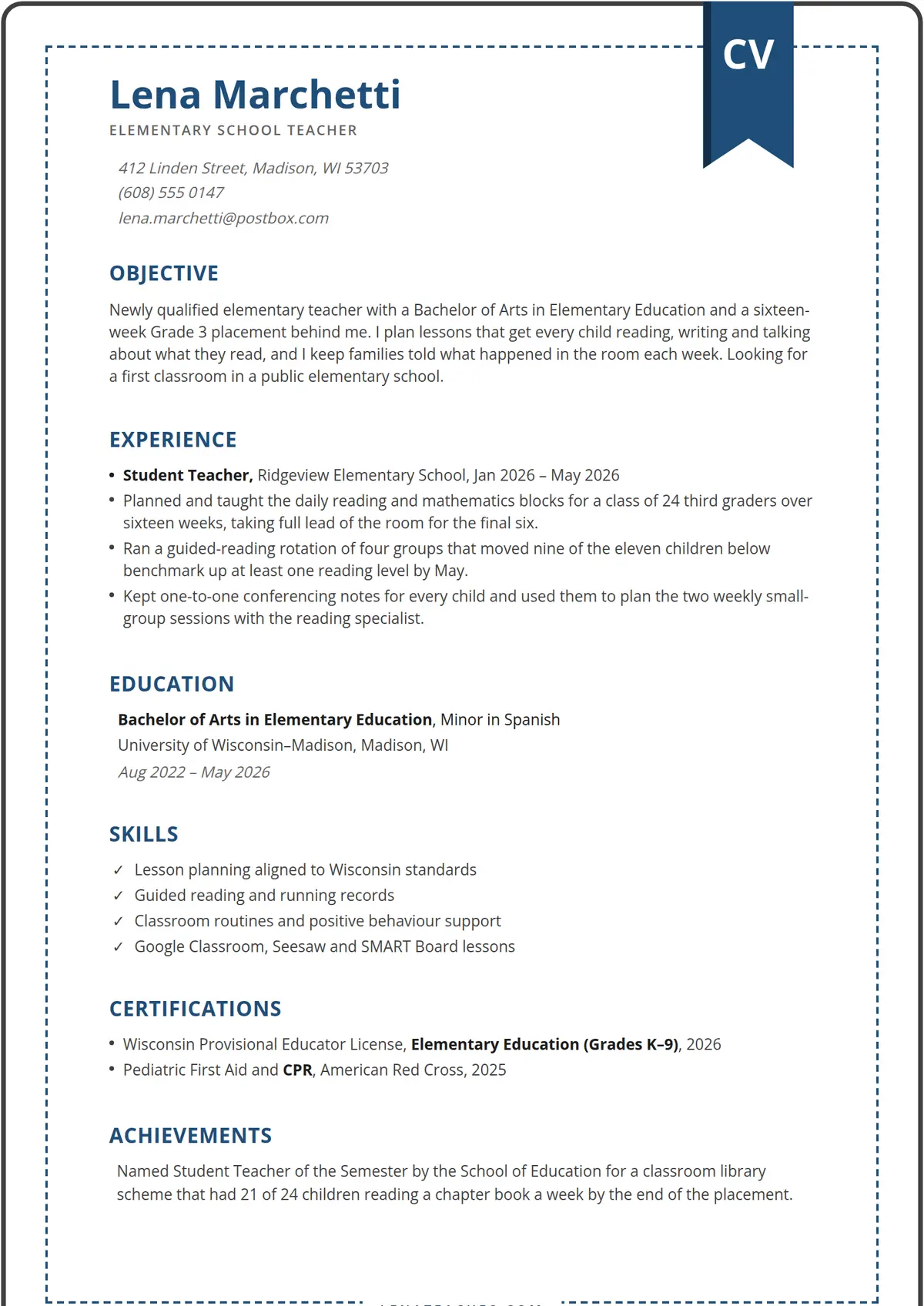 Primer
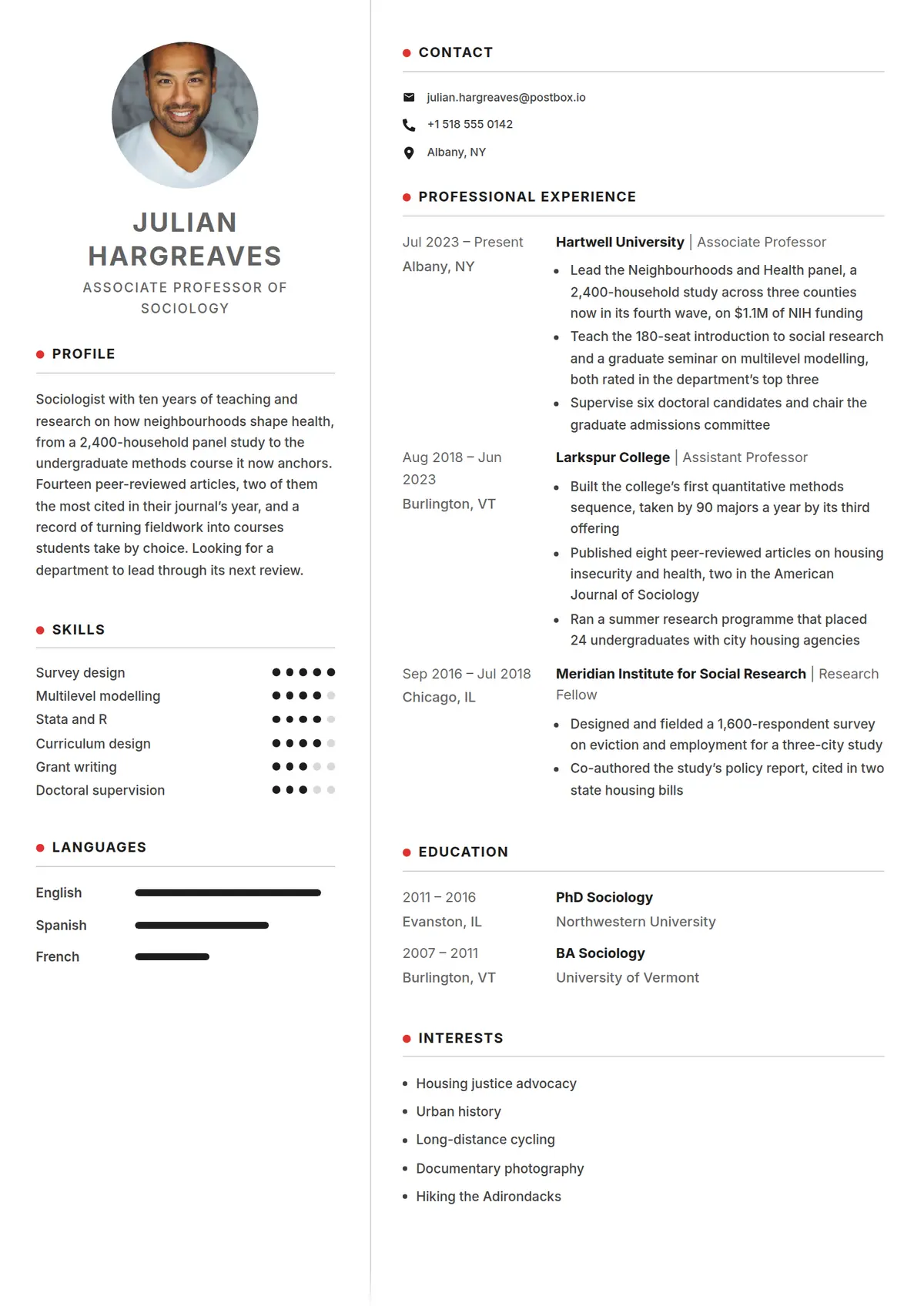 Pip
Pip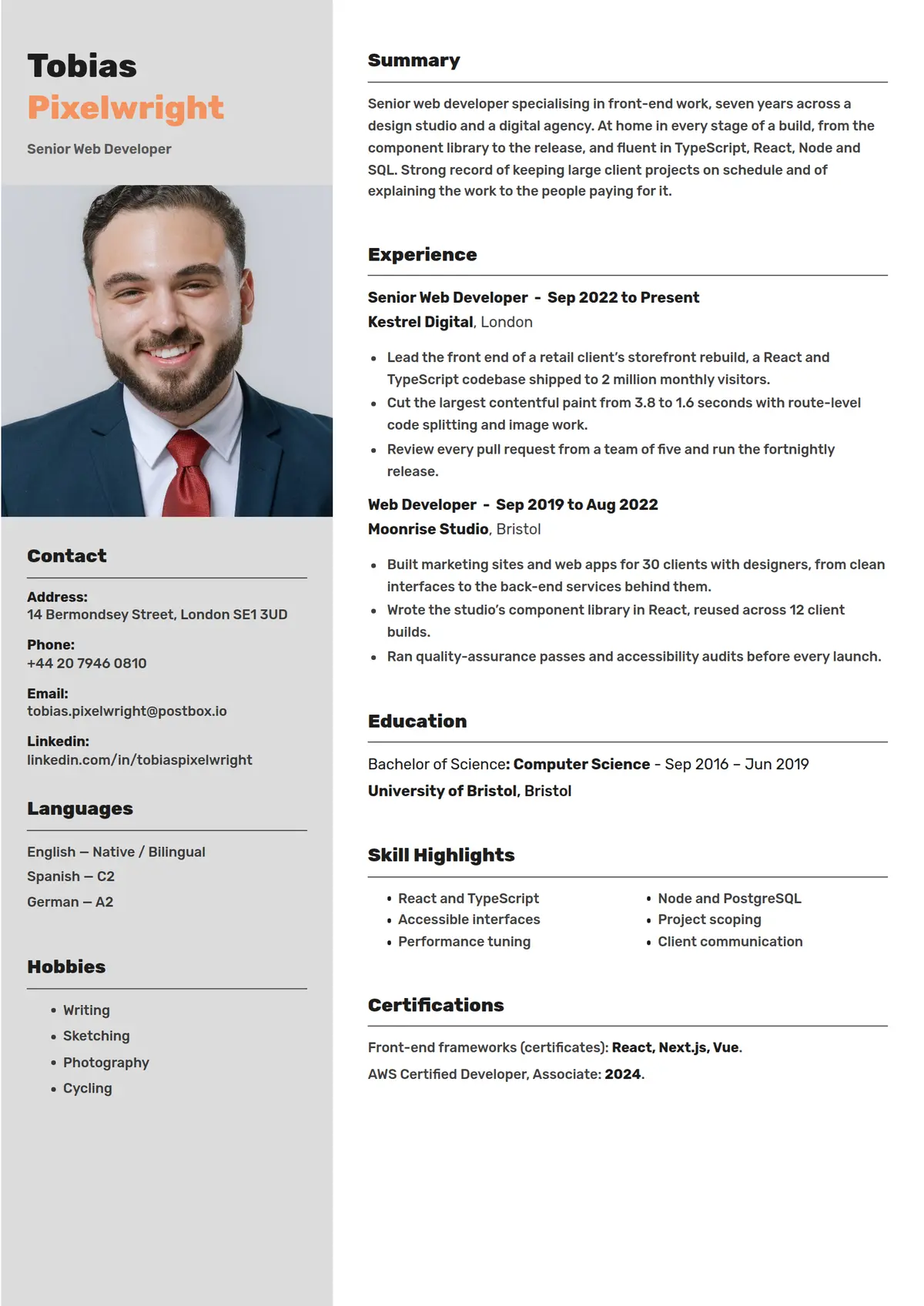 Apricot
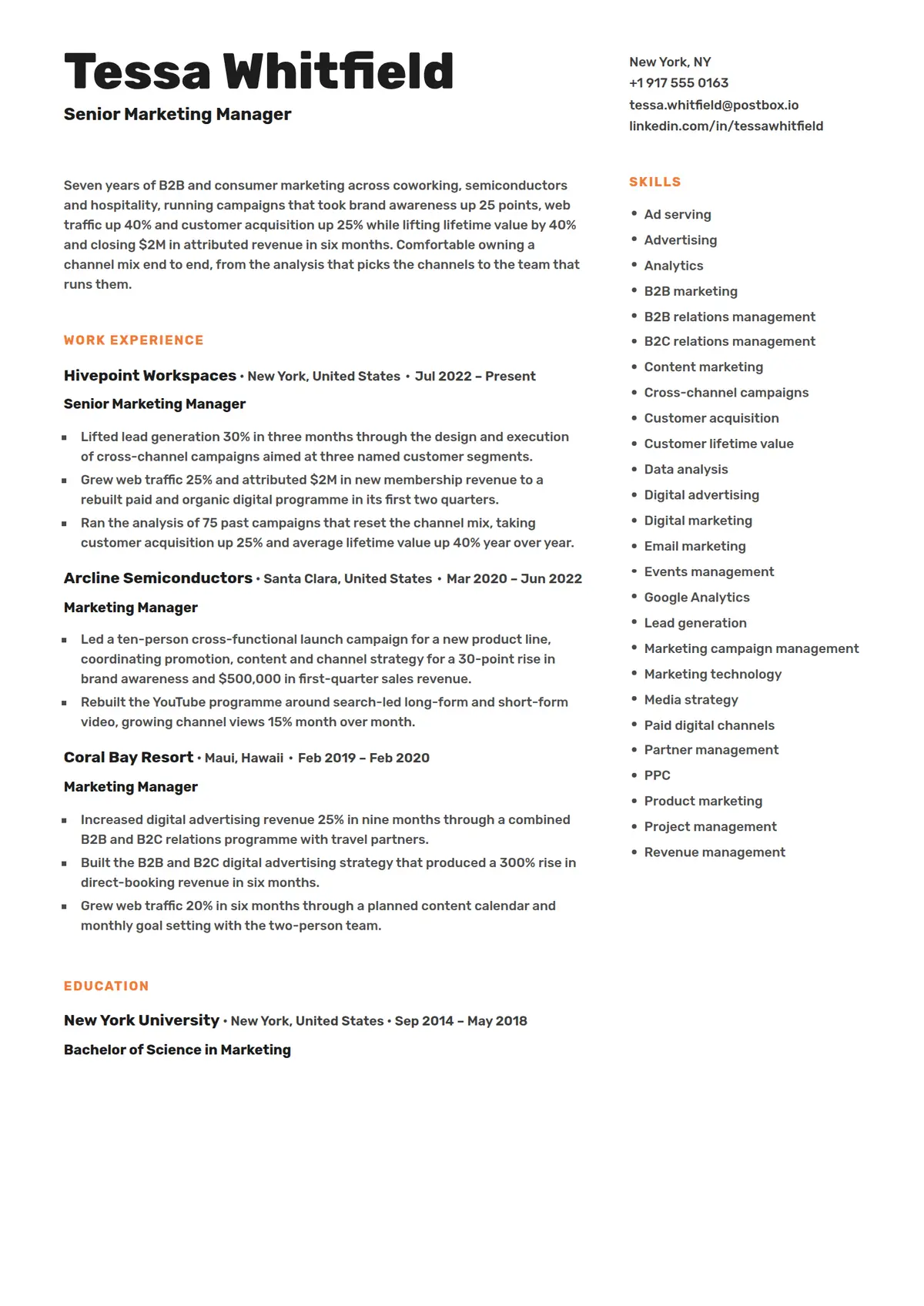 Zest
Zest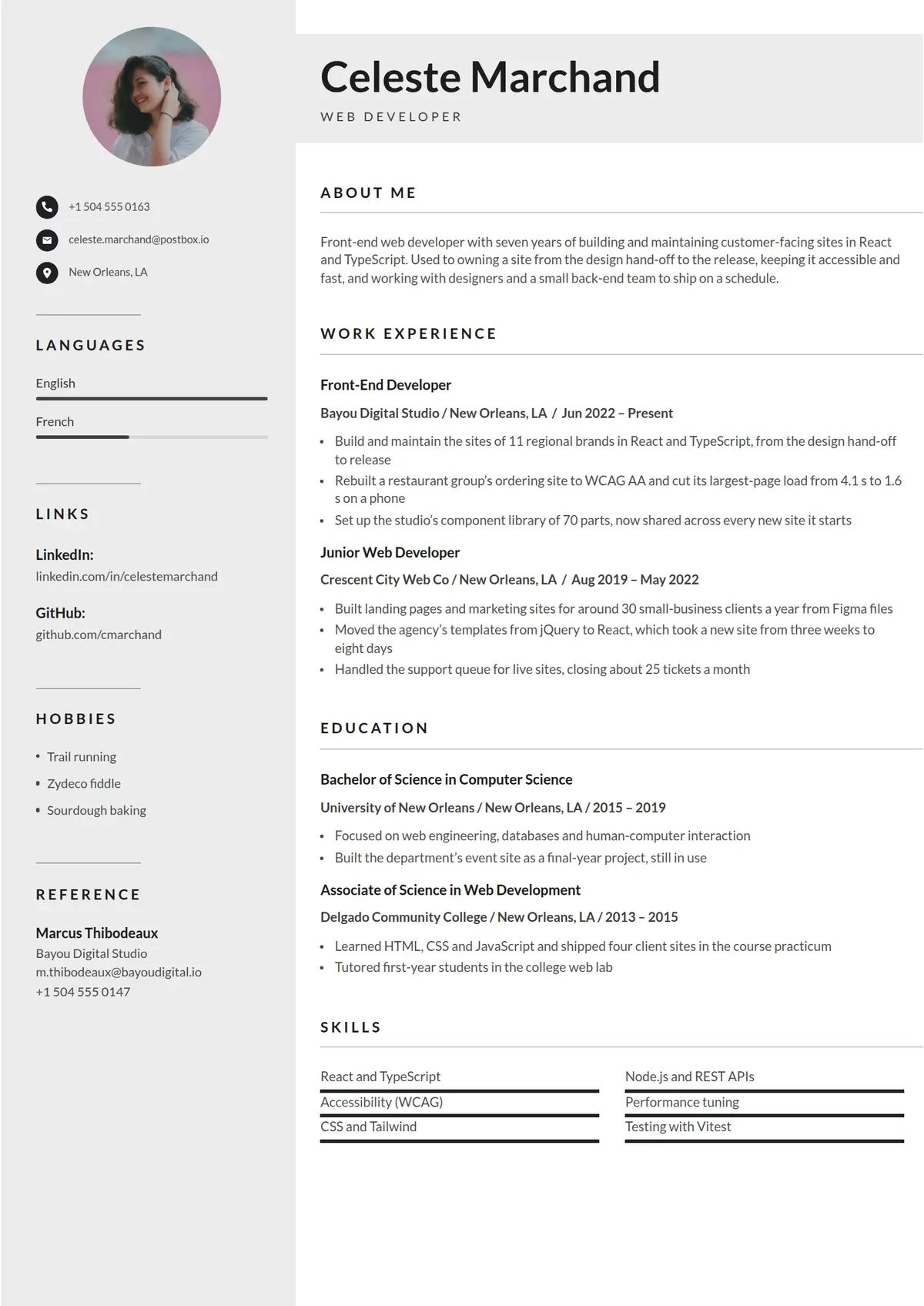 Ash
Ash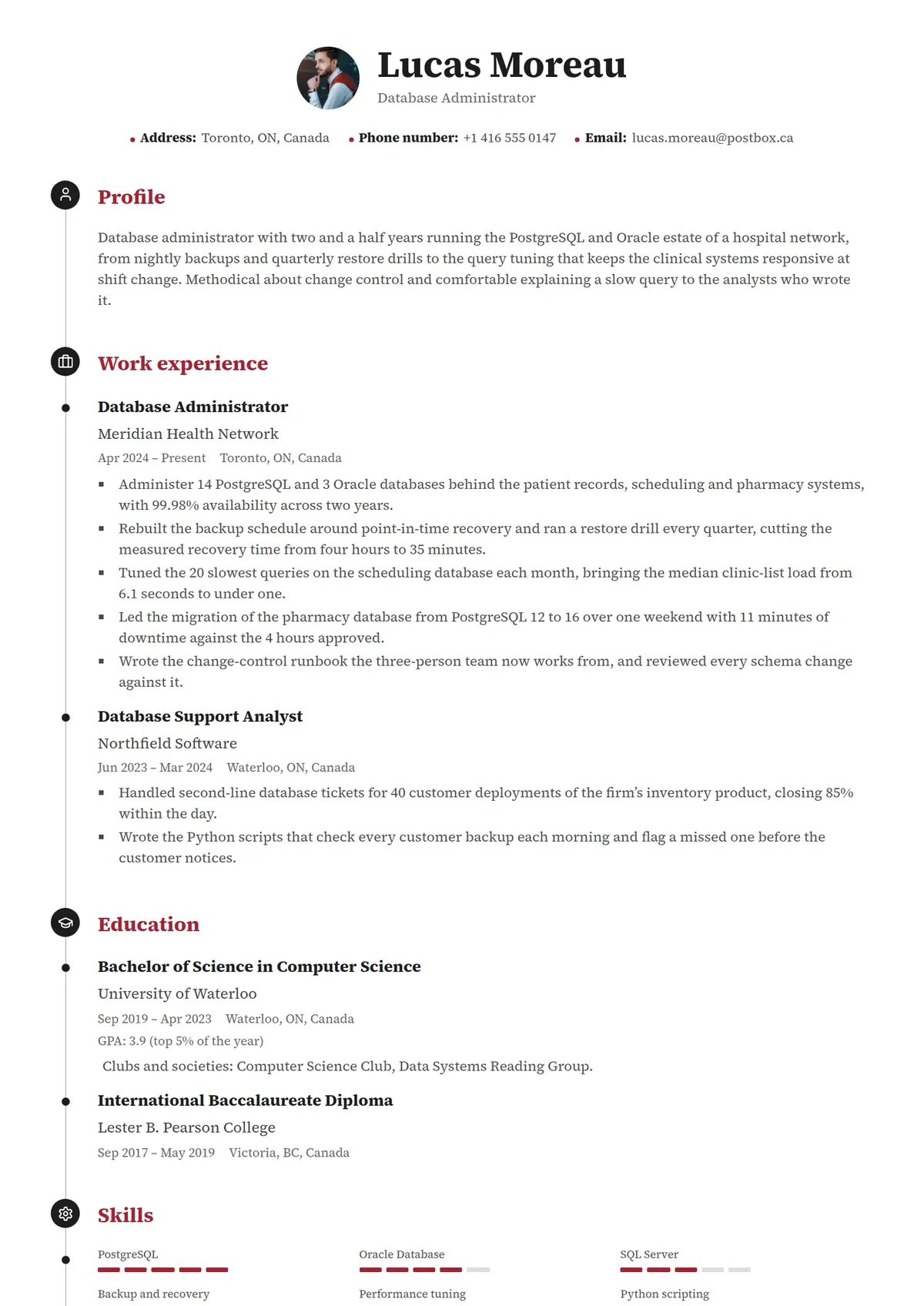 Rivet
Rivet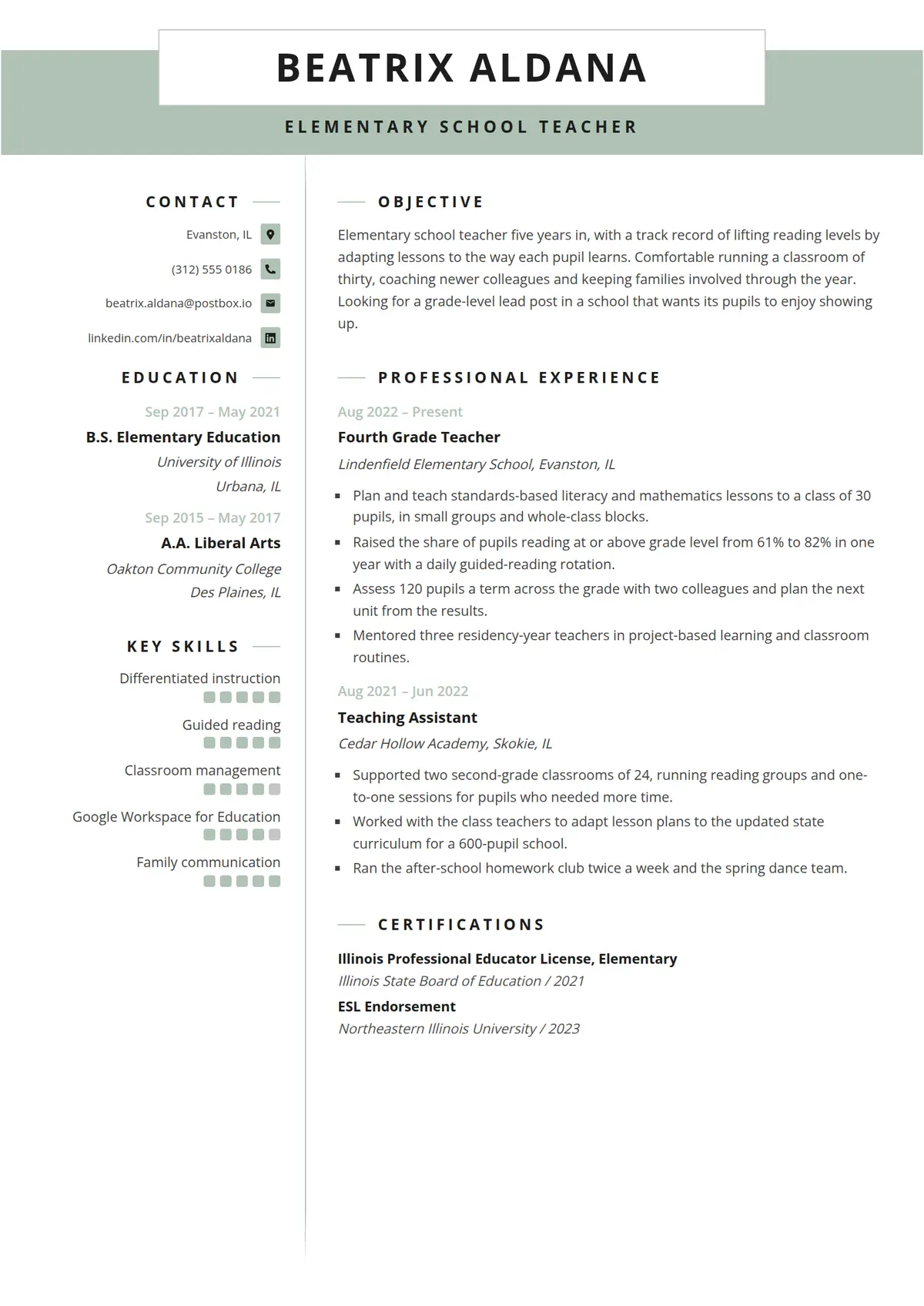 Laurel
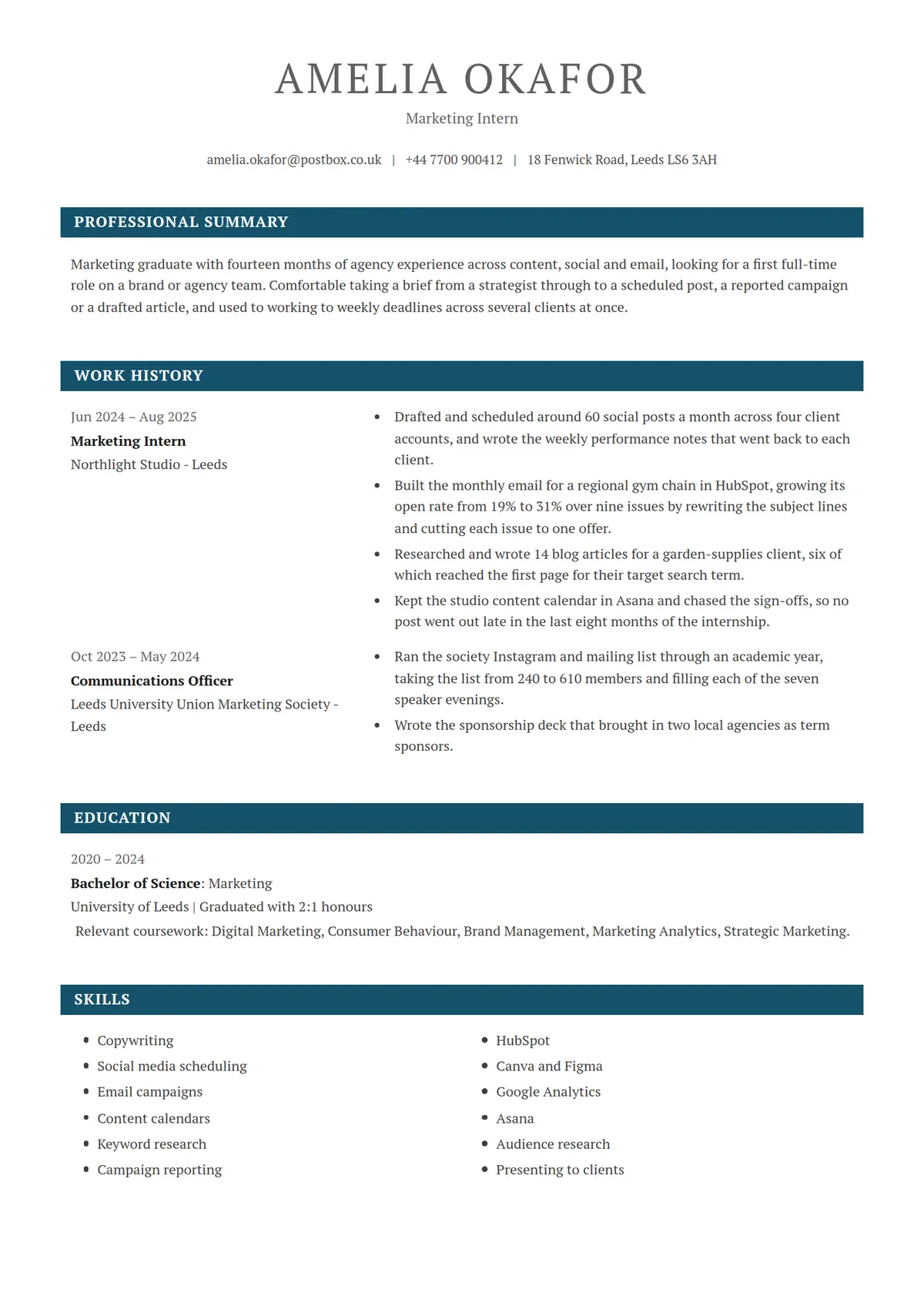 Quay
Quay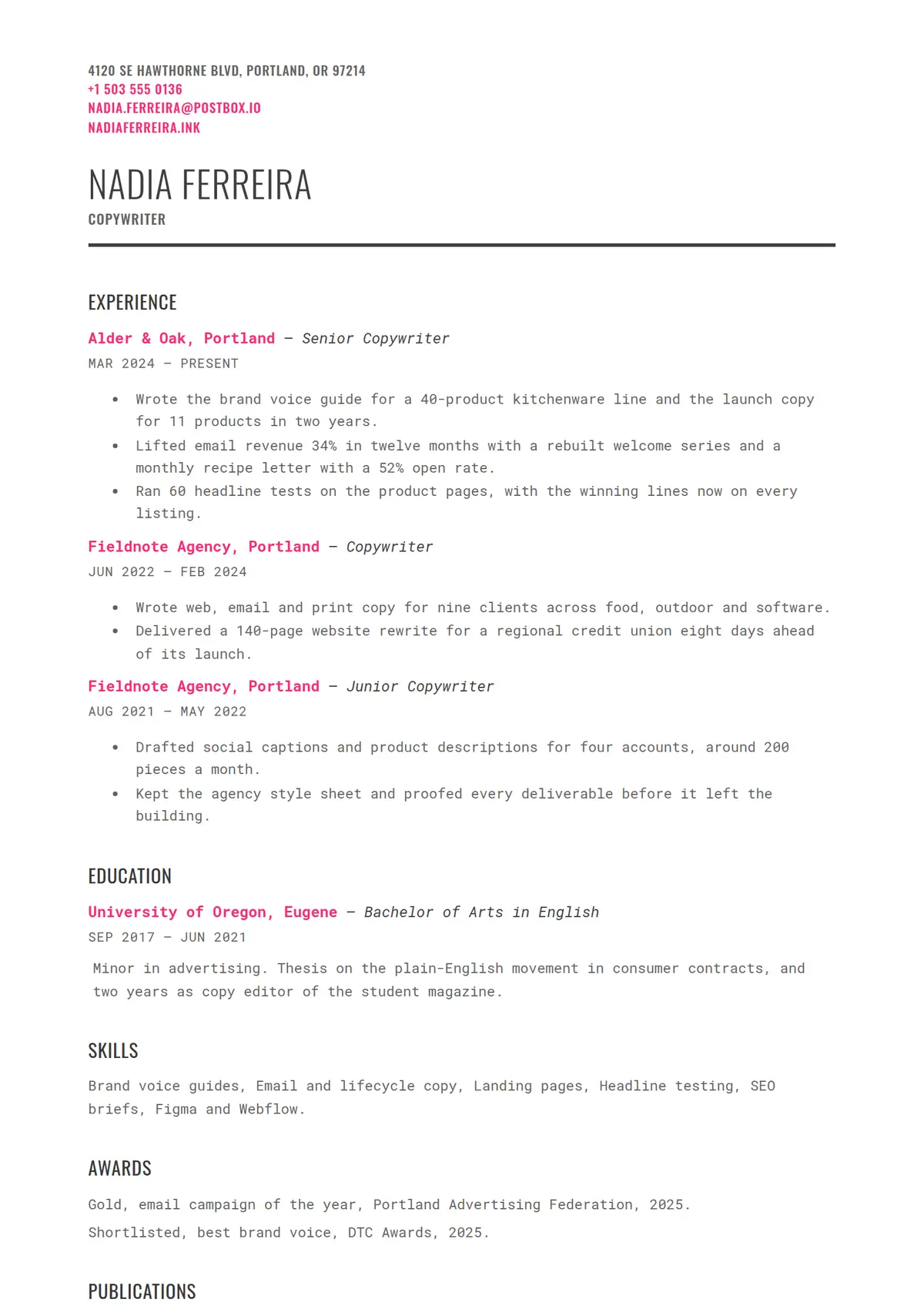 Scribe
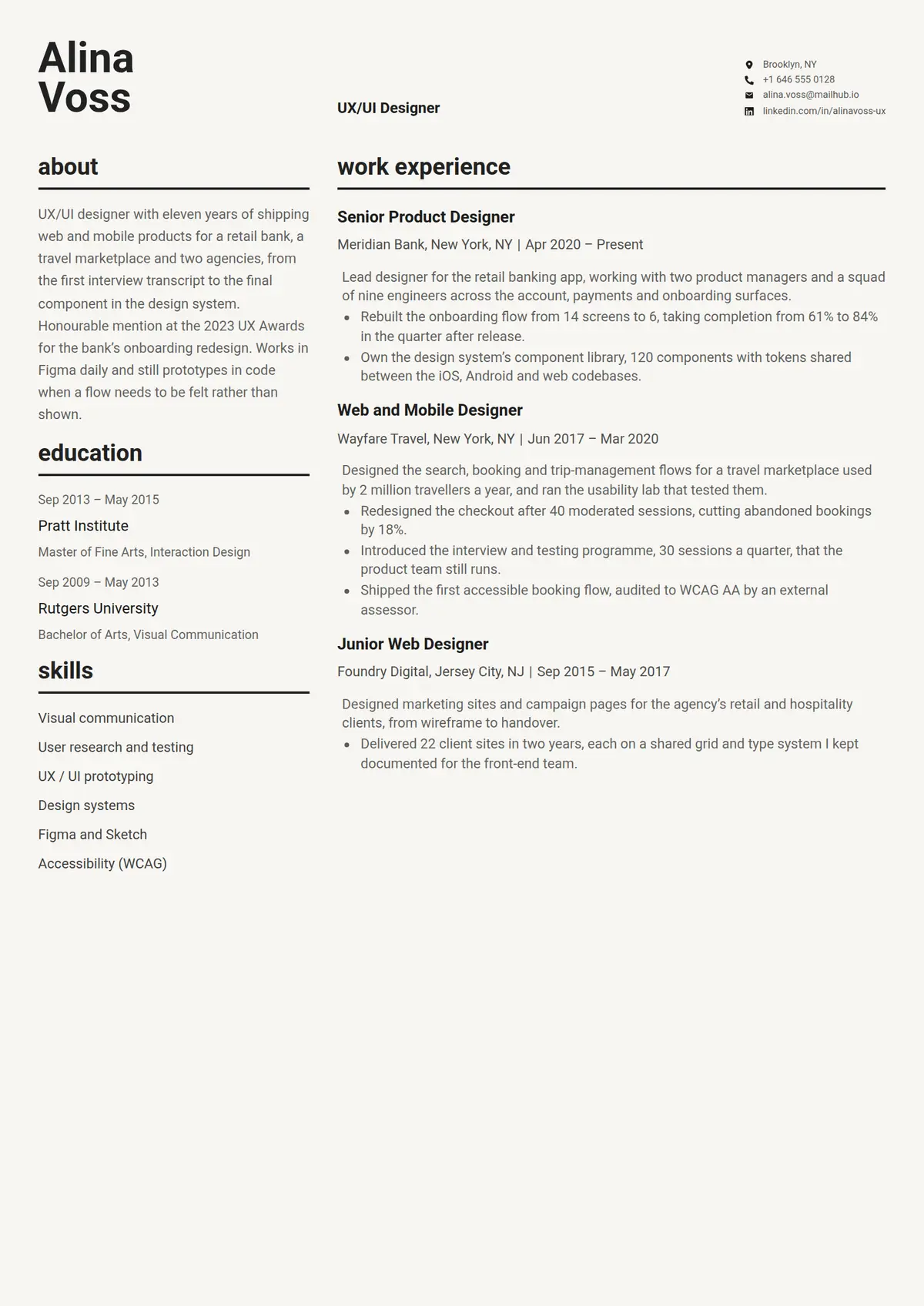 Stone
Stone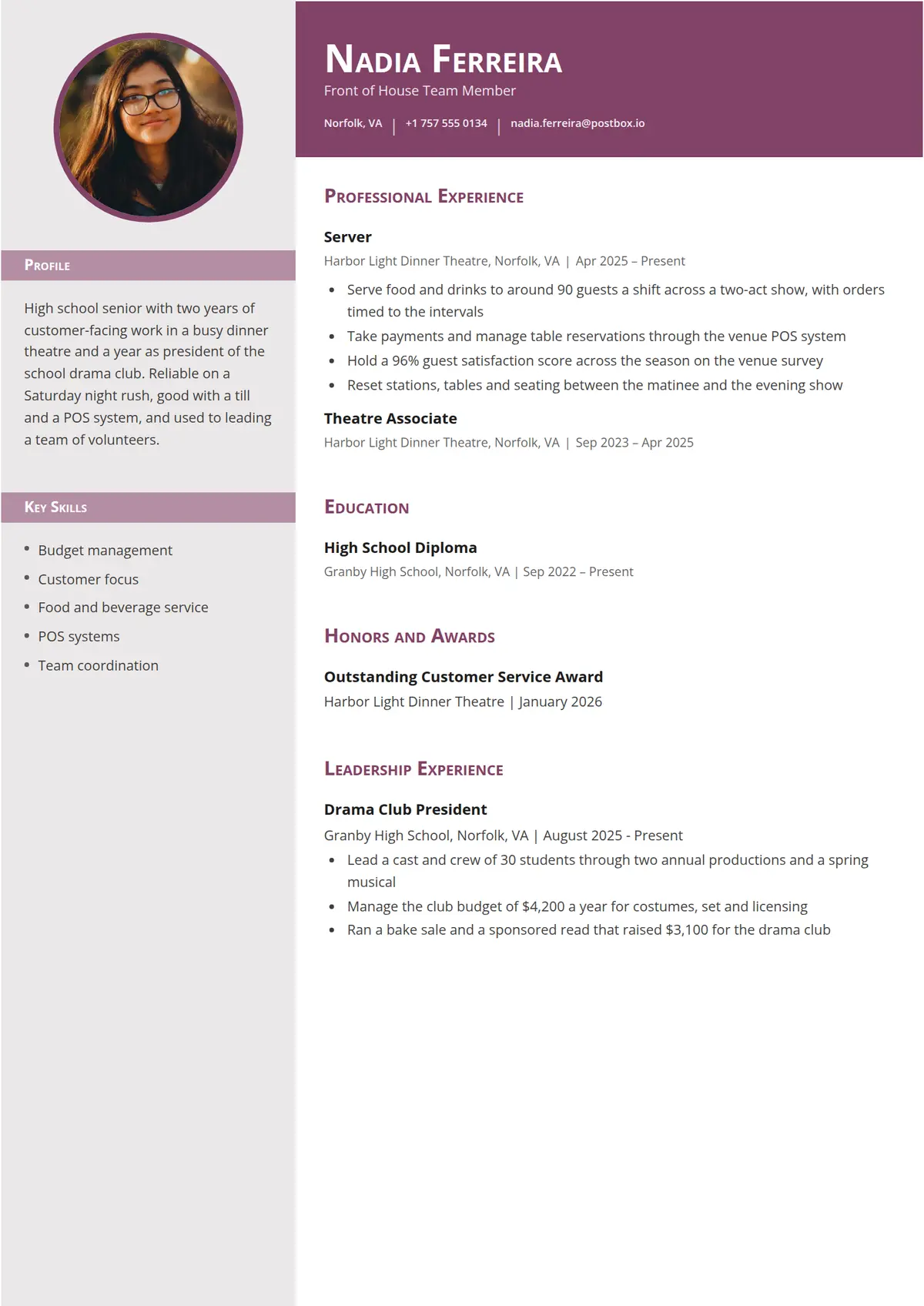 Damson
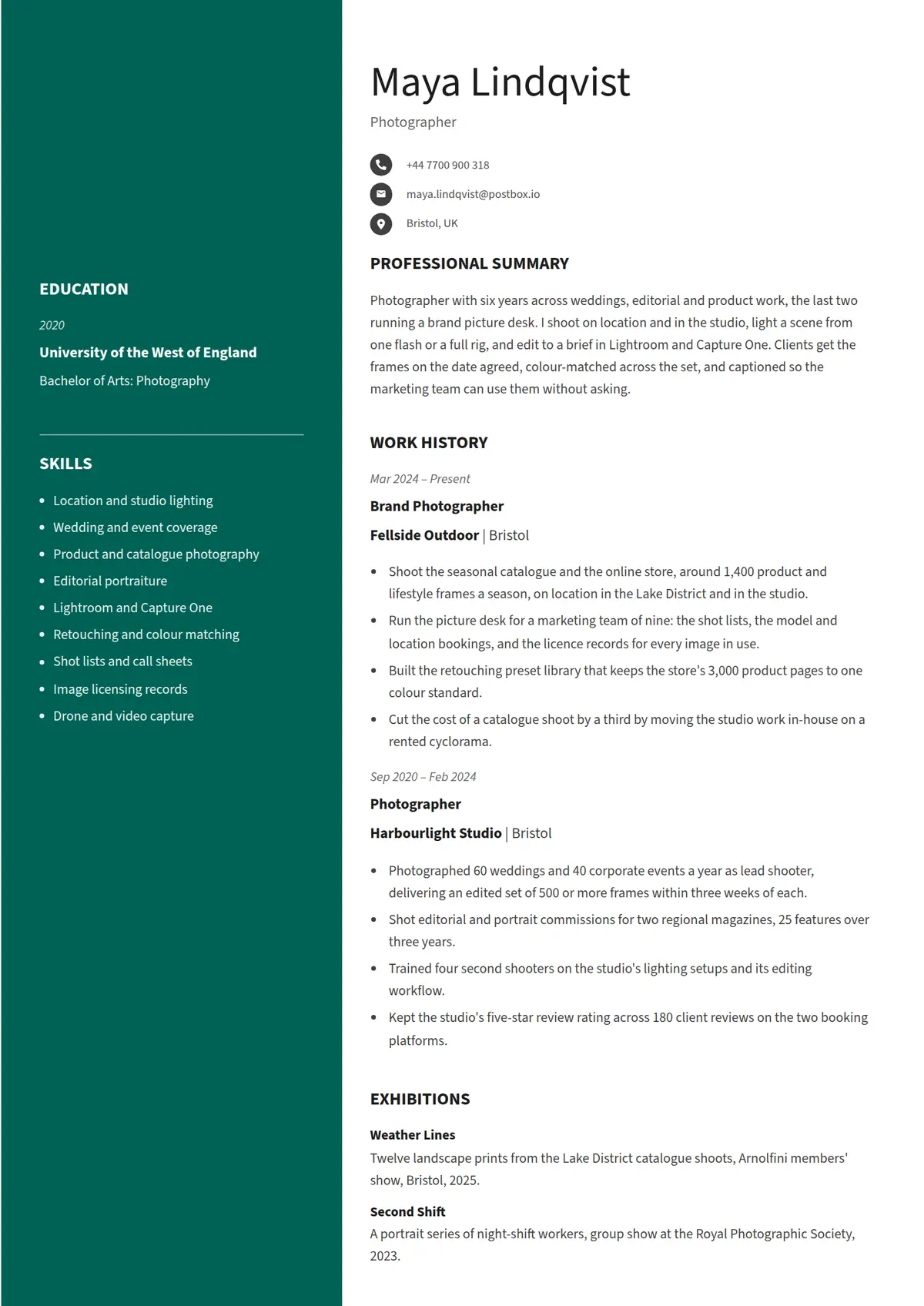 Jade
Jade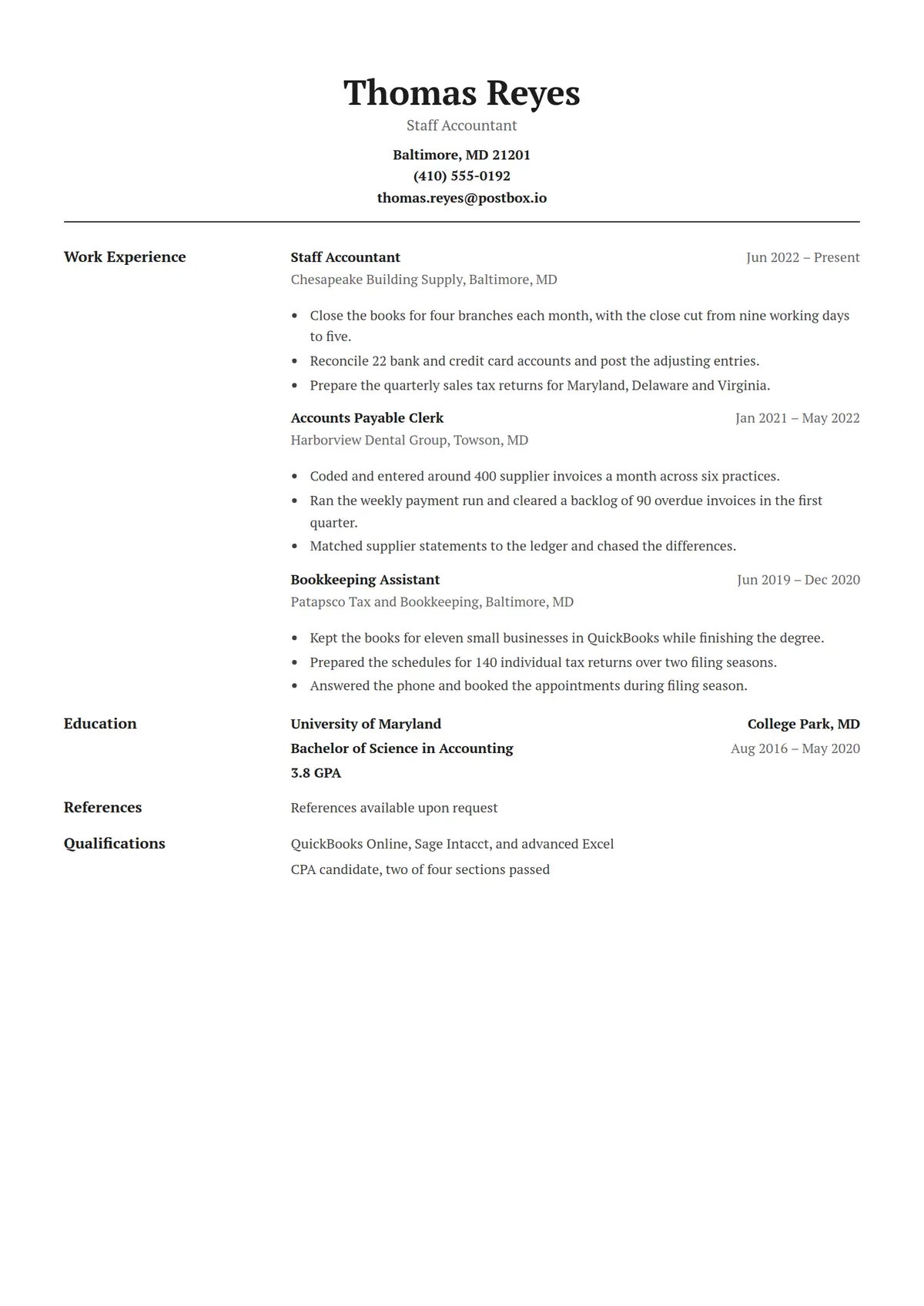 Vellum
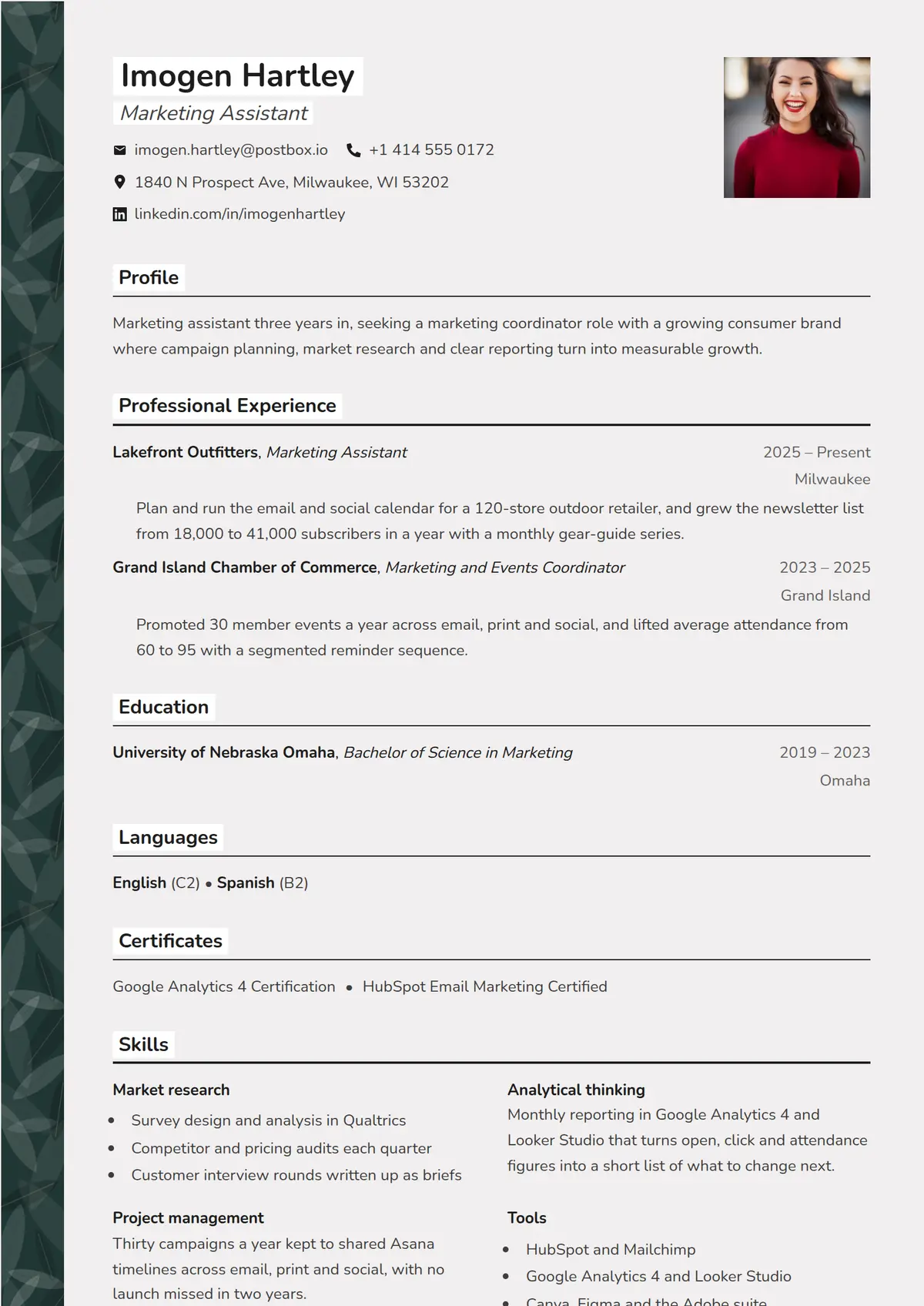 Fern
Fern Pebble
 Ridge
Ridge Amber
Amber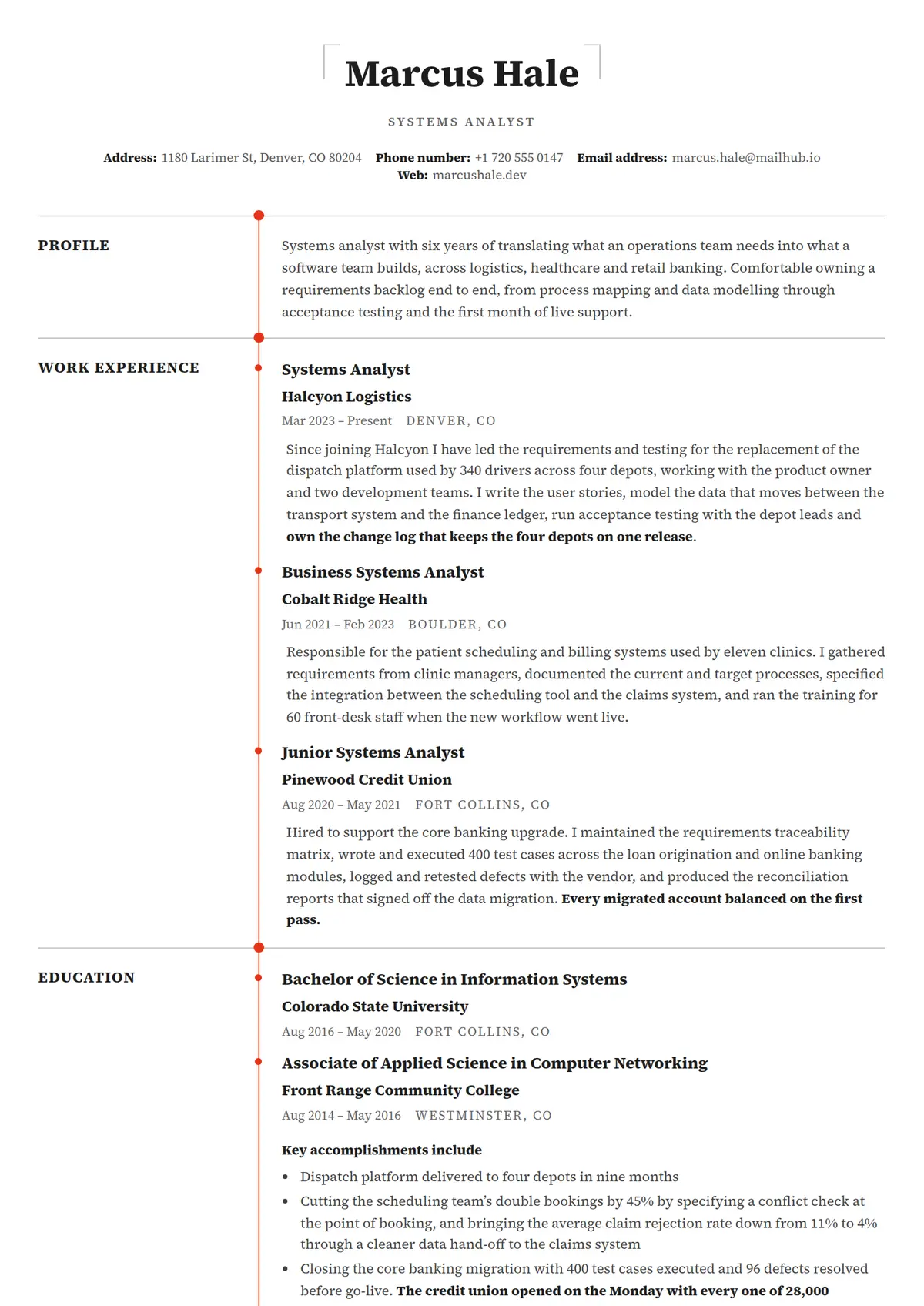 Tether
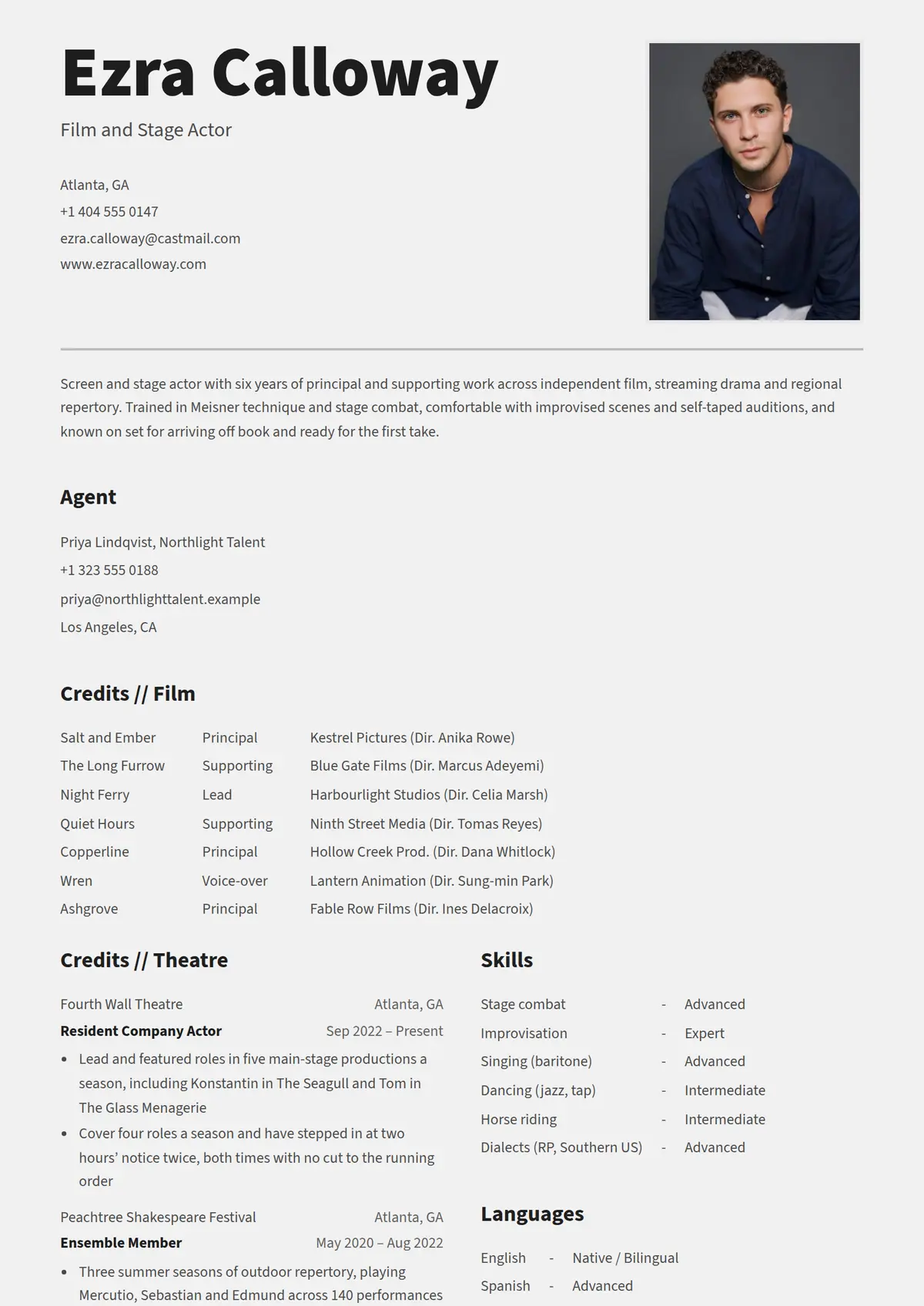 Reel
Reel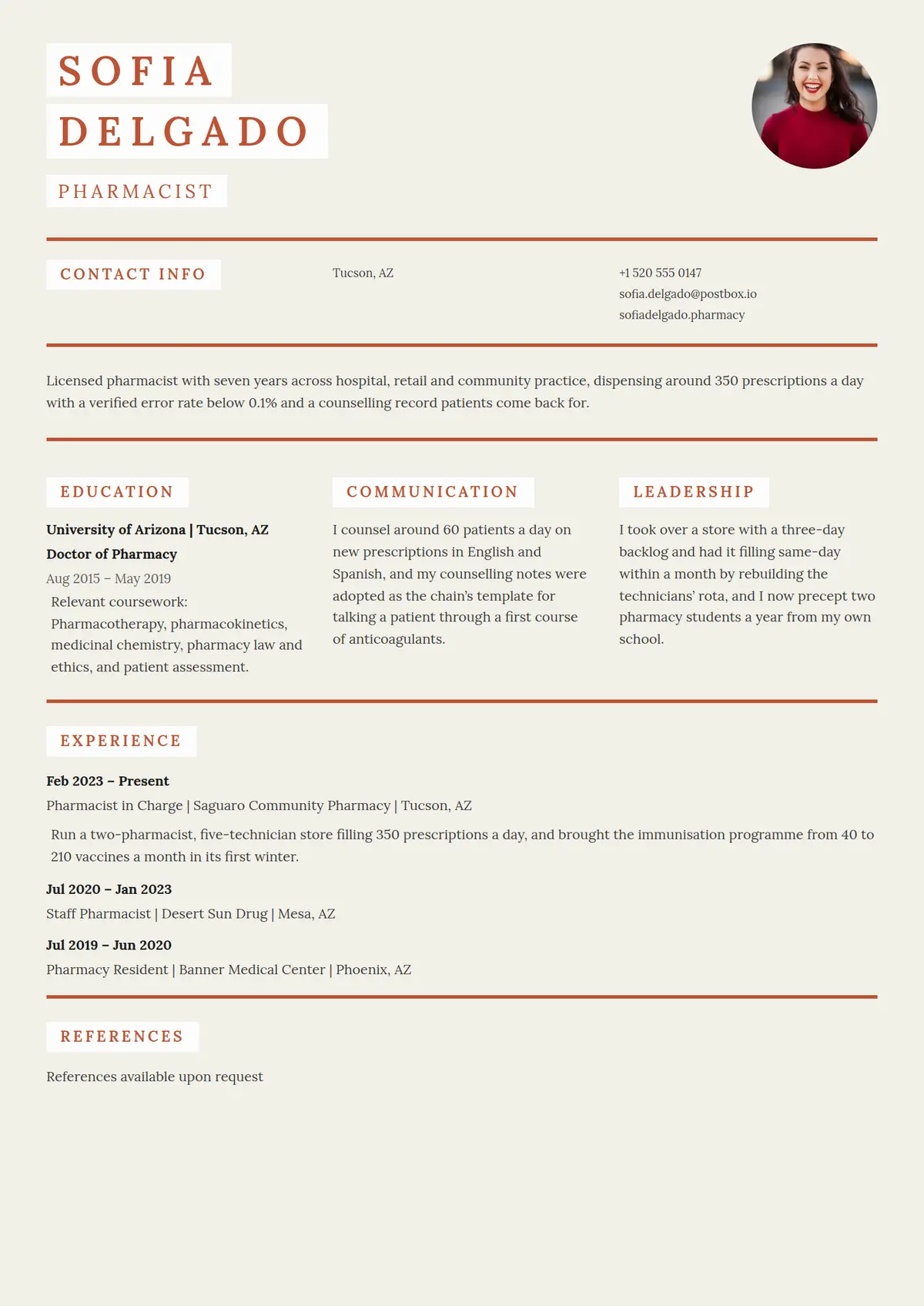 Clay
Clay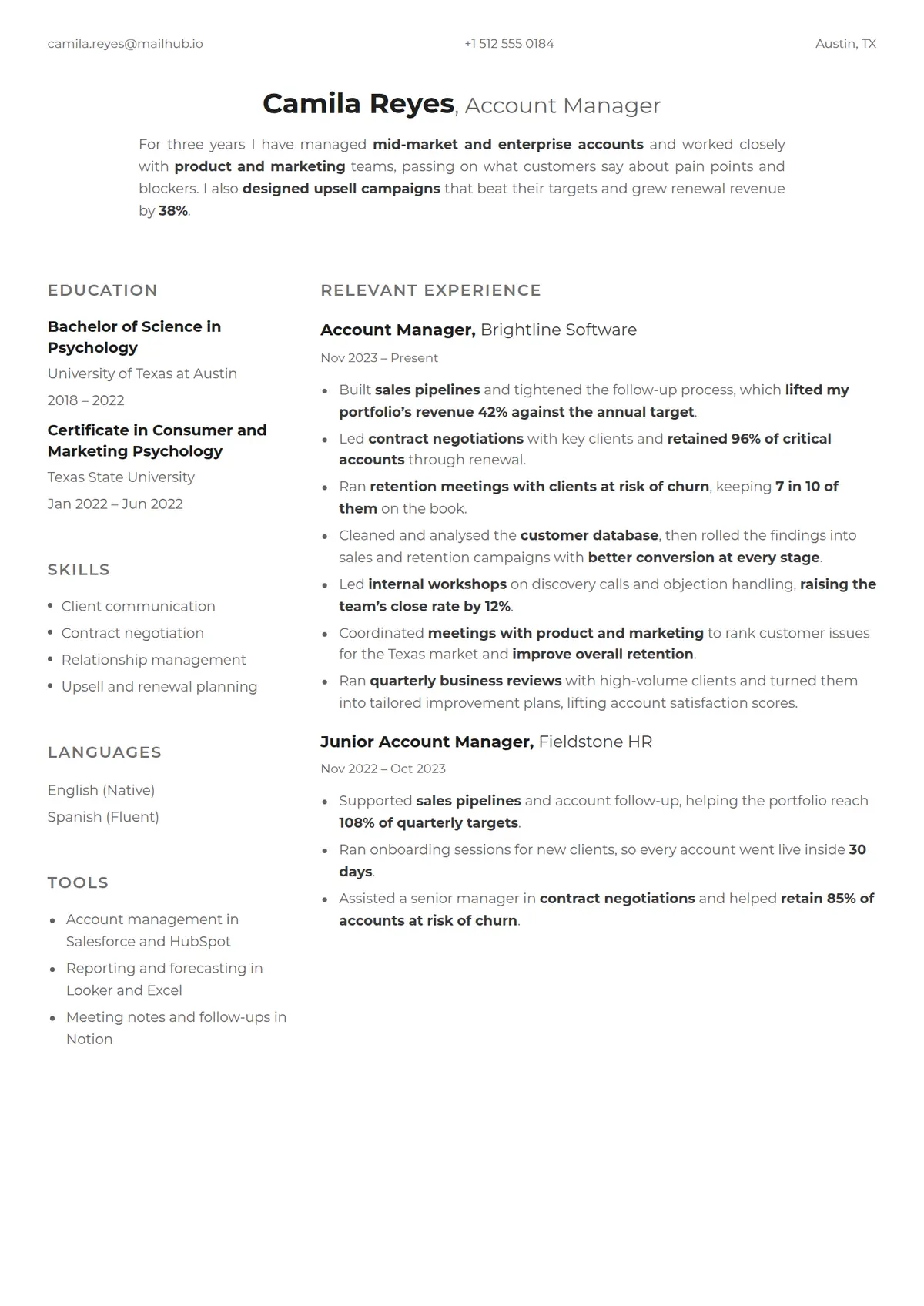 Linen
Linen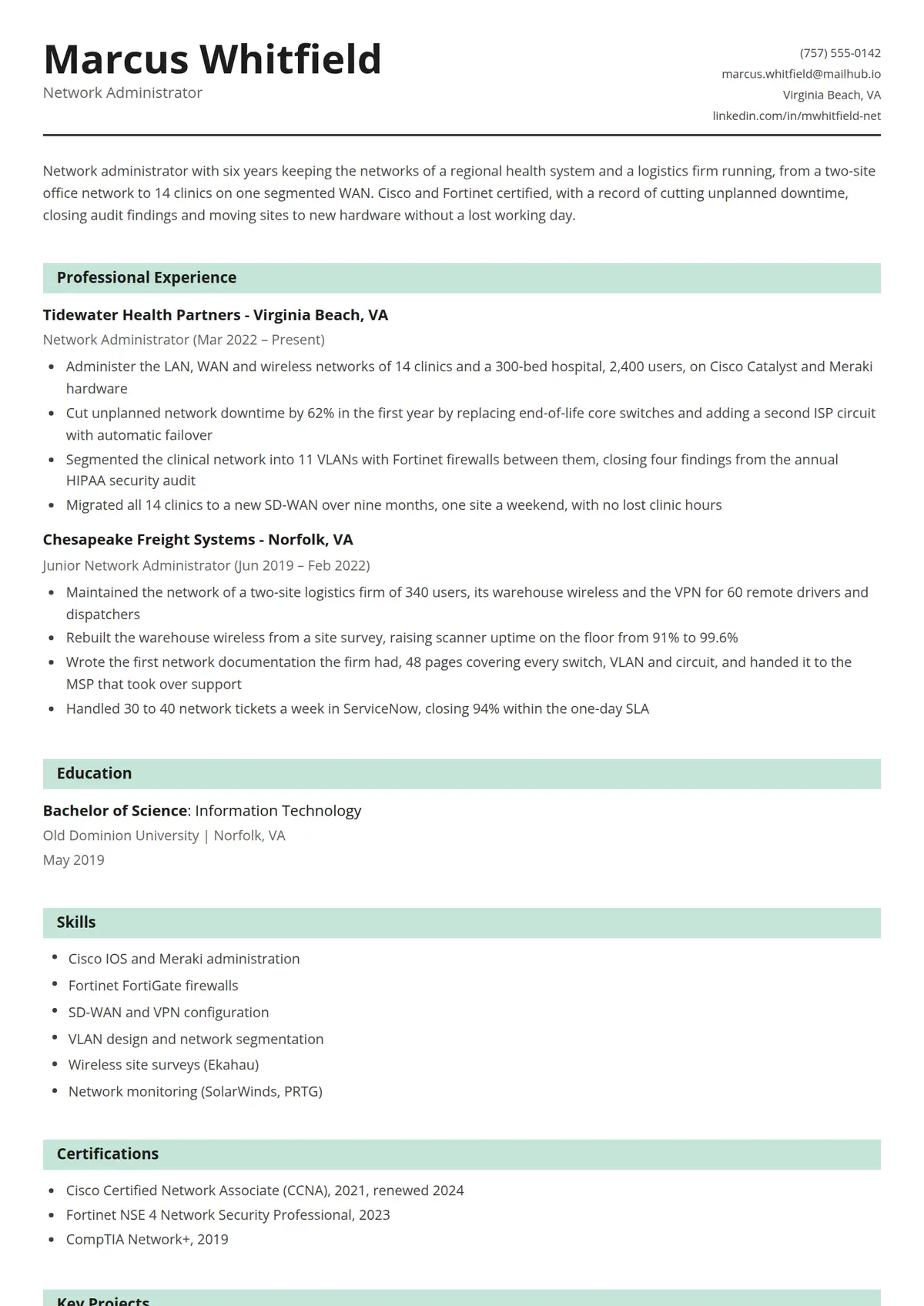 Mint
Mint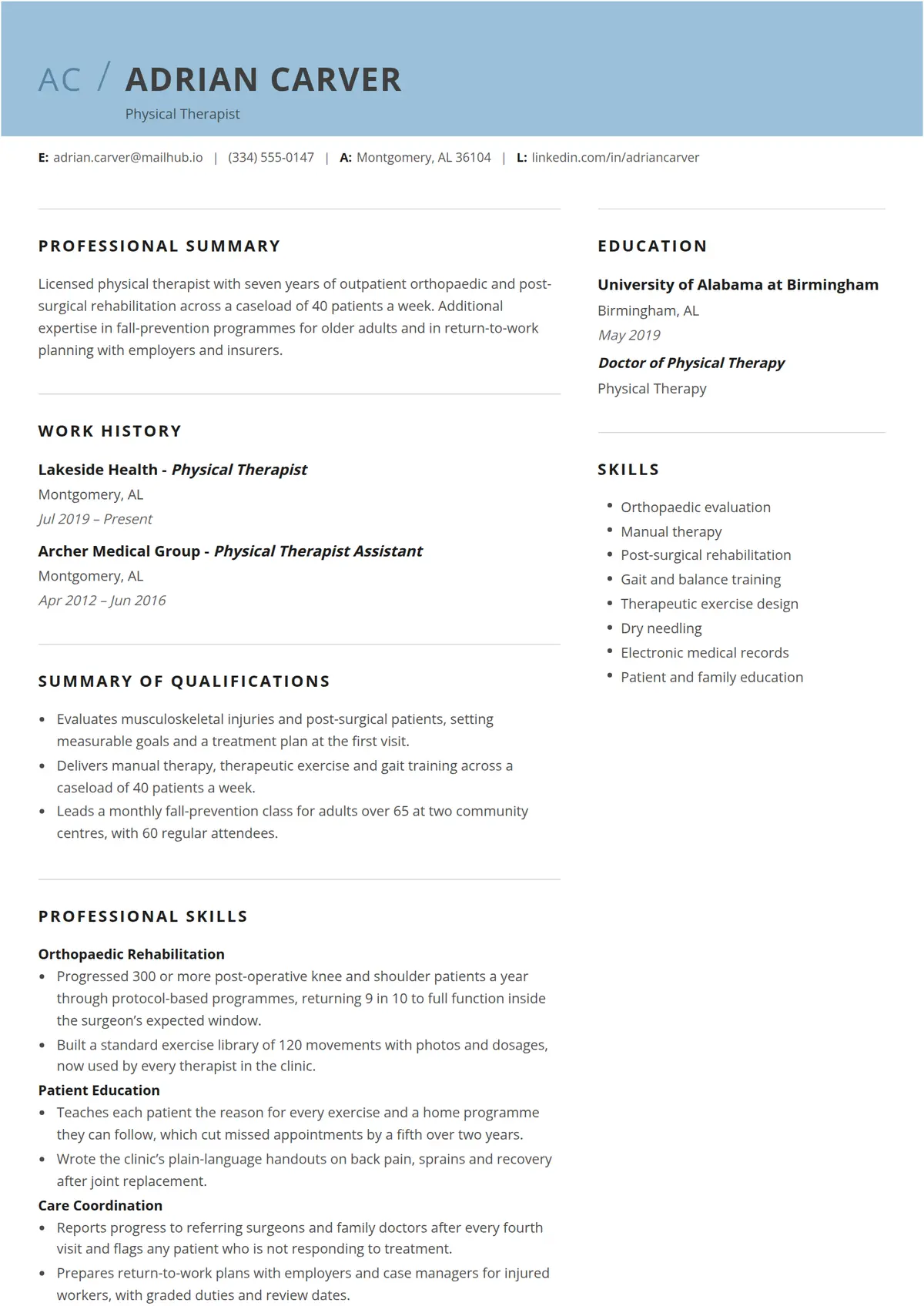 Cirrus
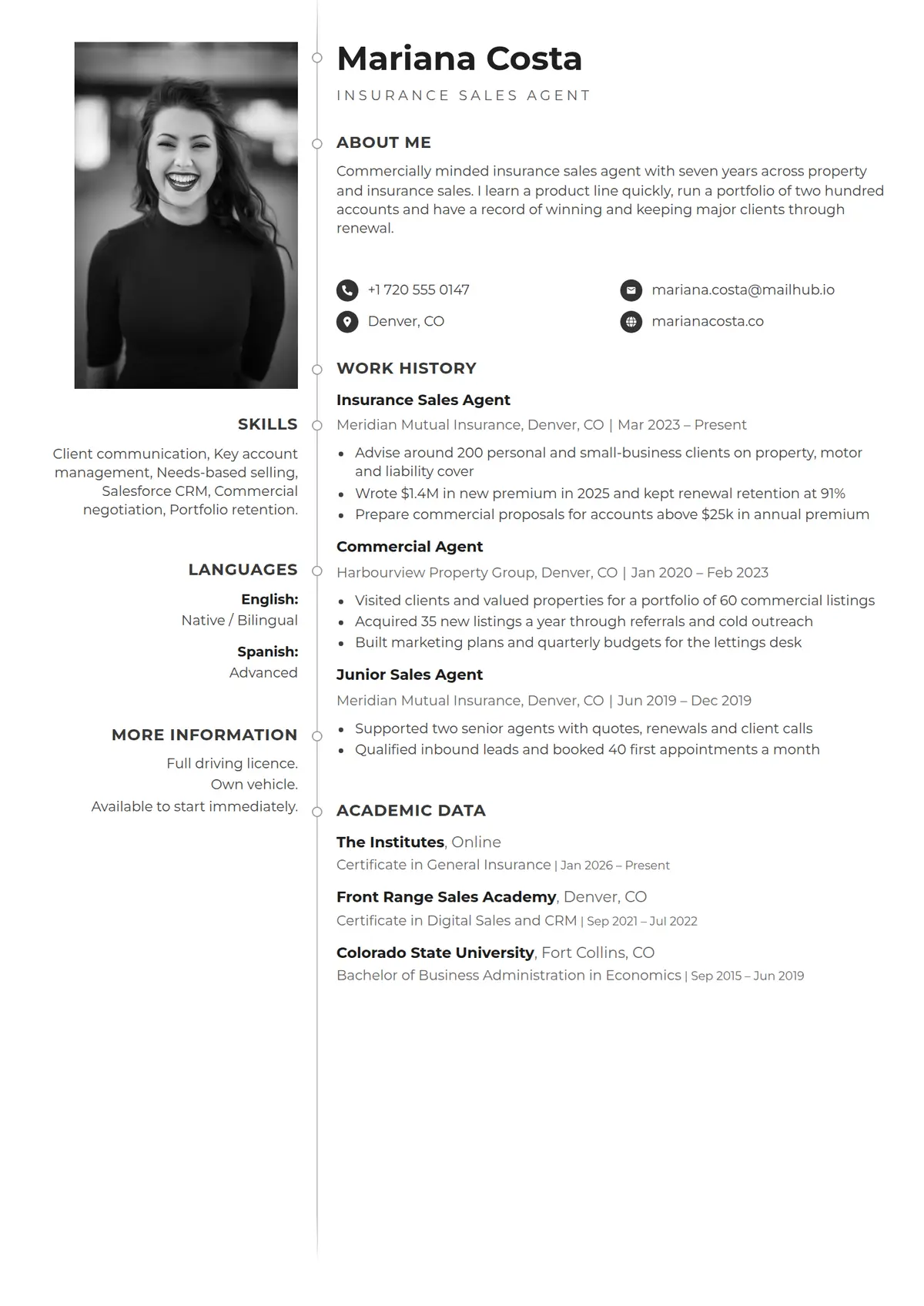 Plumb
Plumb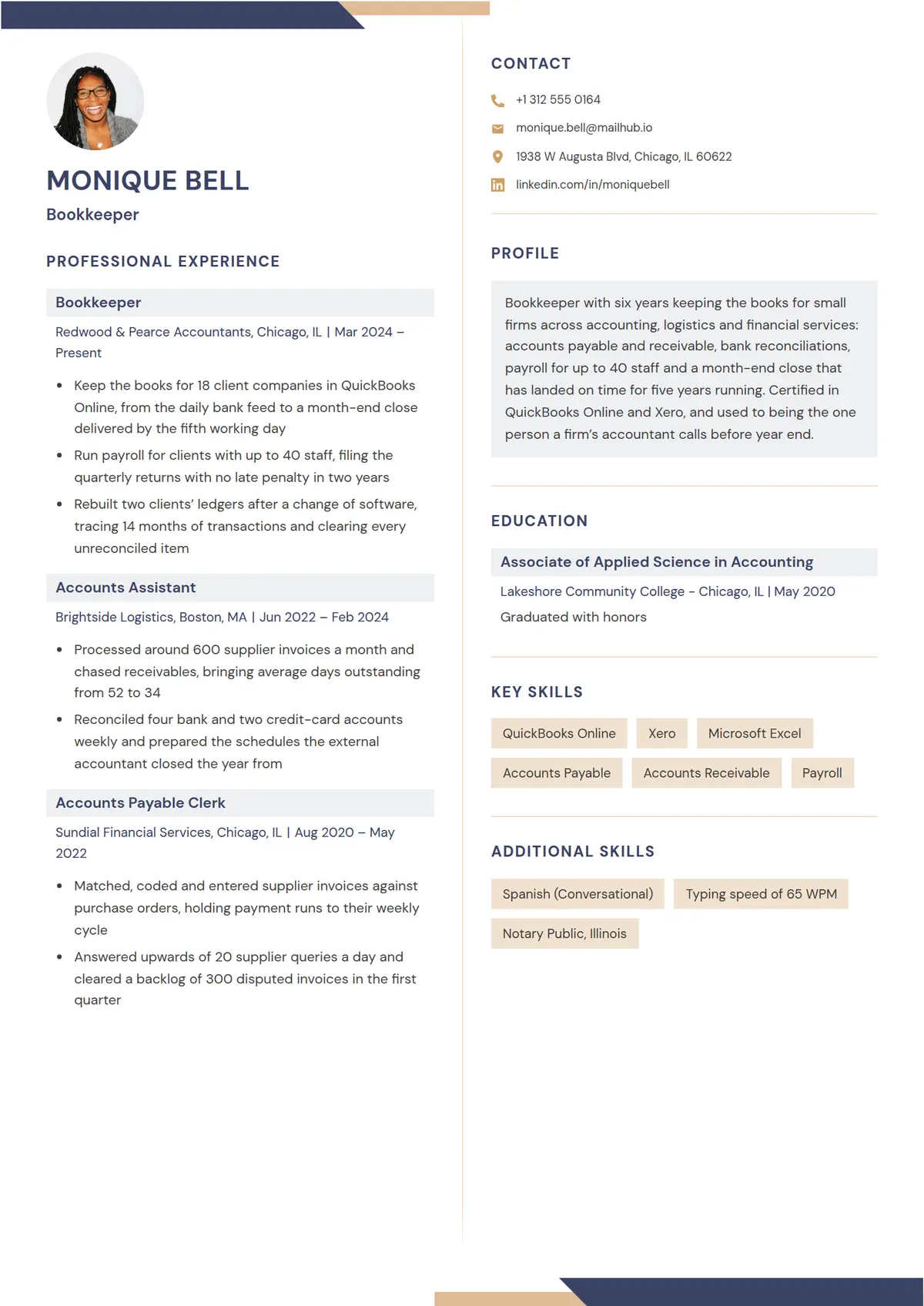 Bevel
Bevel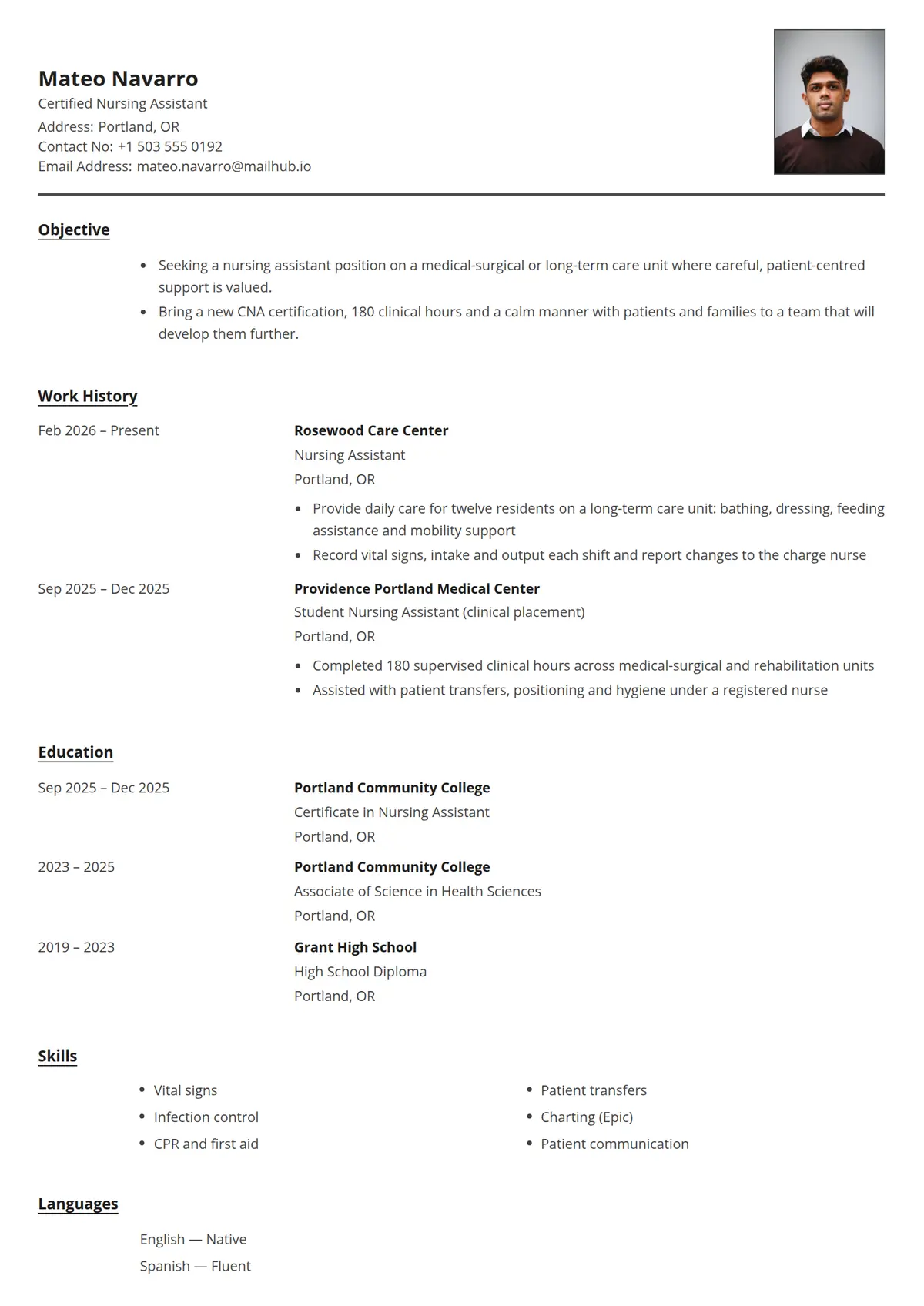 Roster
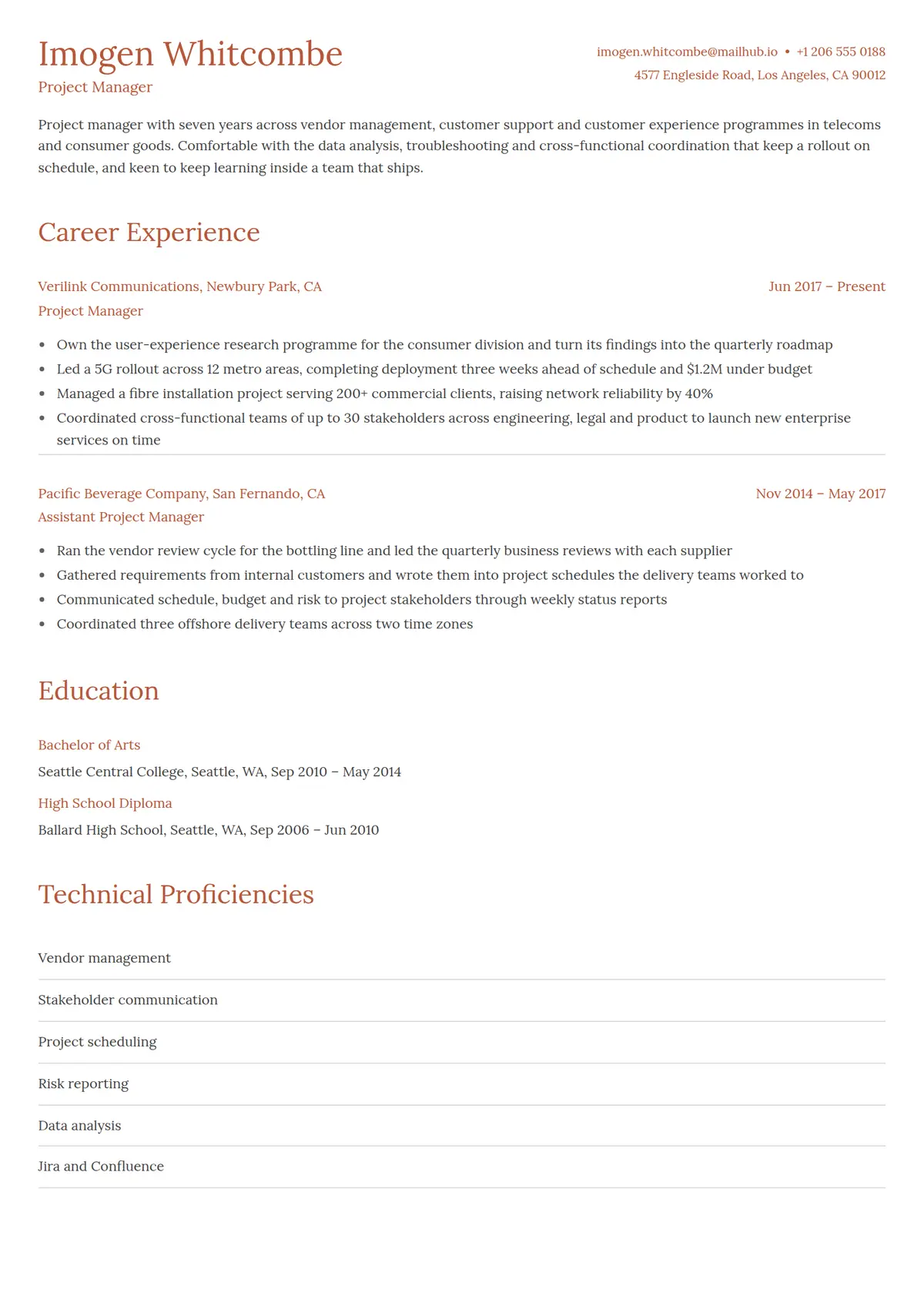 Terracotta
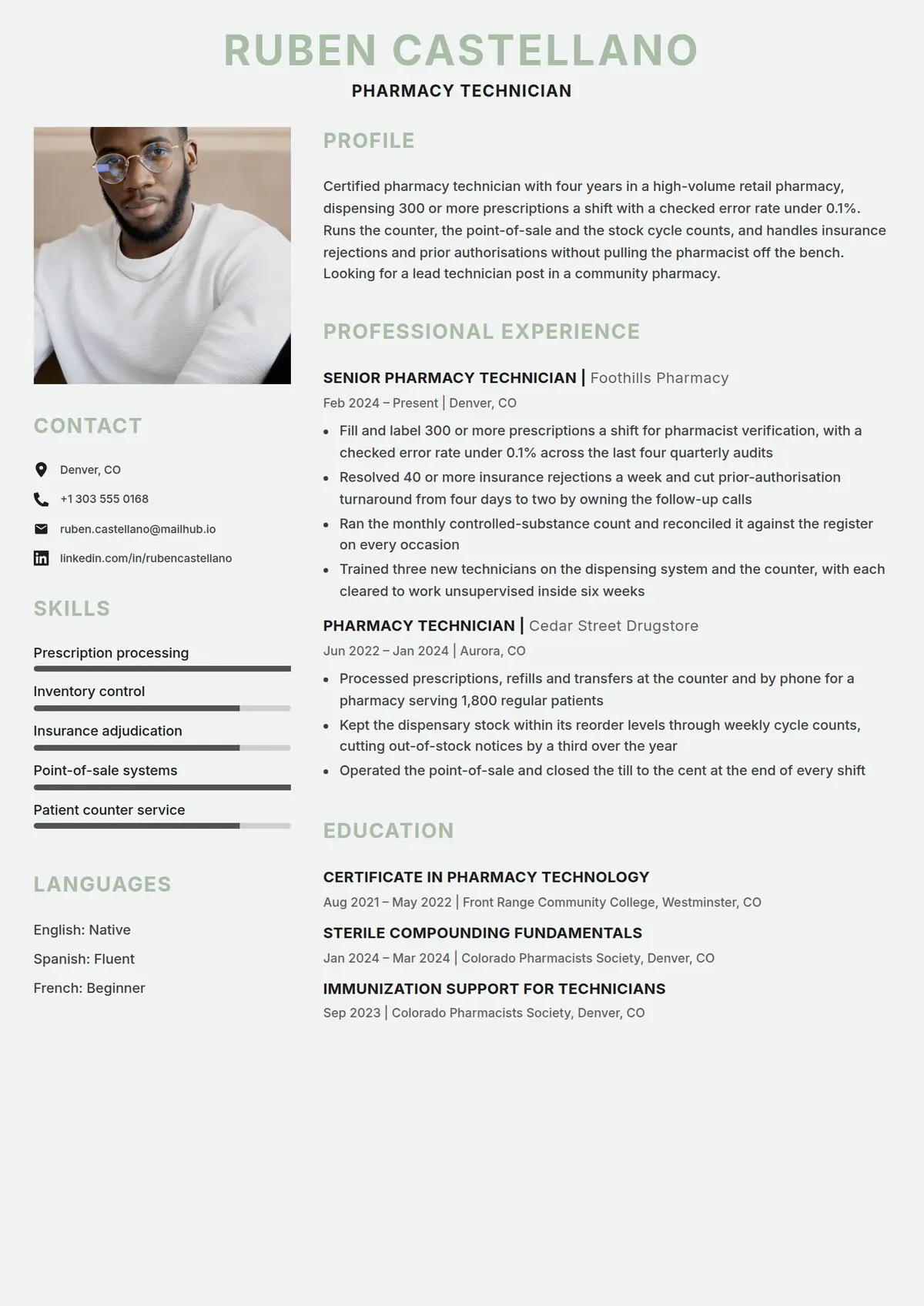 Juniper
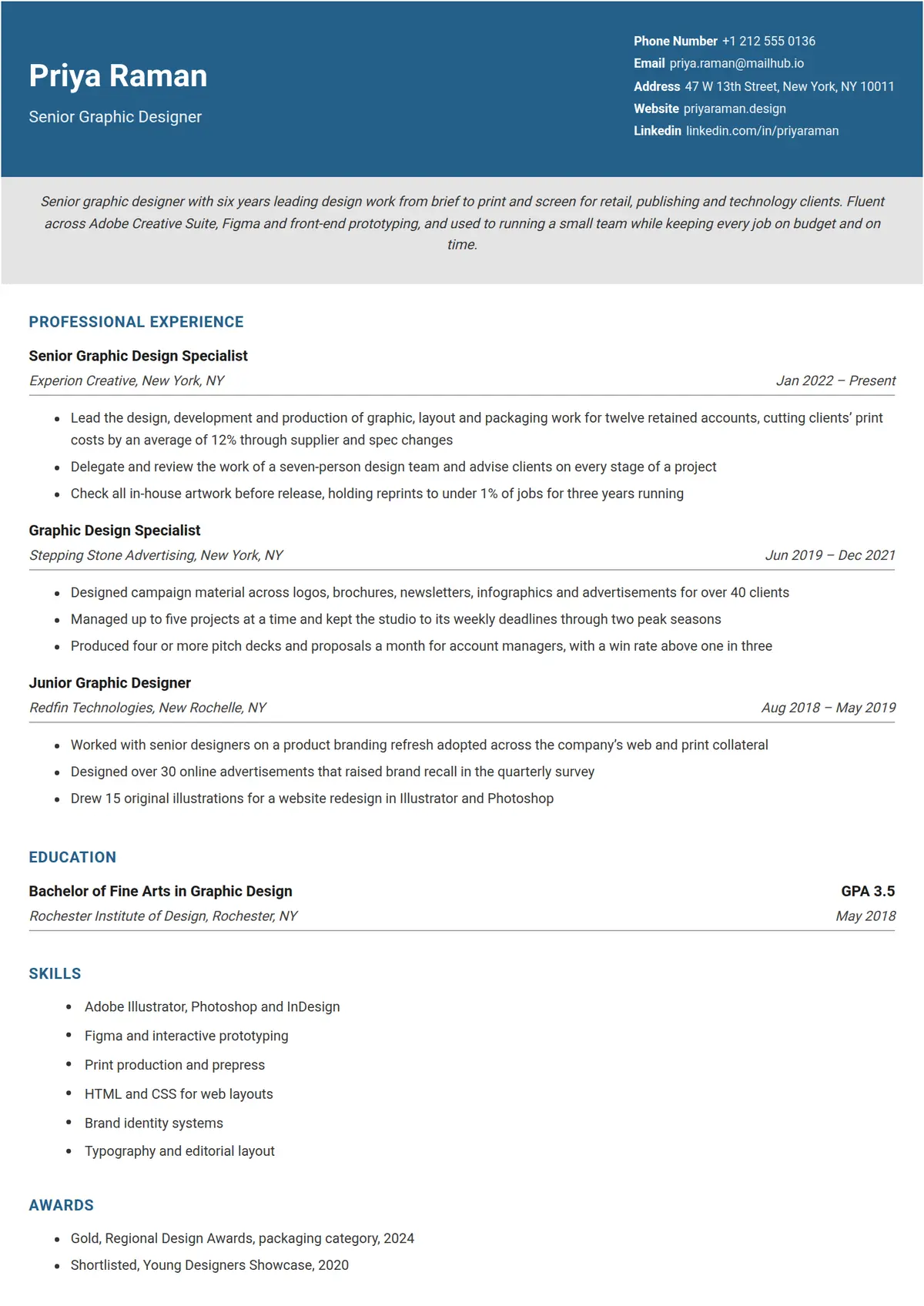 Azure
Azure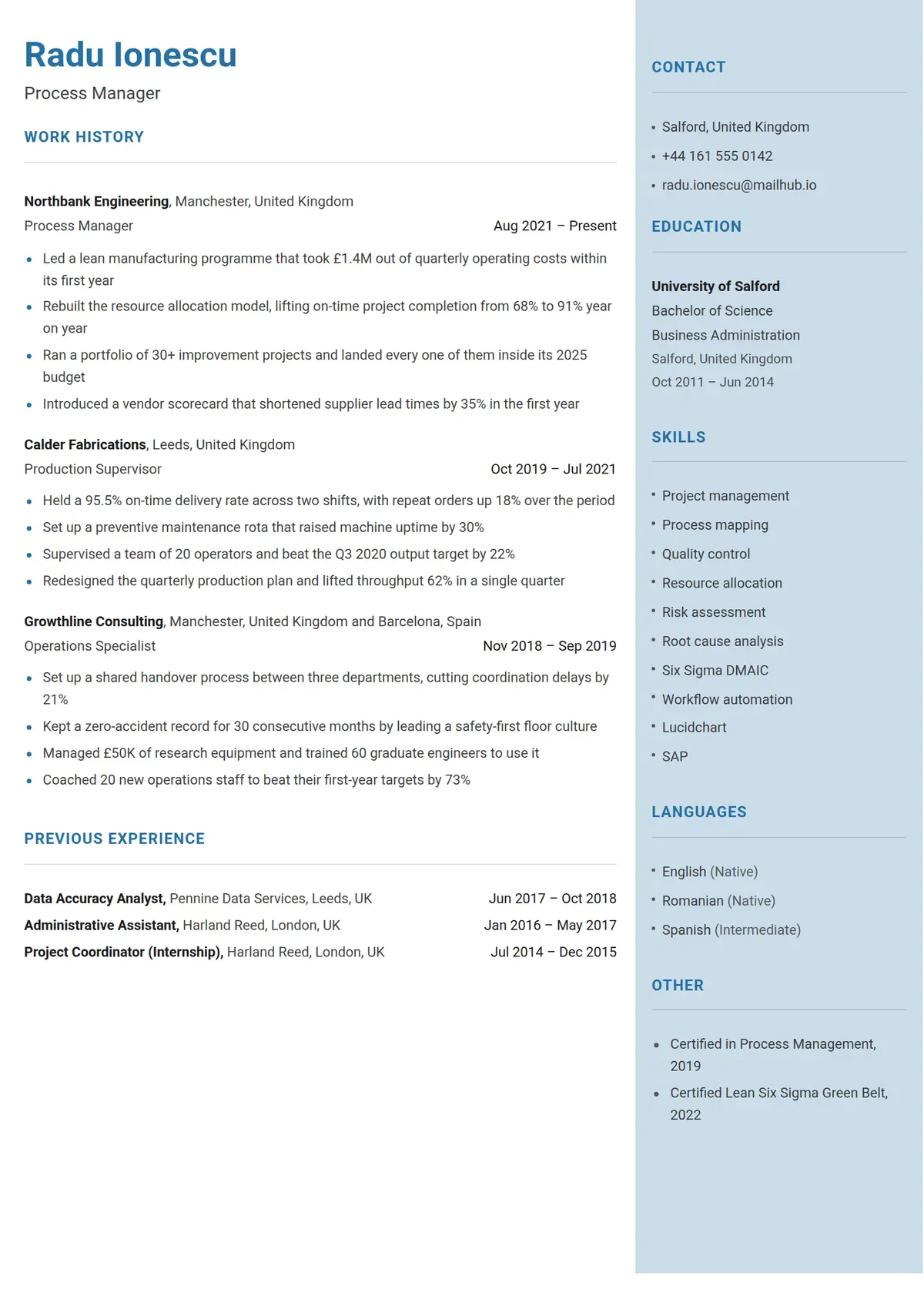 Glacier
 Datum
Datum Charcoal
 Dove
Dove Slab
Slab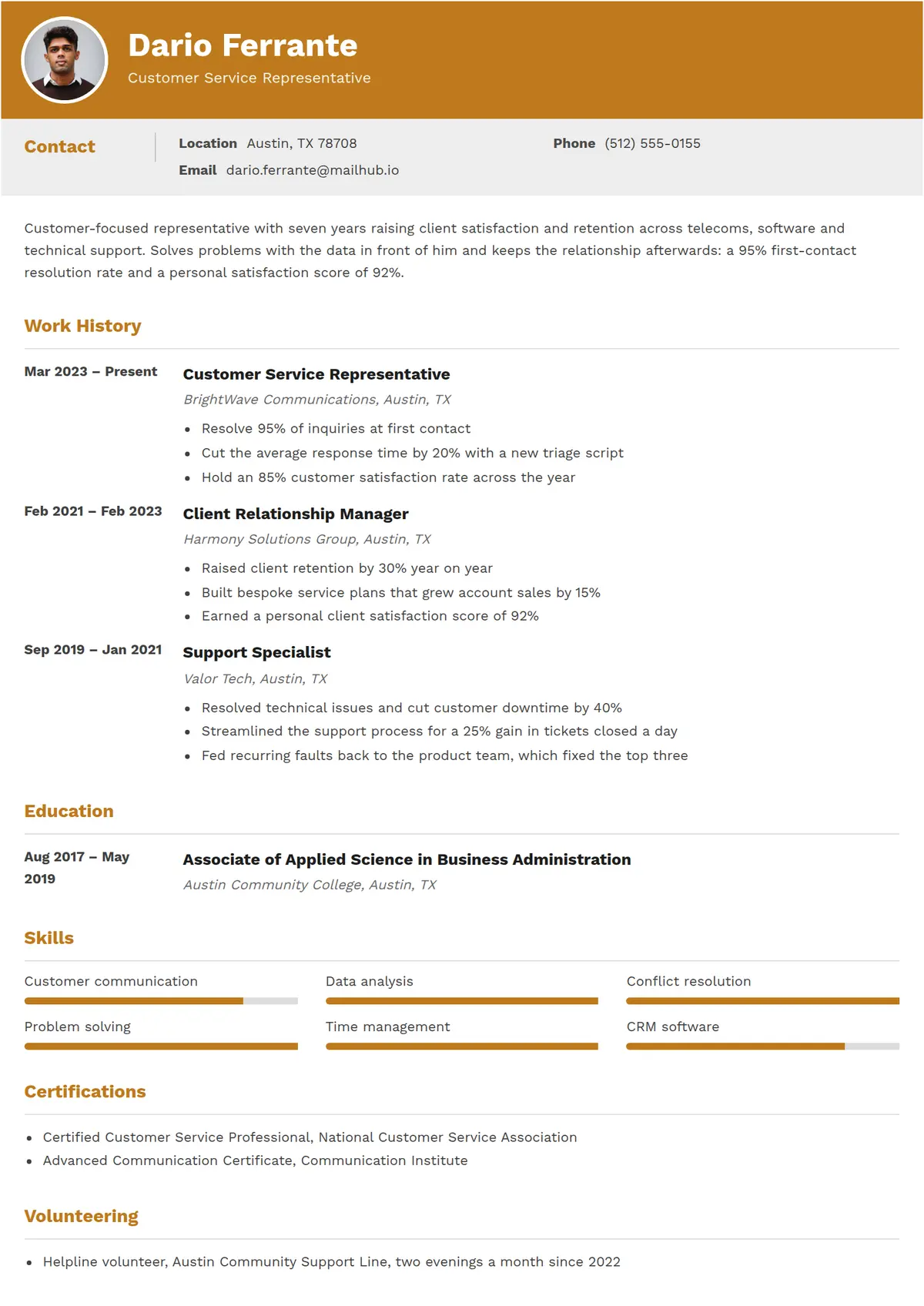 Saffron
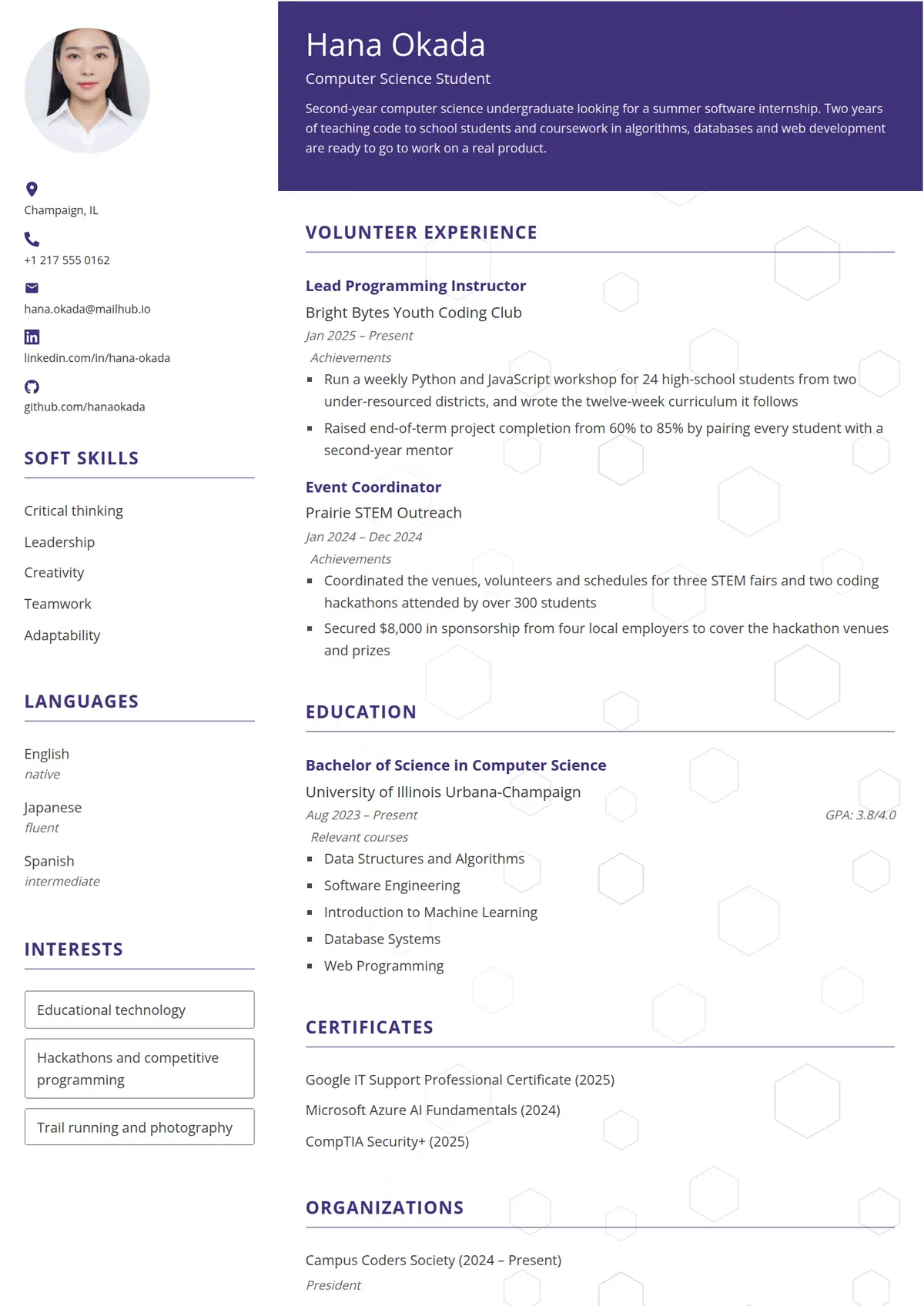 Hive
Hive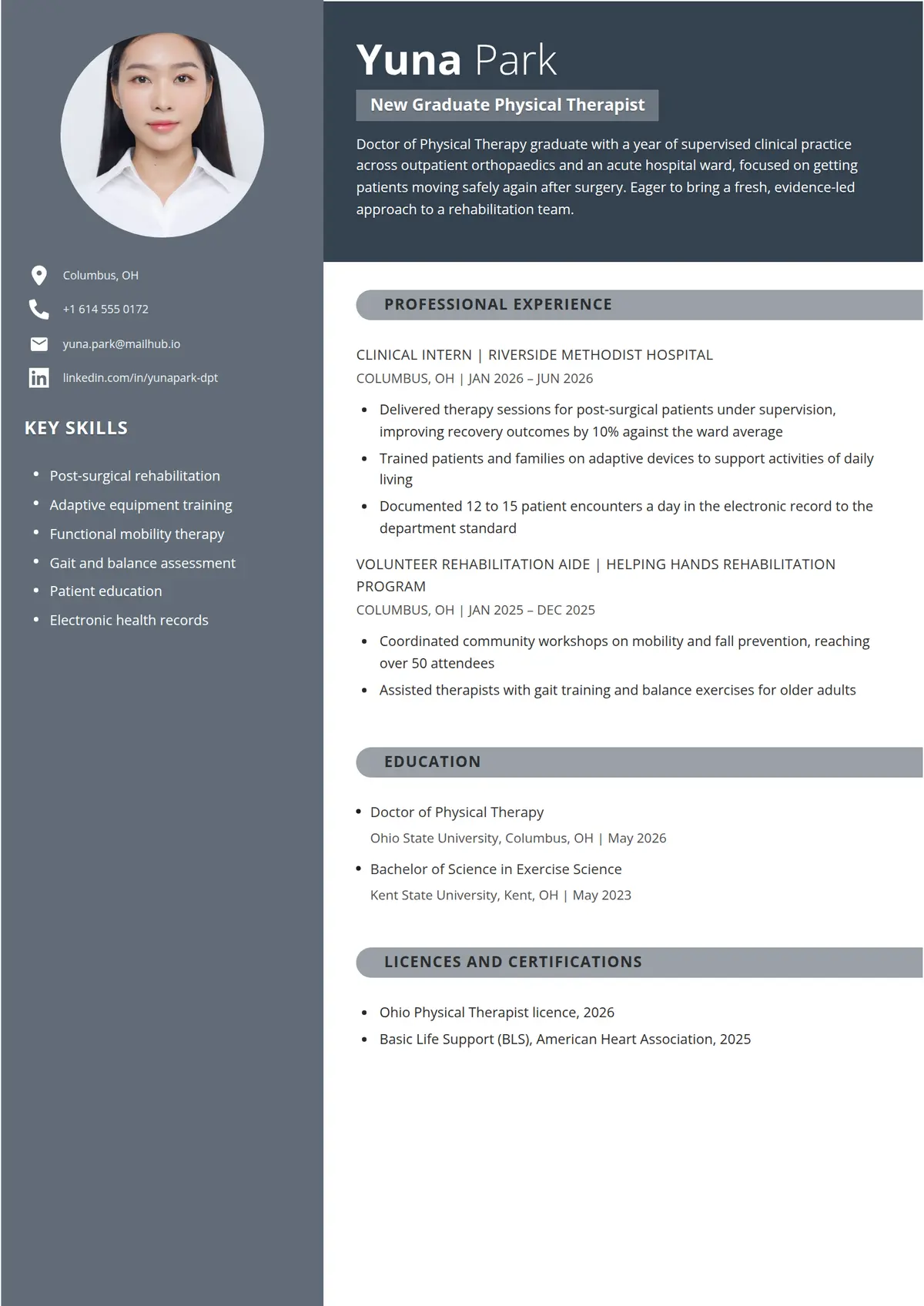 Sienna
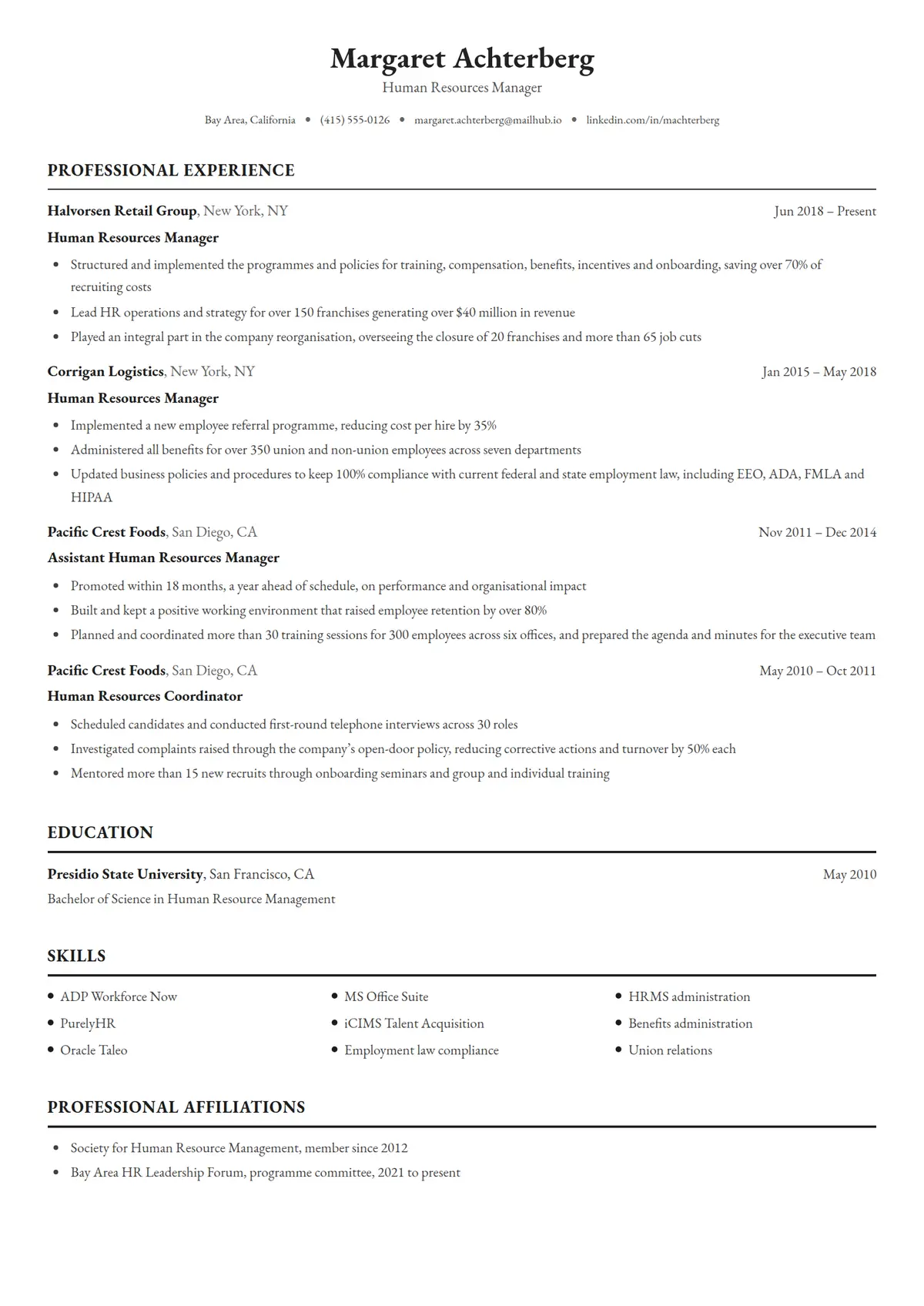 Sterling
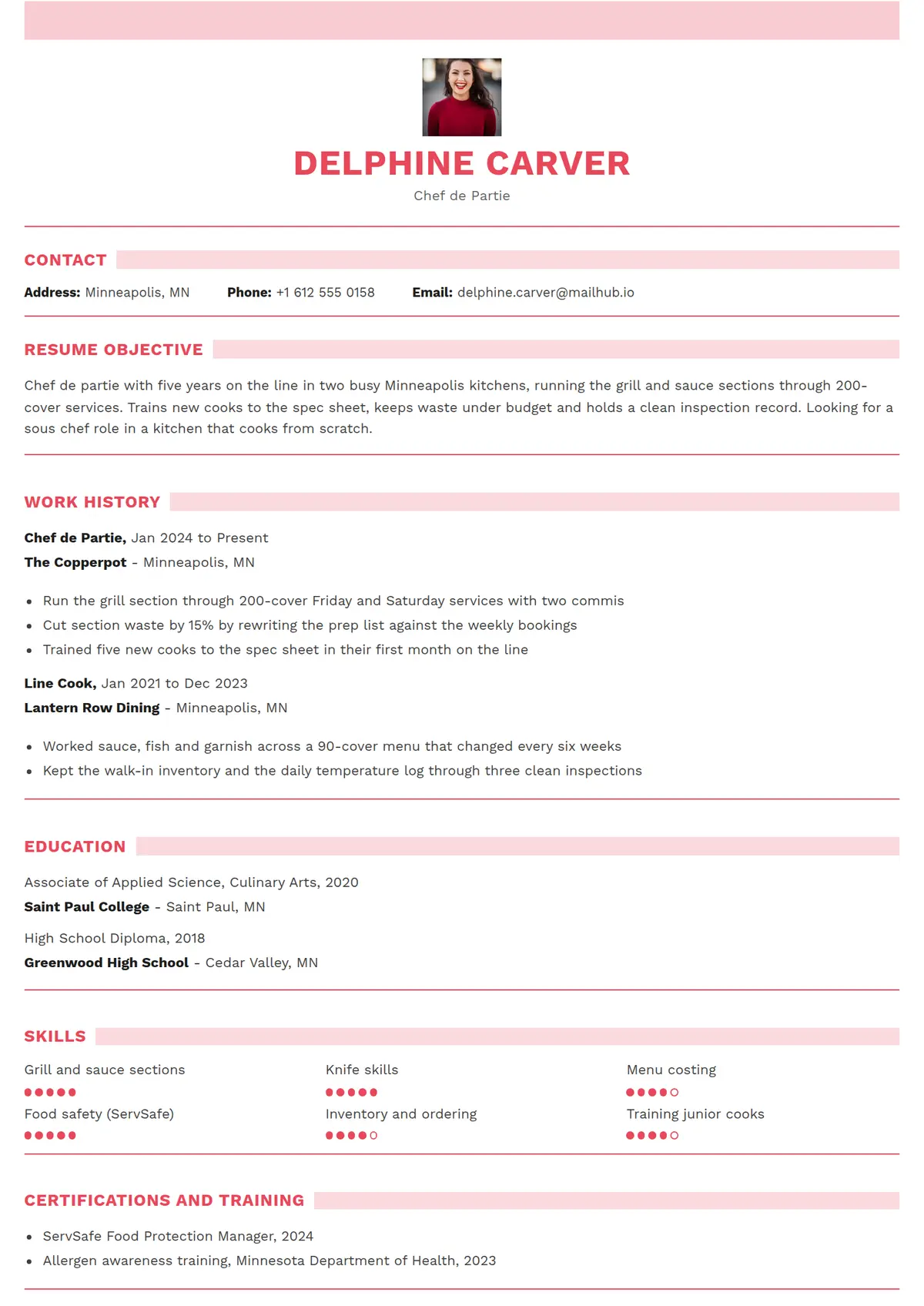 Rosette
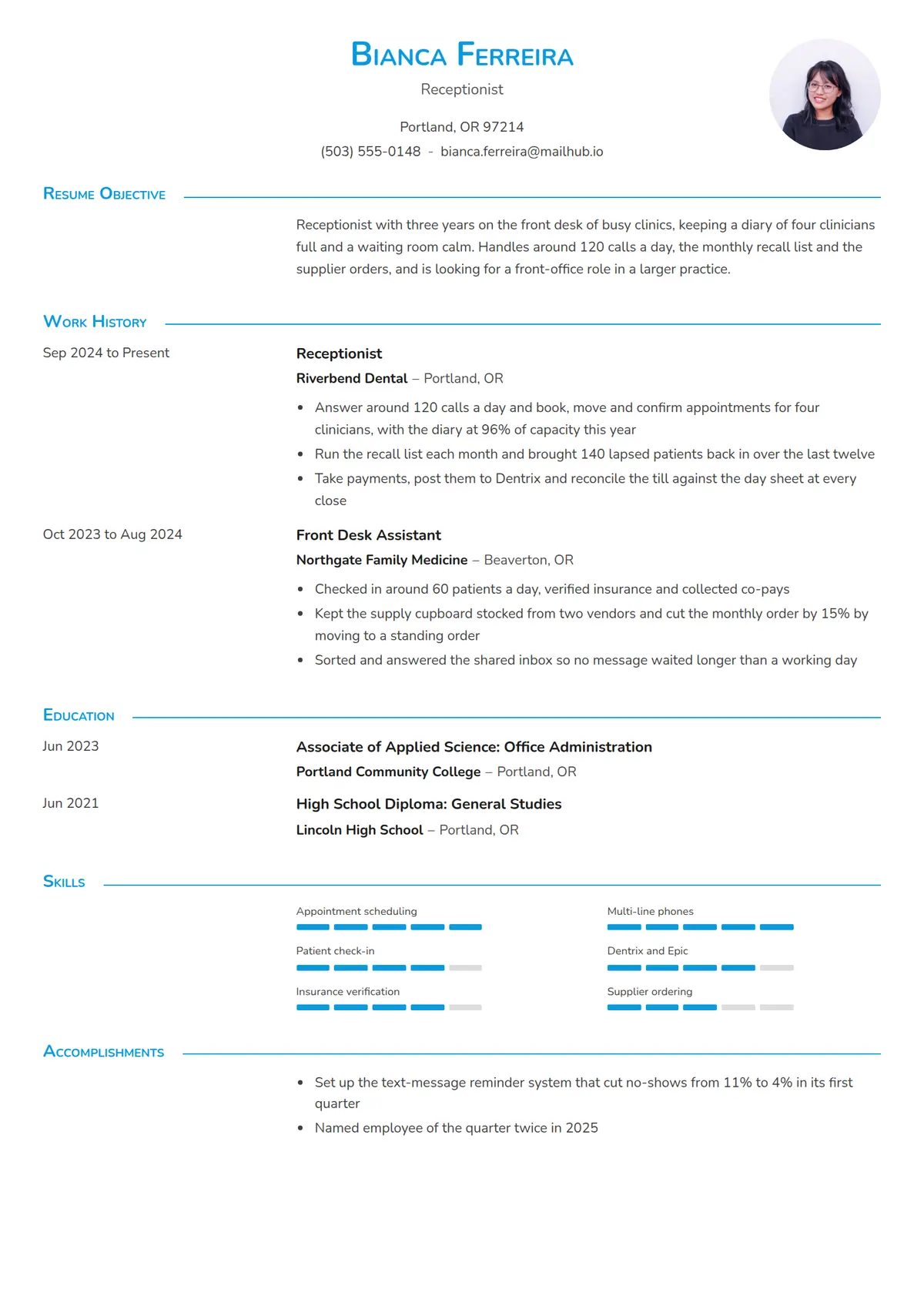 Agenda
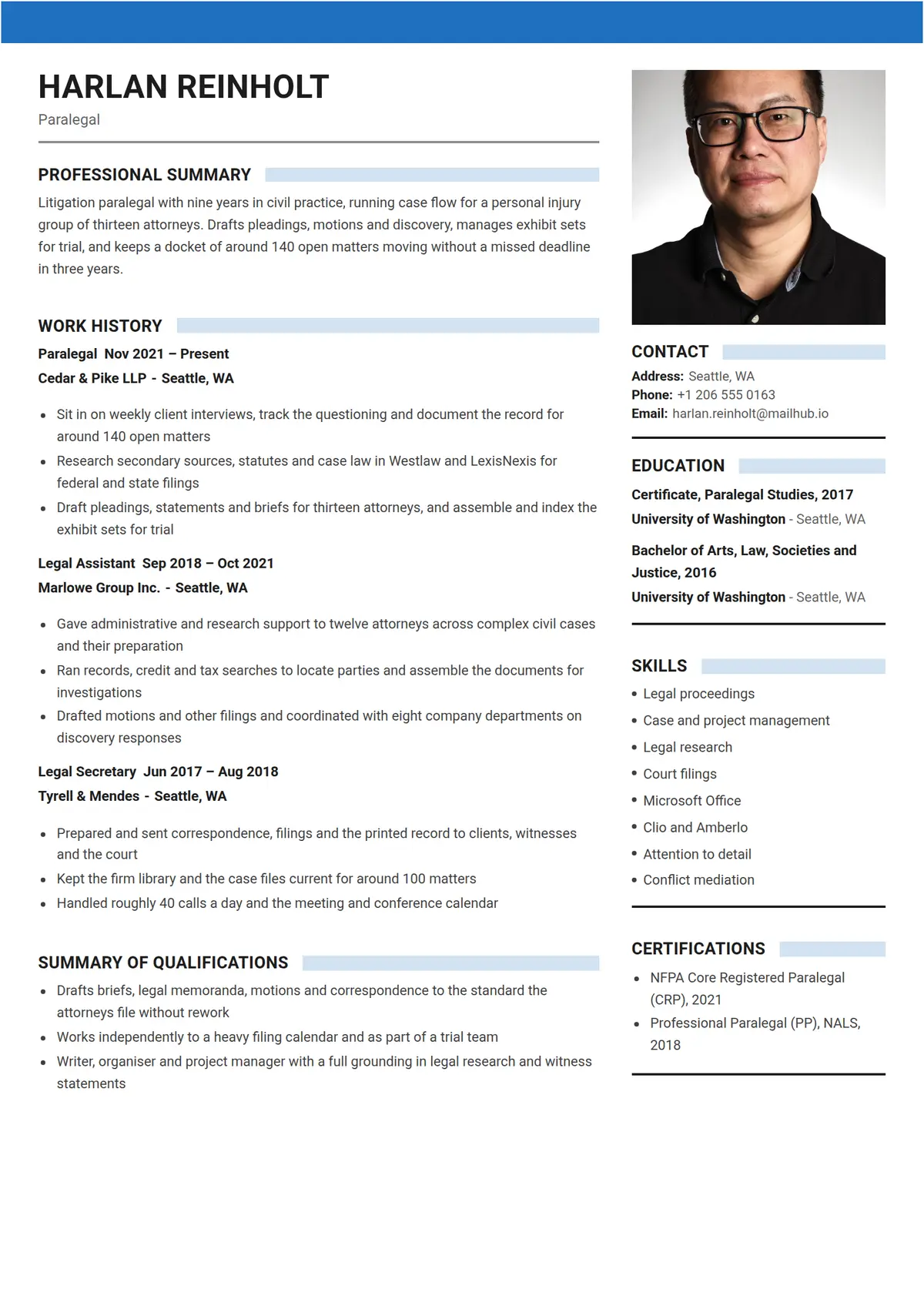 Docket
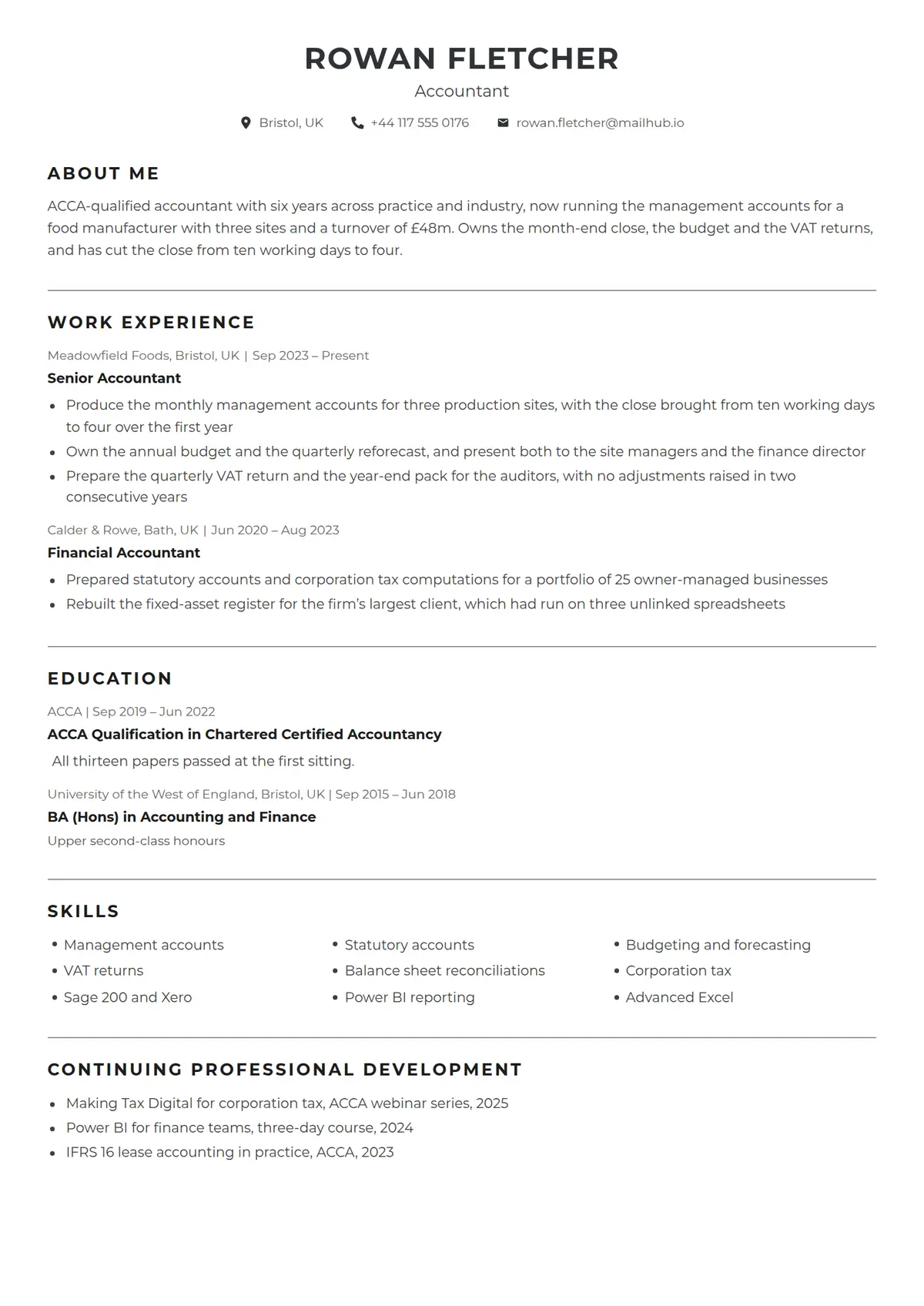 Tally
Tally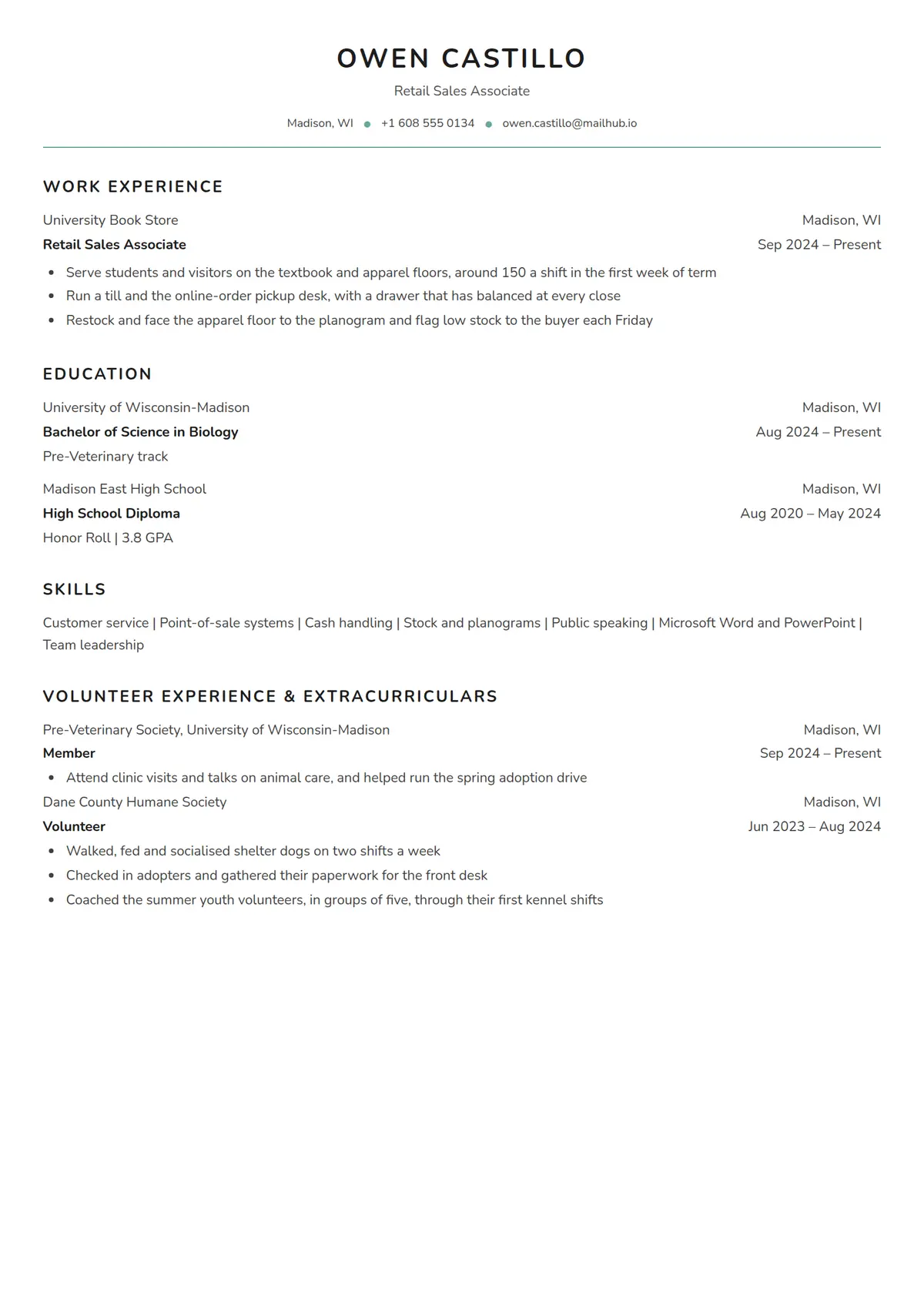 Quad
Quad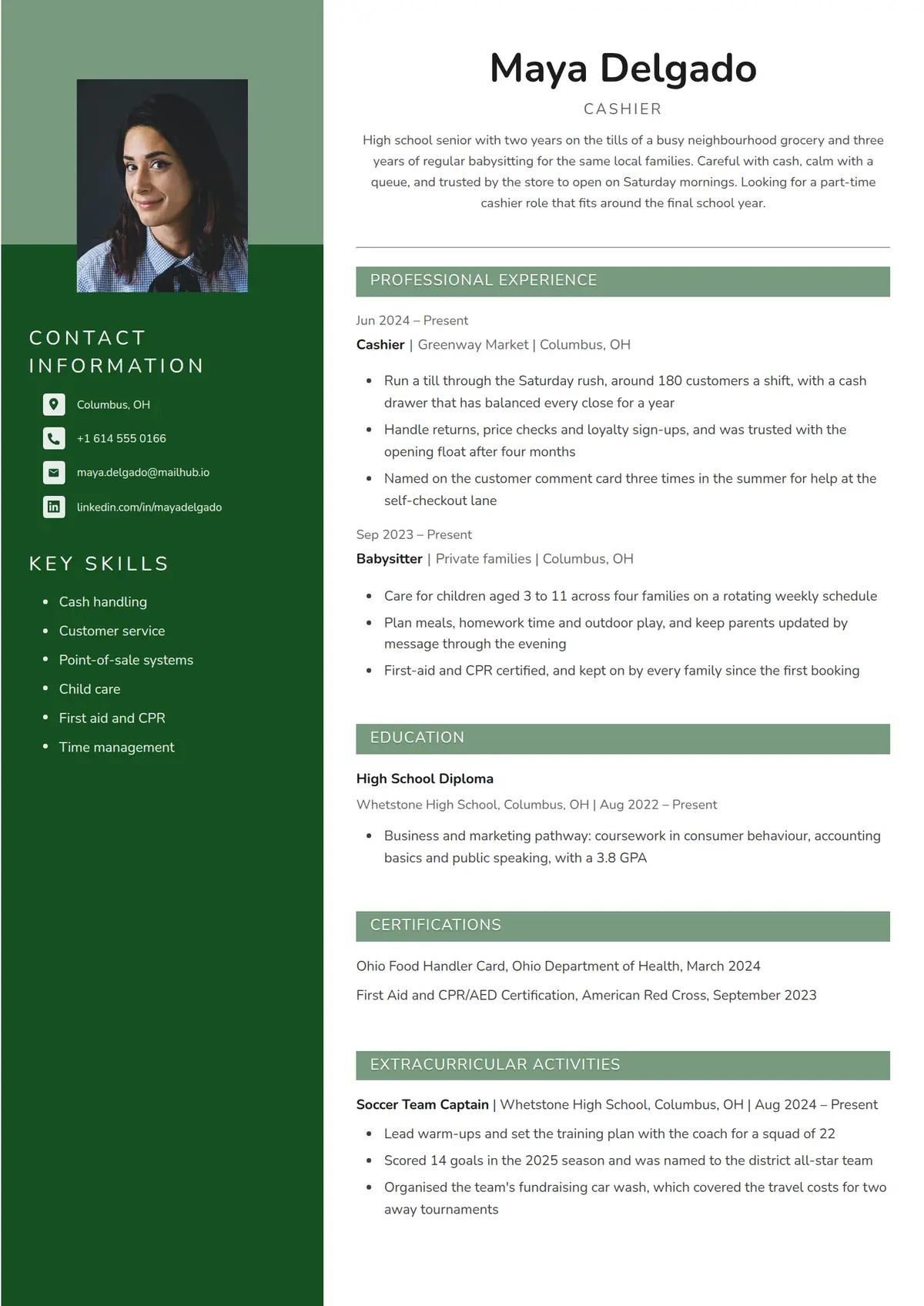 Pine
Pine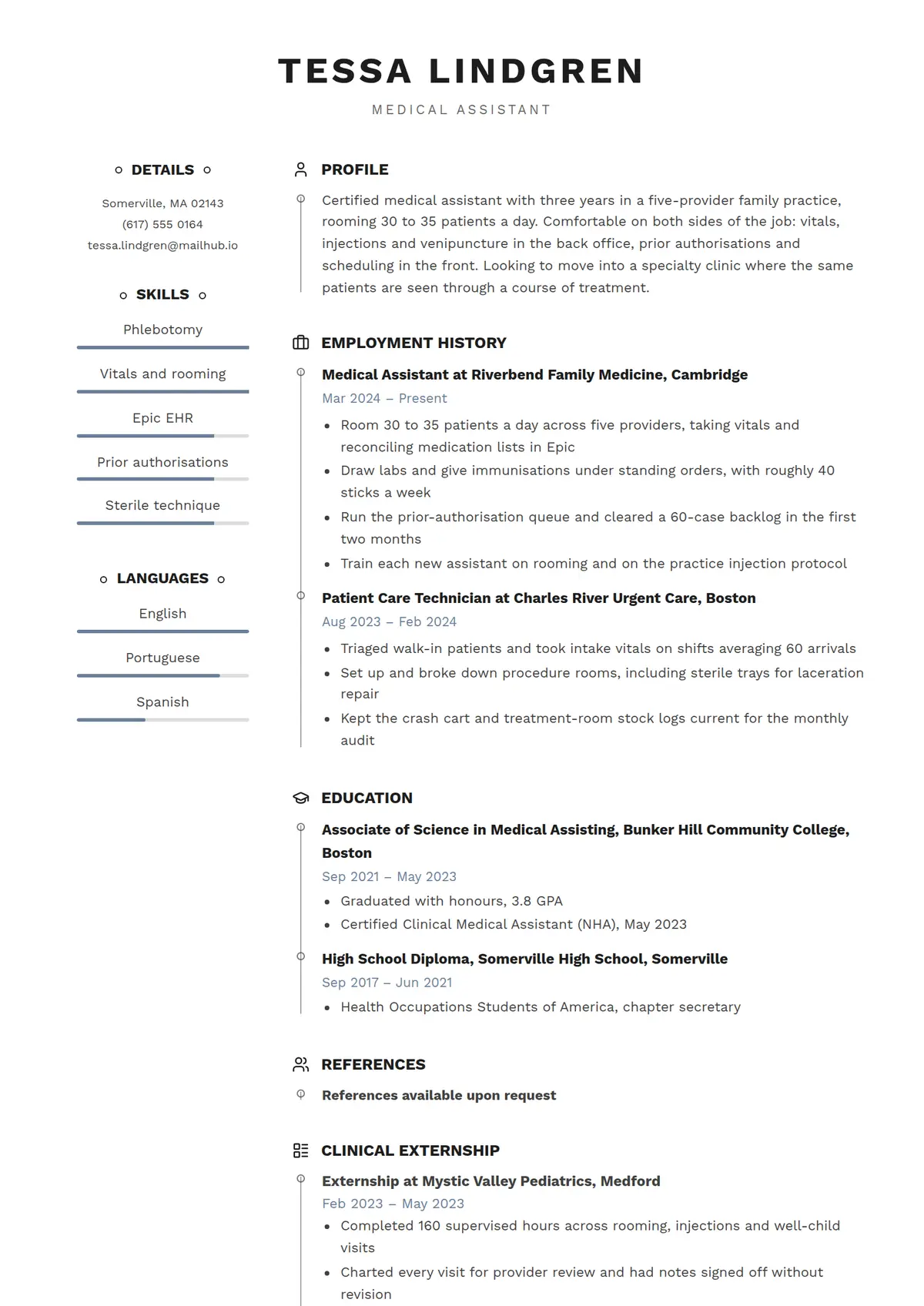 Orbit
Orbit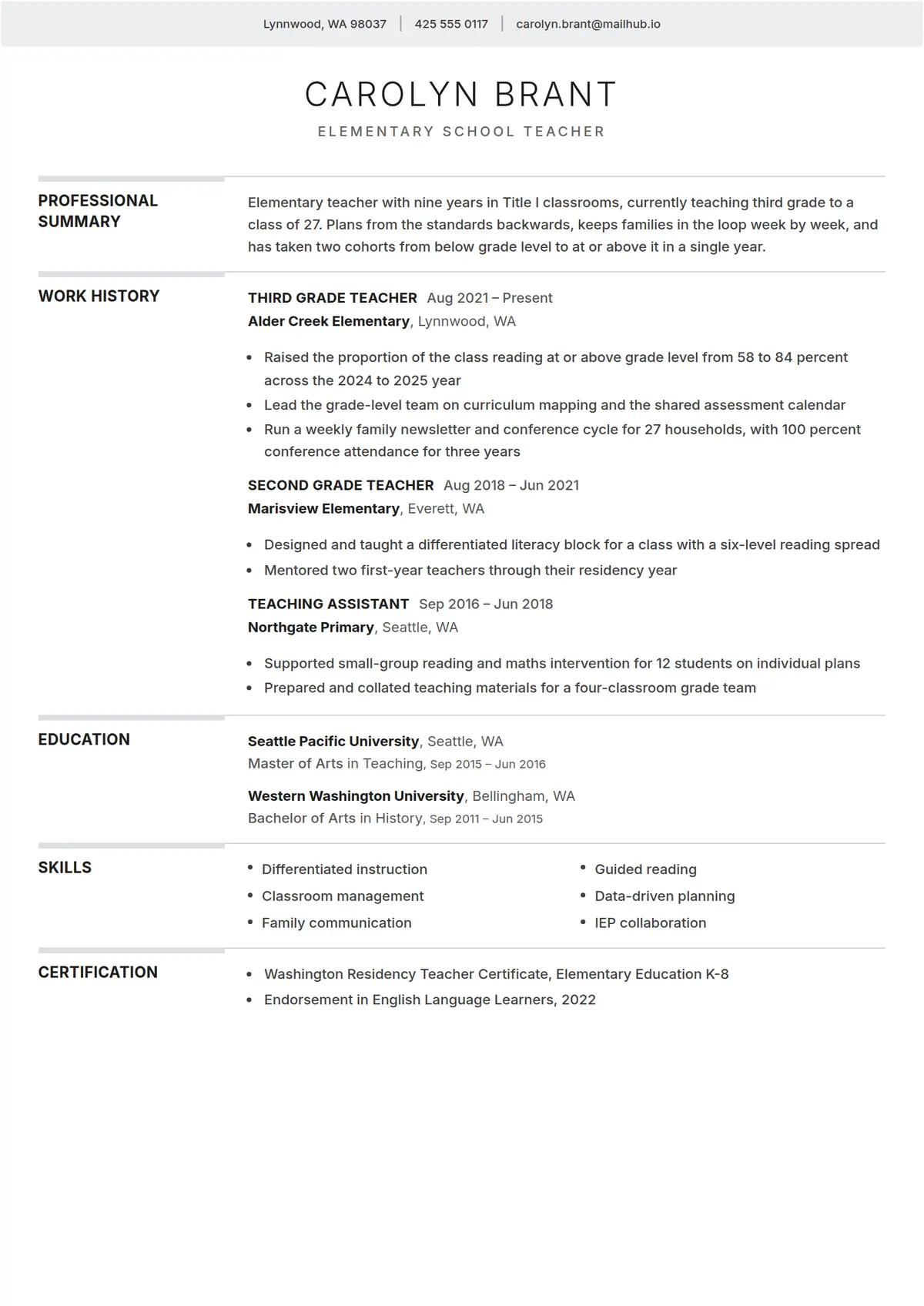 Gazette
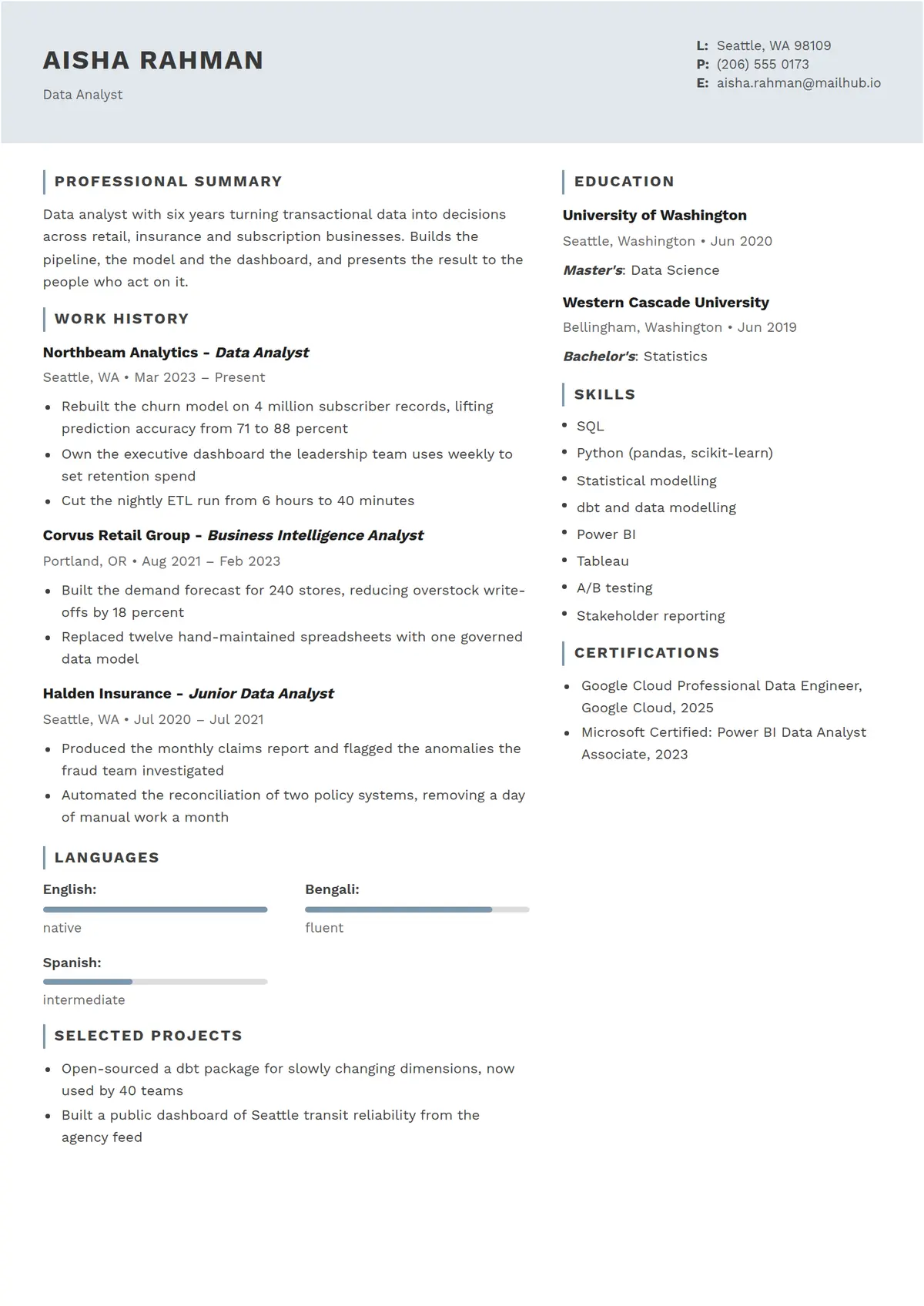 Horizon
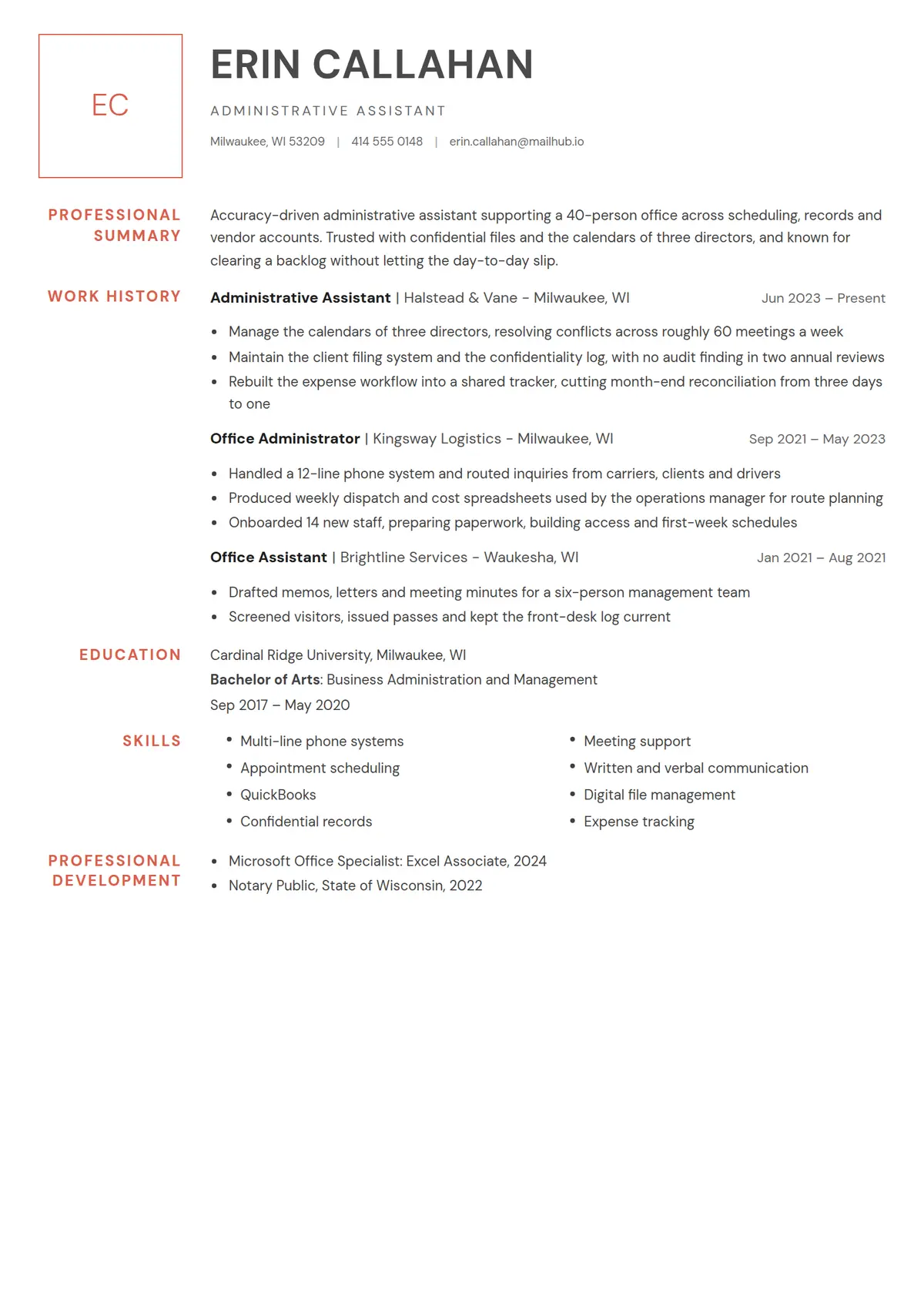 Margin
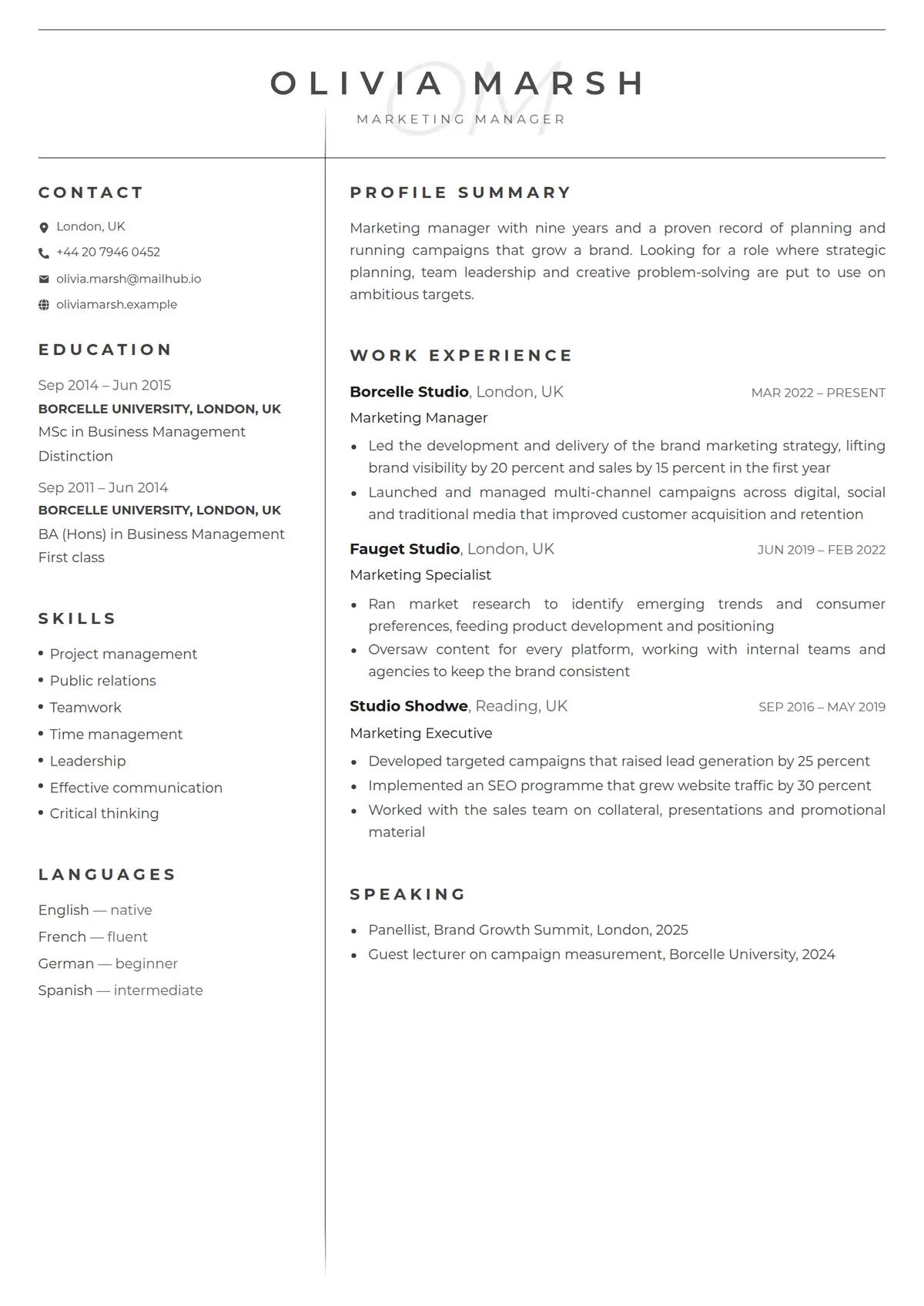 Monogram
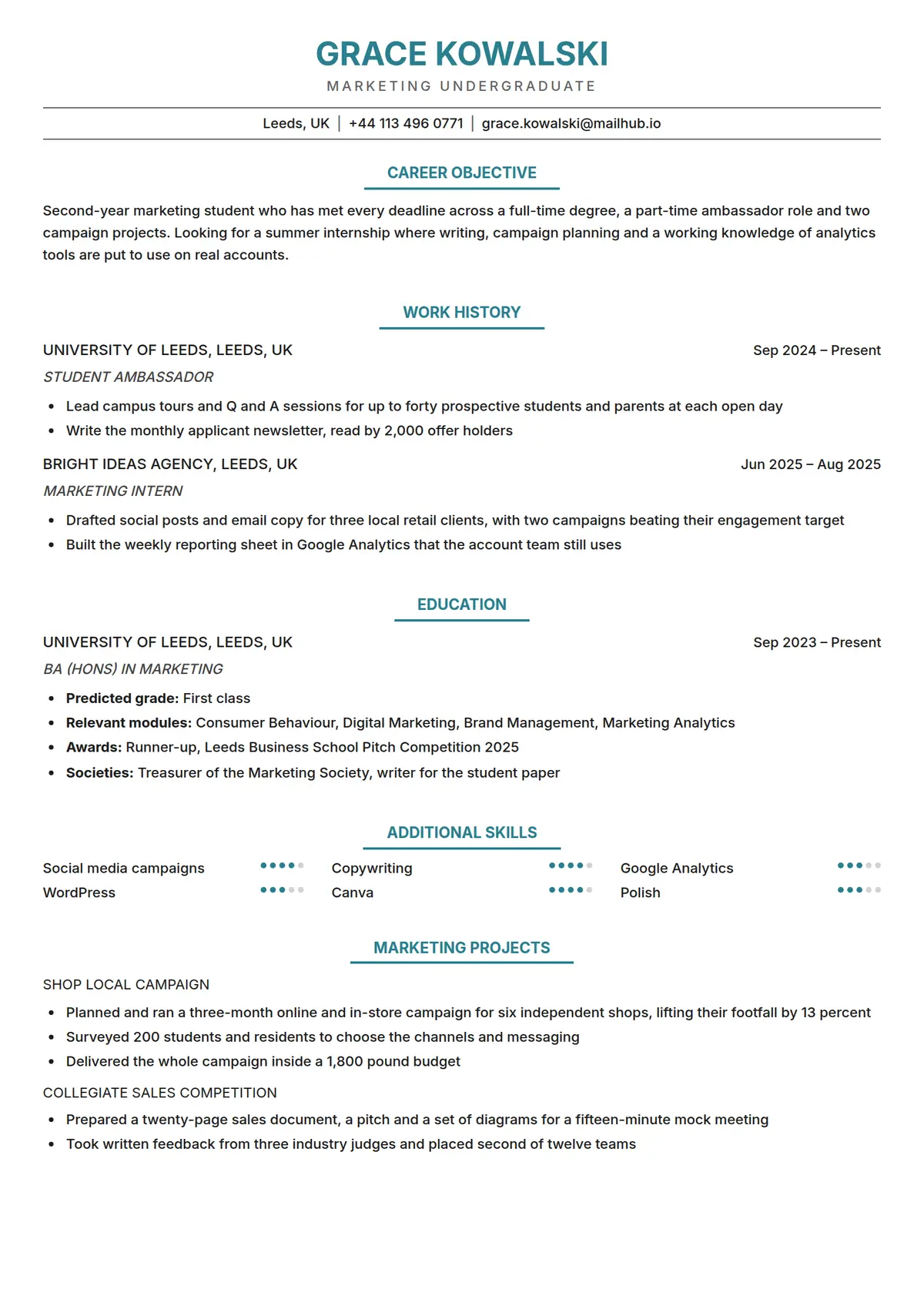 Varsity
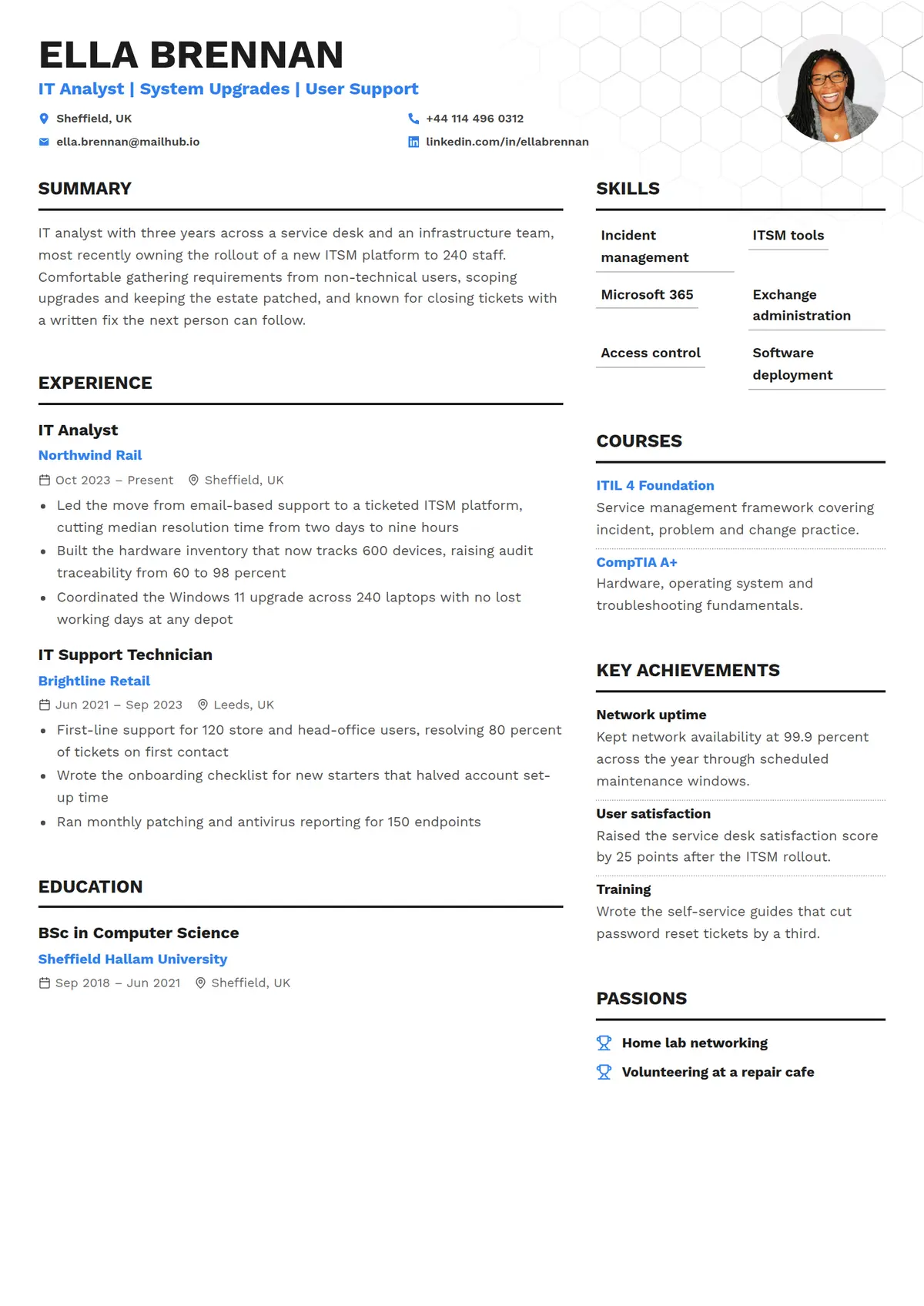 Lattice
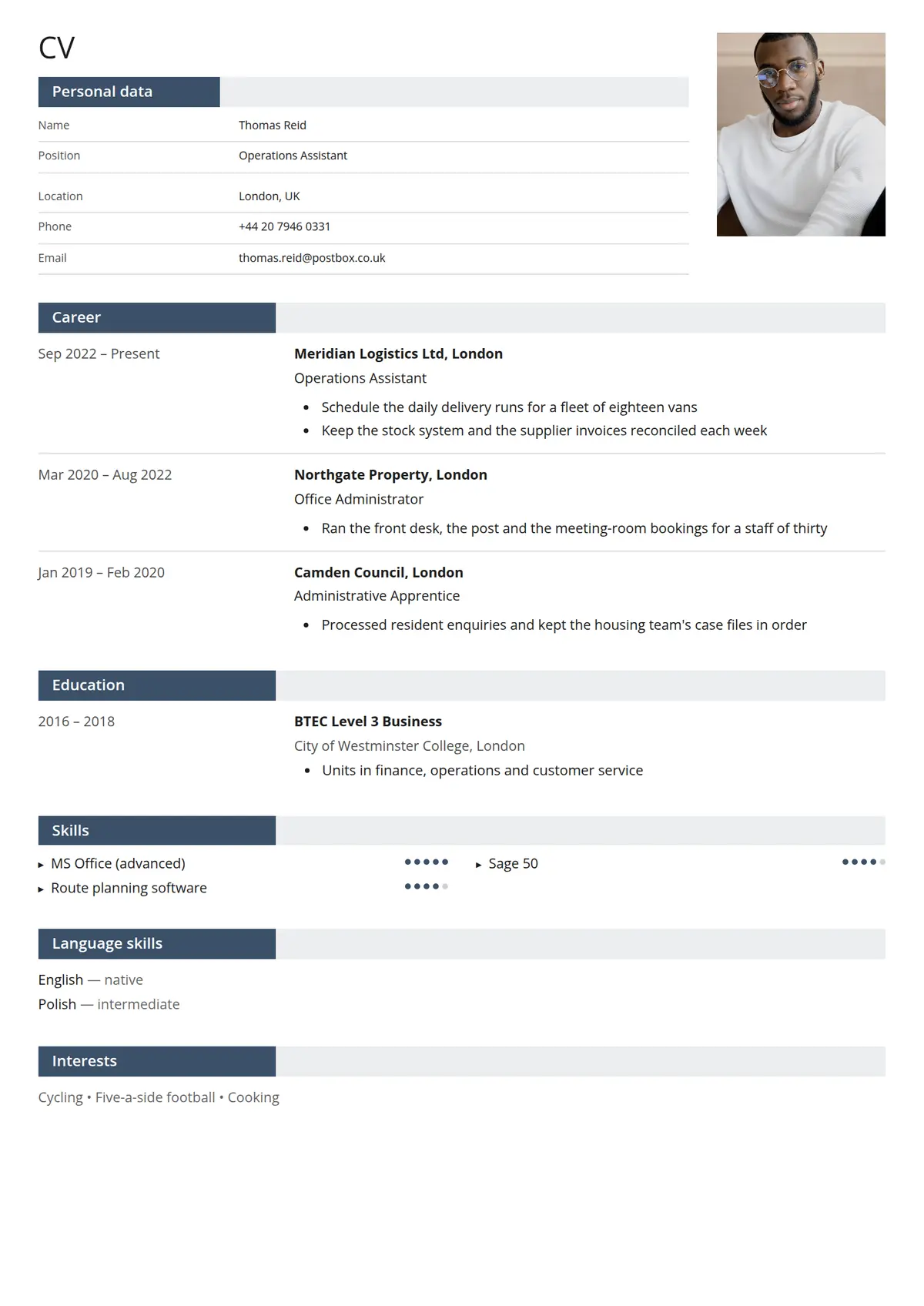 Folio
Folio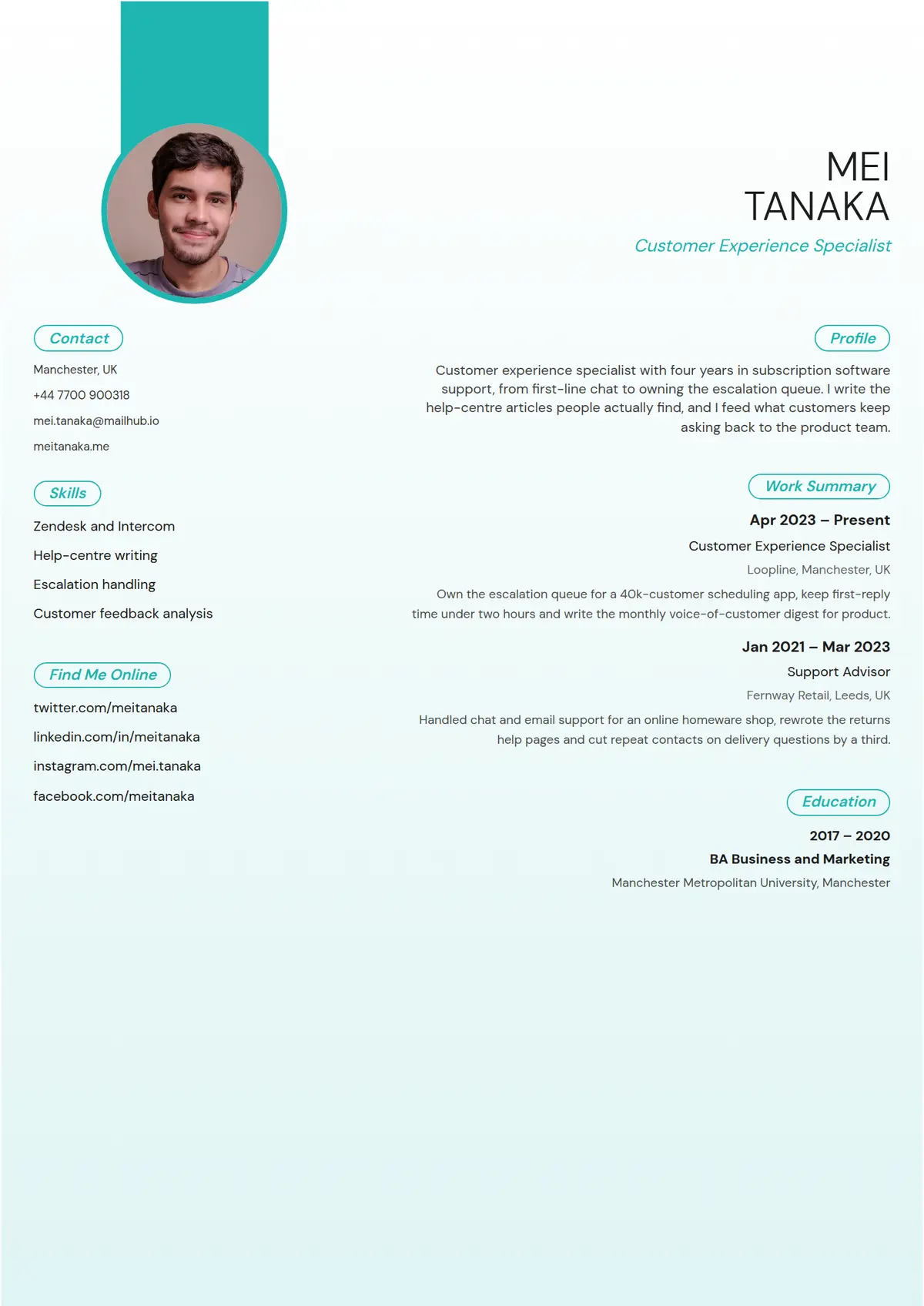 Tide
Tide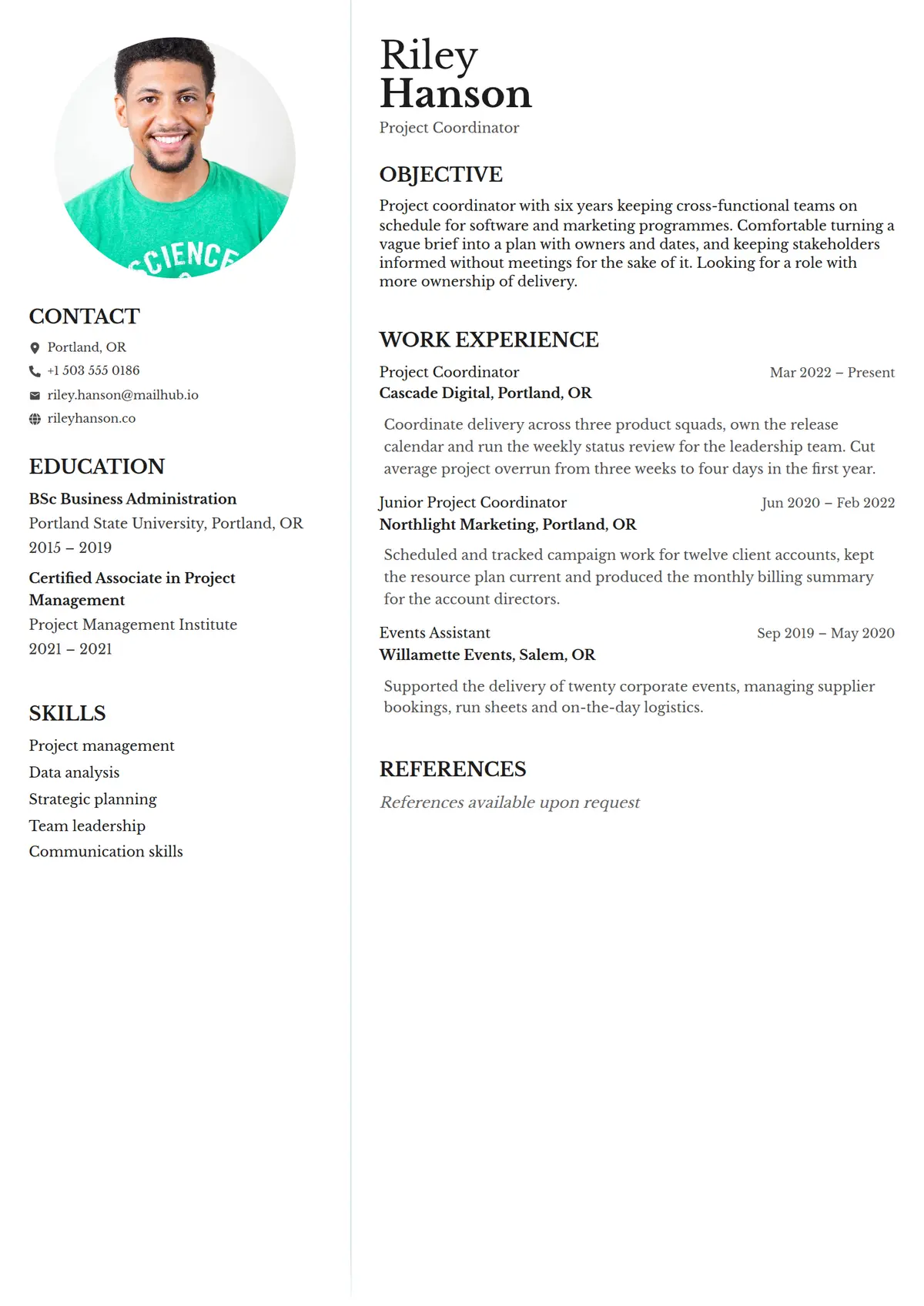 Portrait
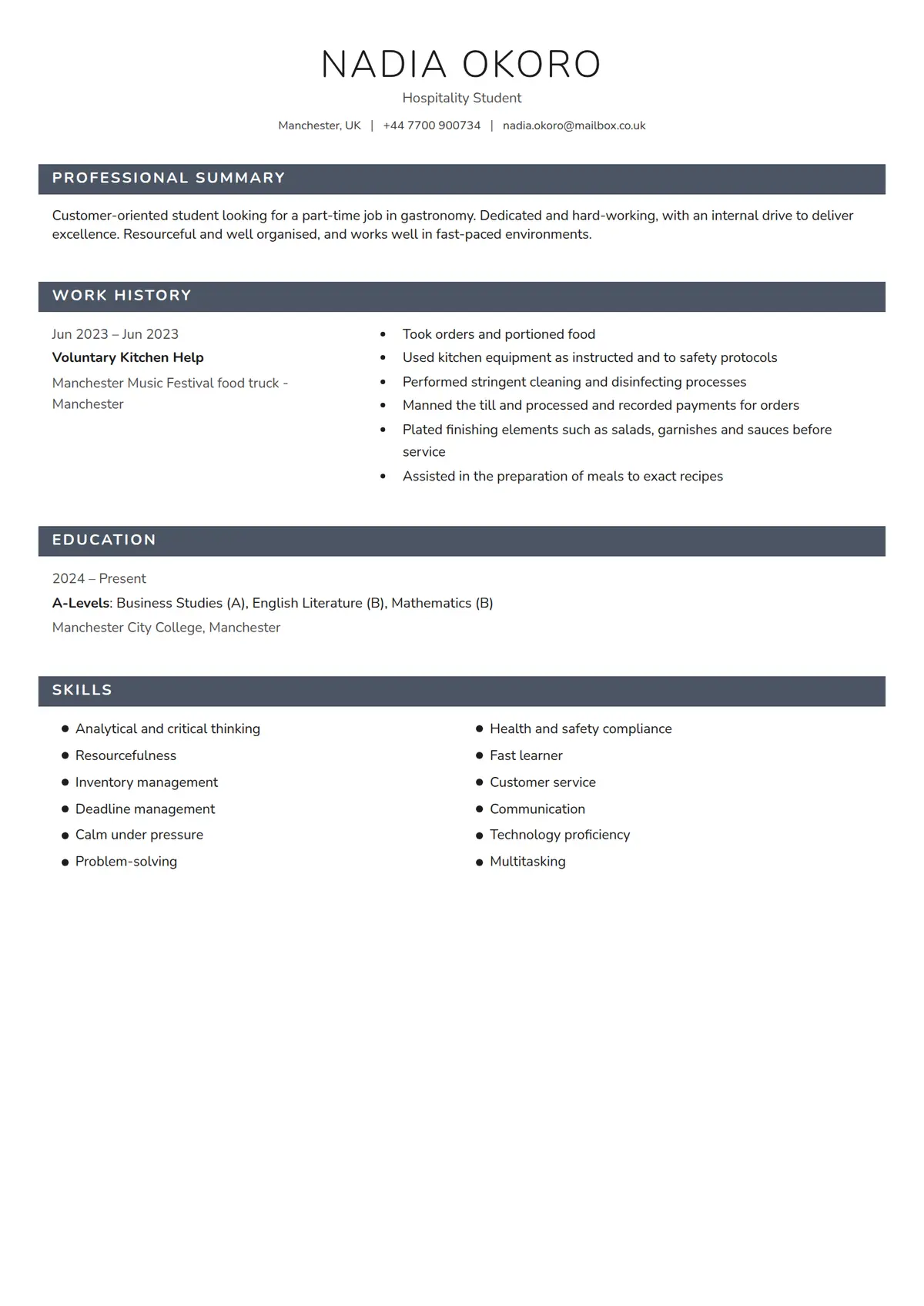 Slate
Slate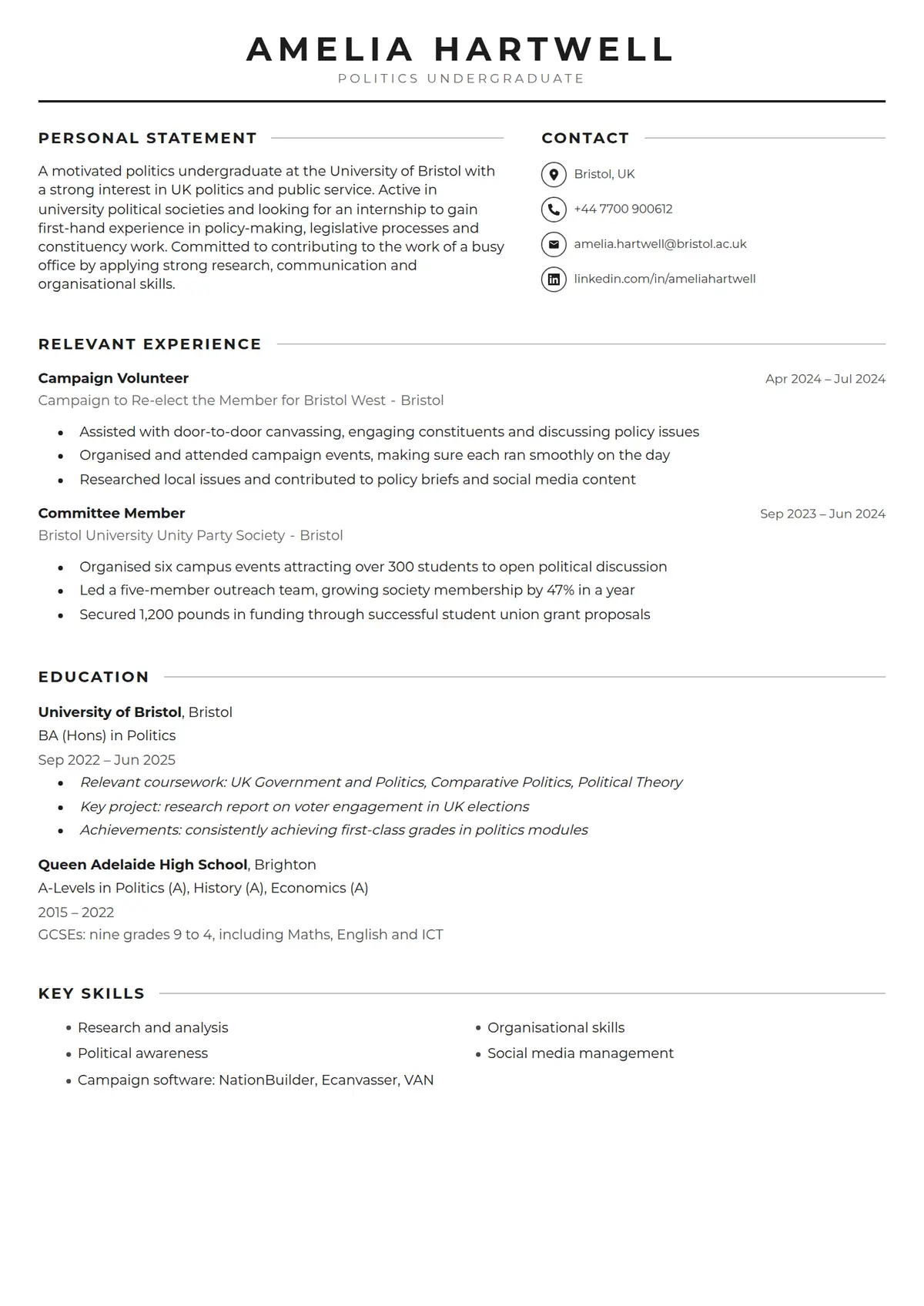 Campus
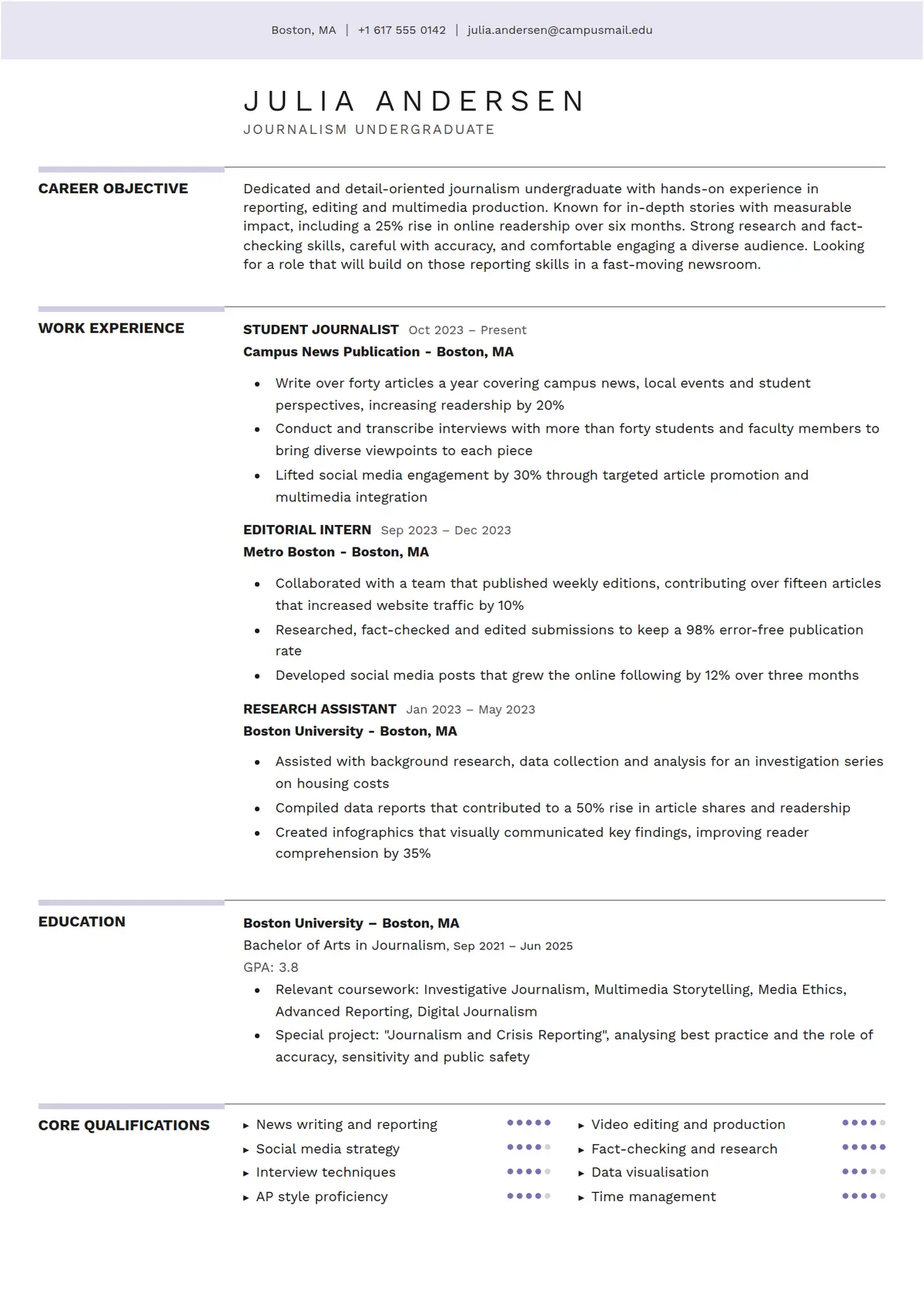 Aurora
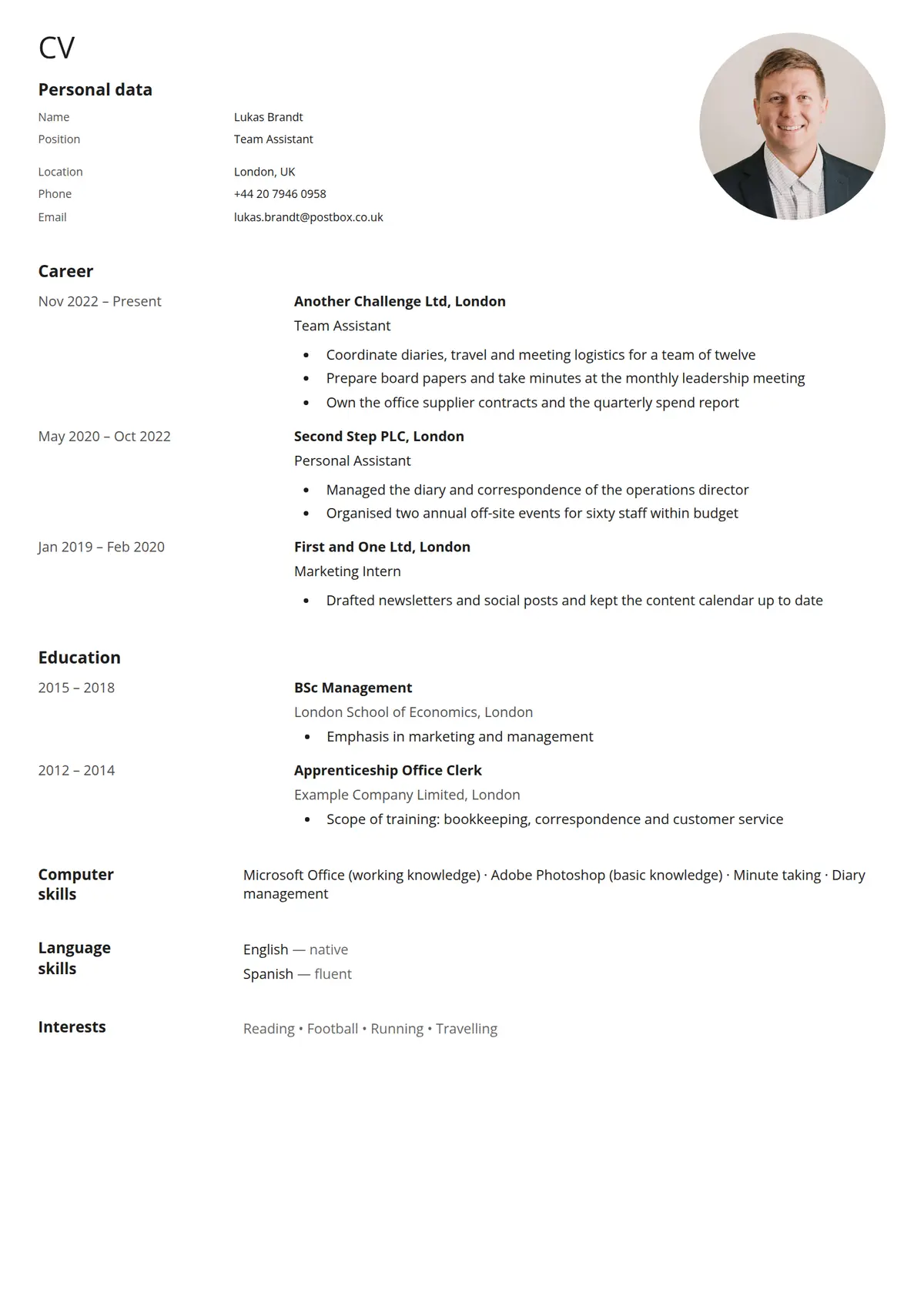 Dossier
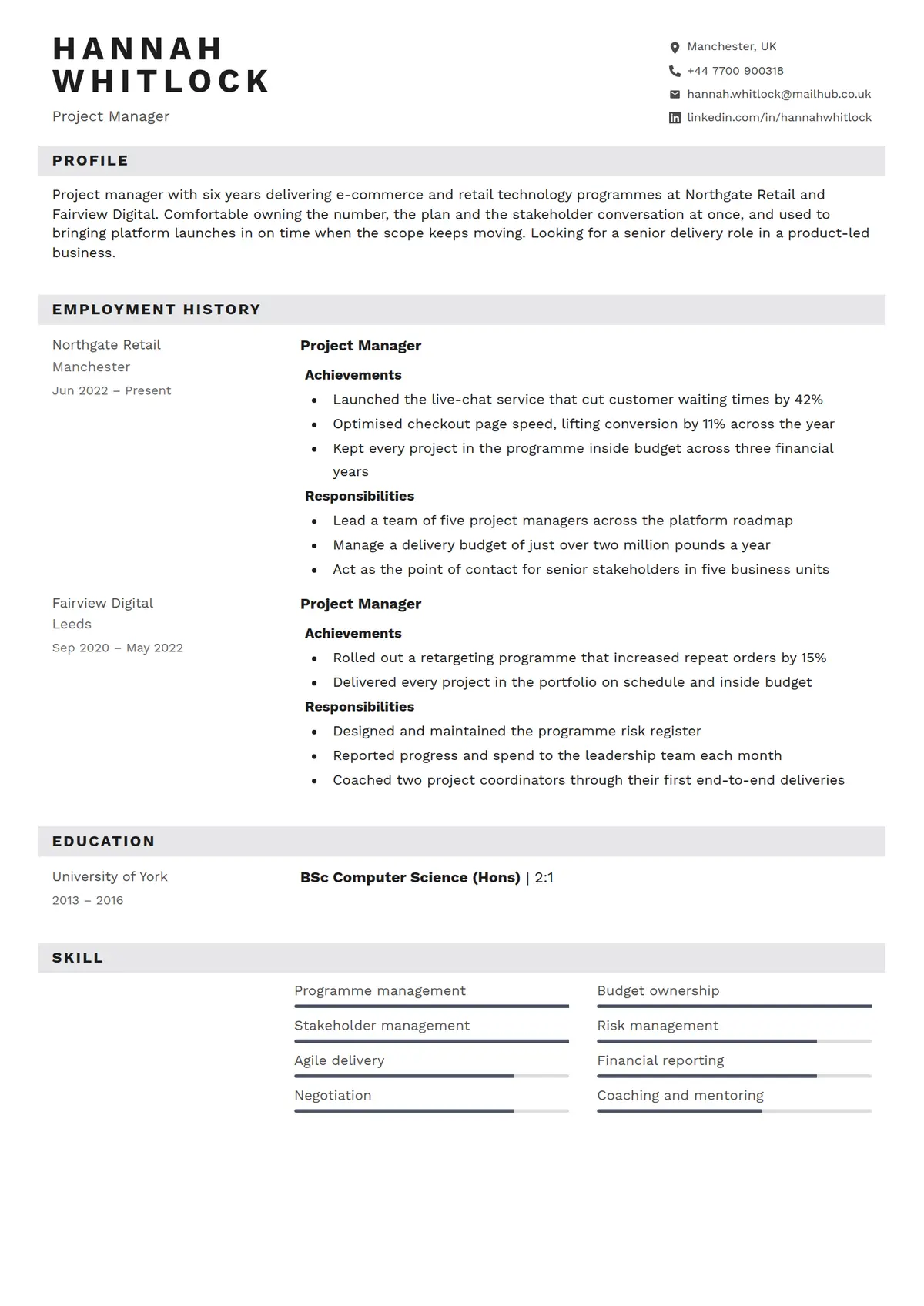 Ledger
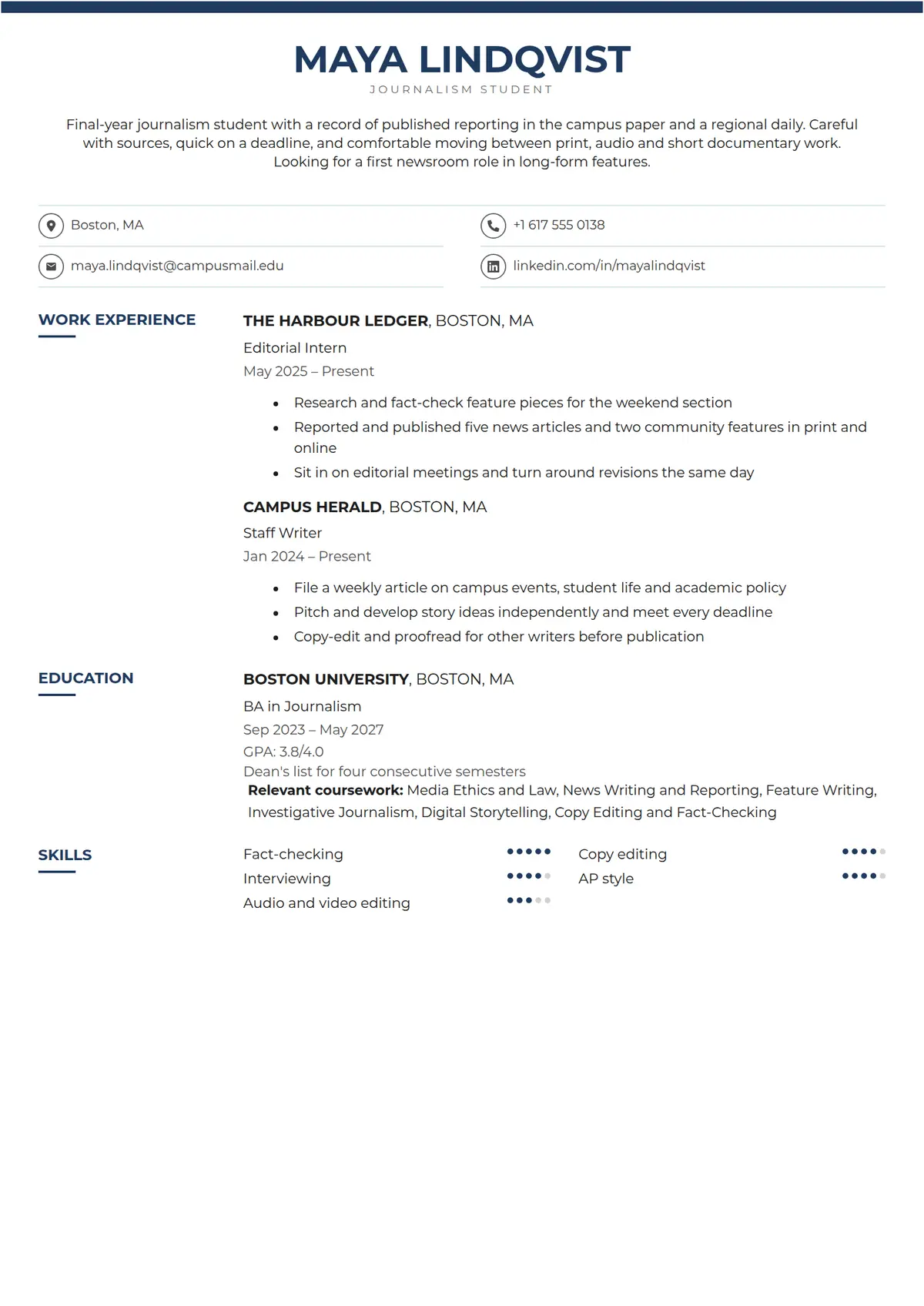 Scholar
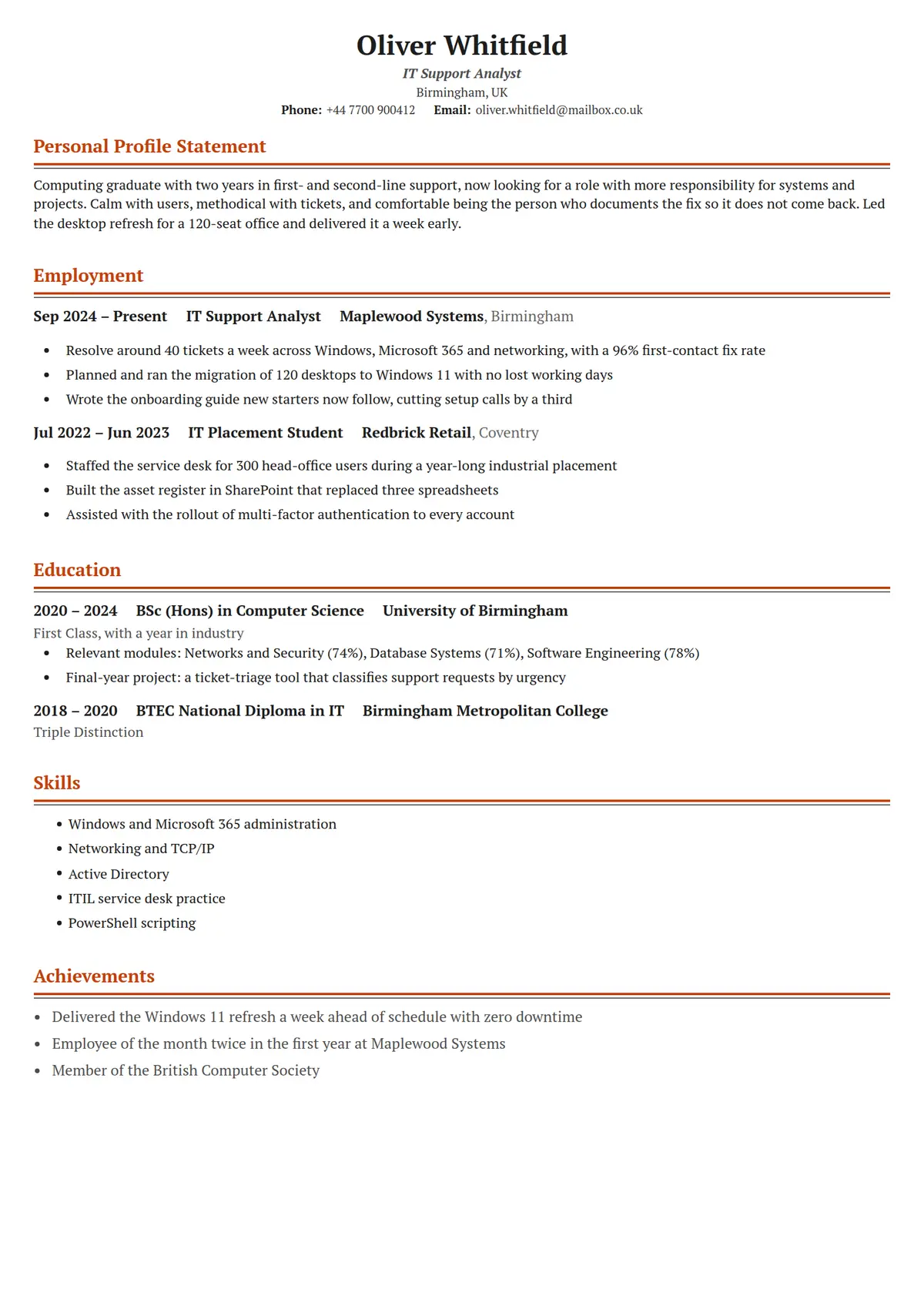 Heritage
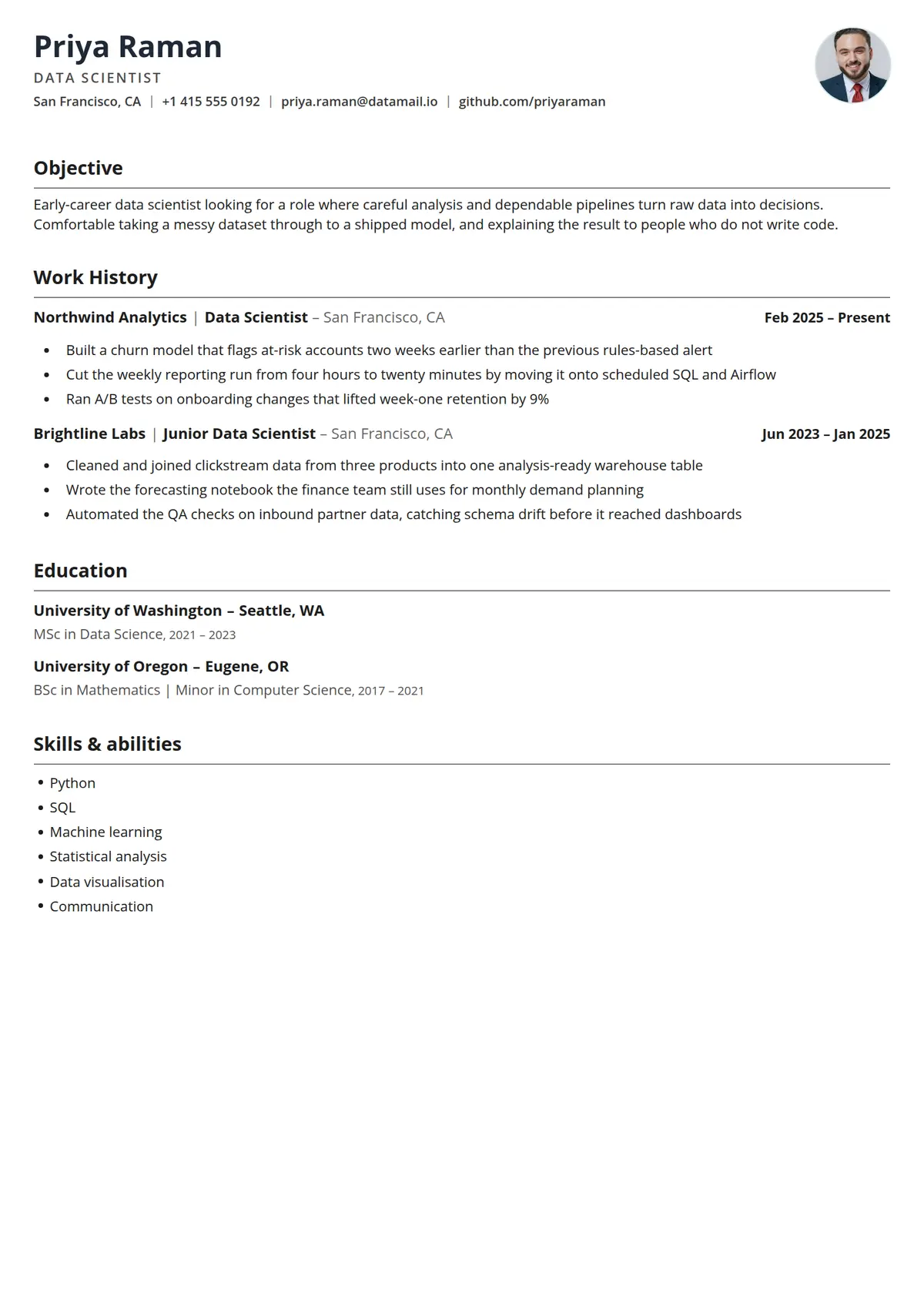 Crisp
Crisp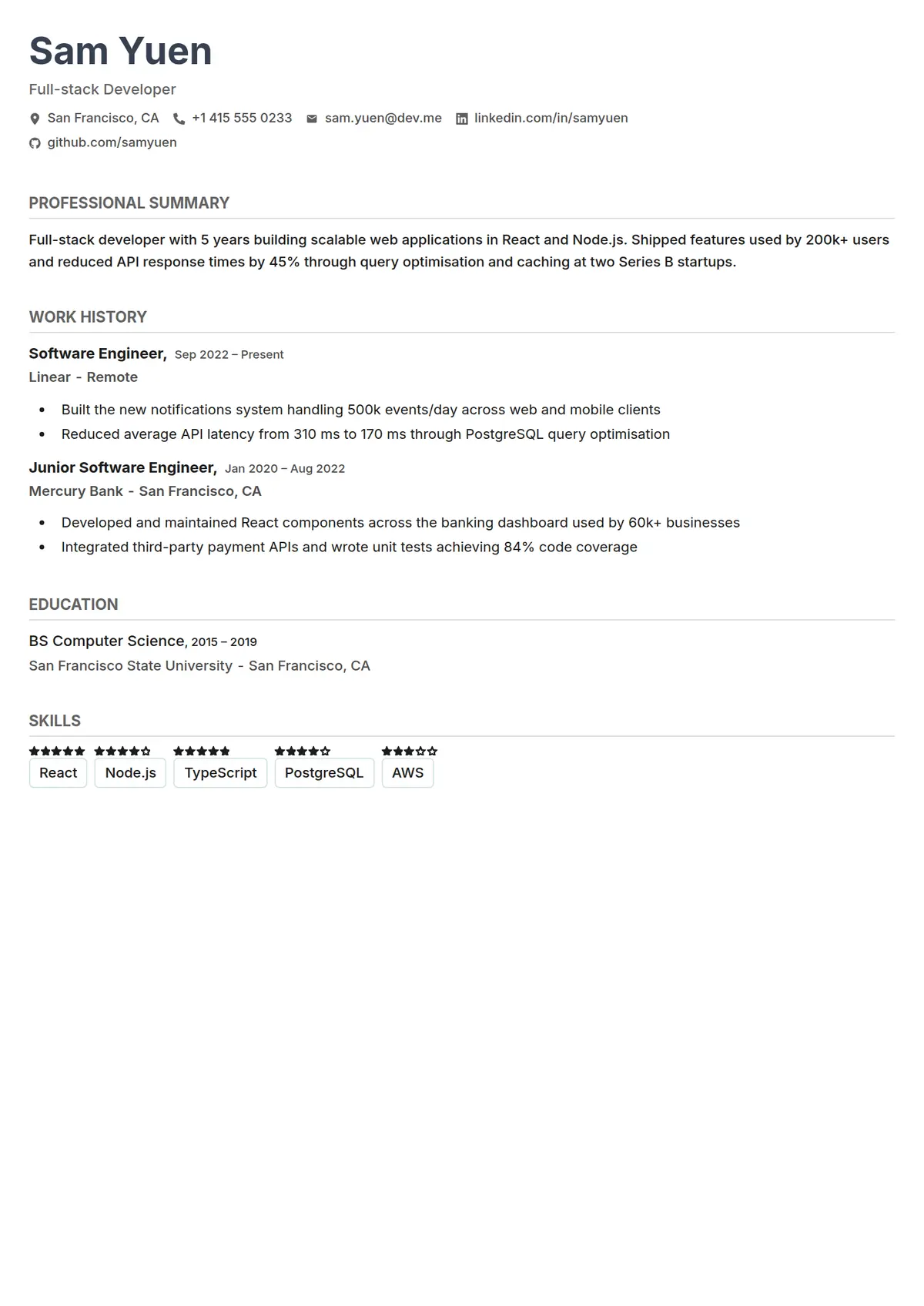 Minimal
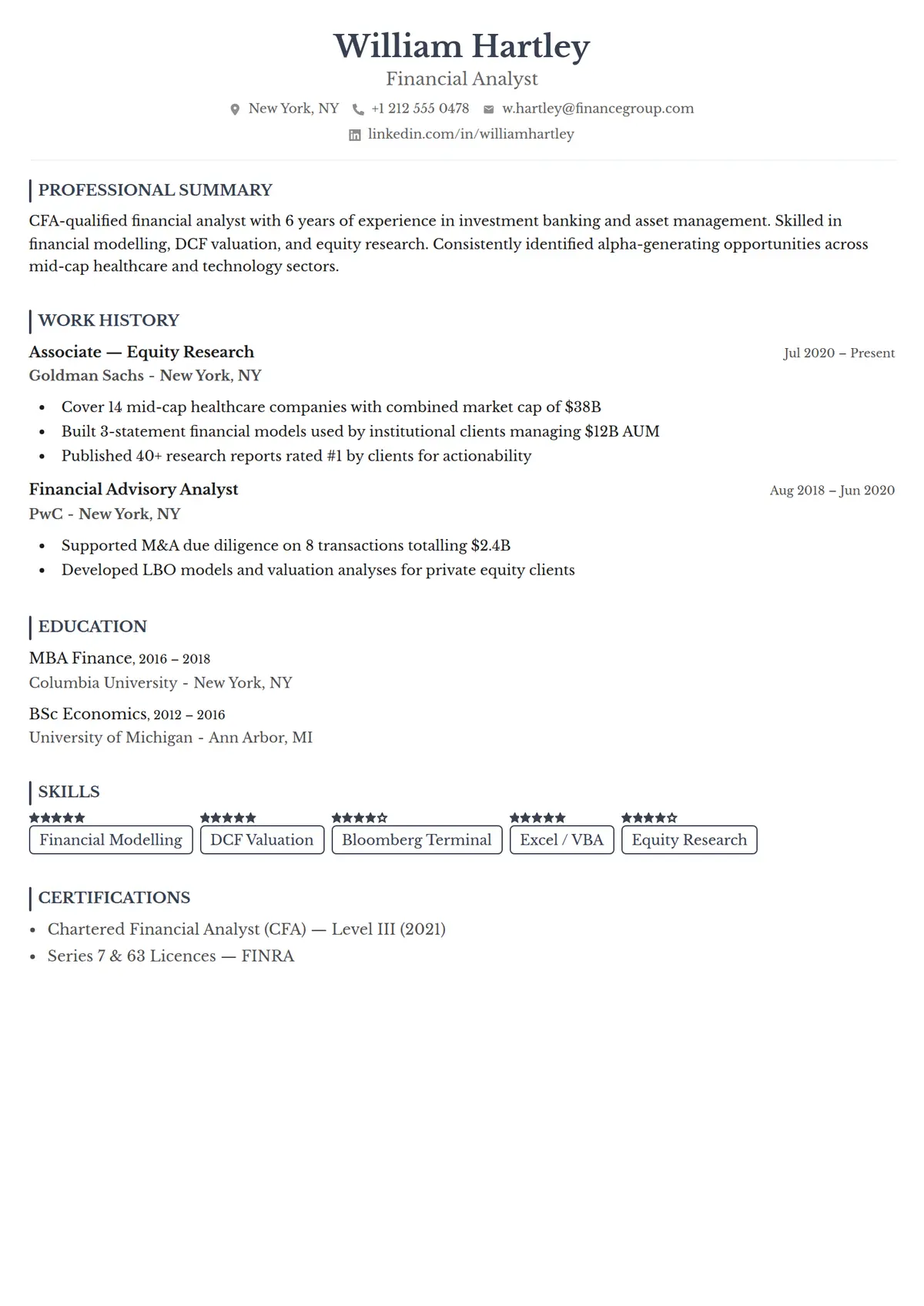 Classic
About simple resume templates
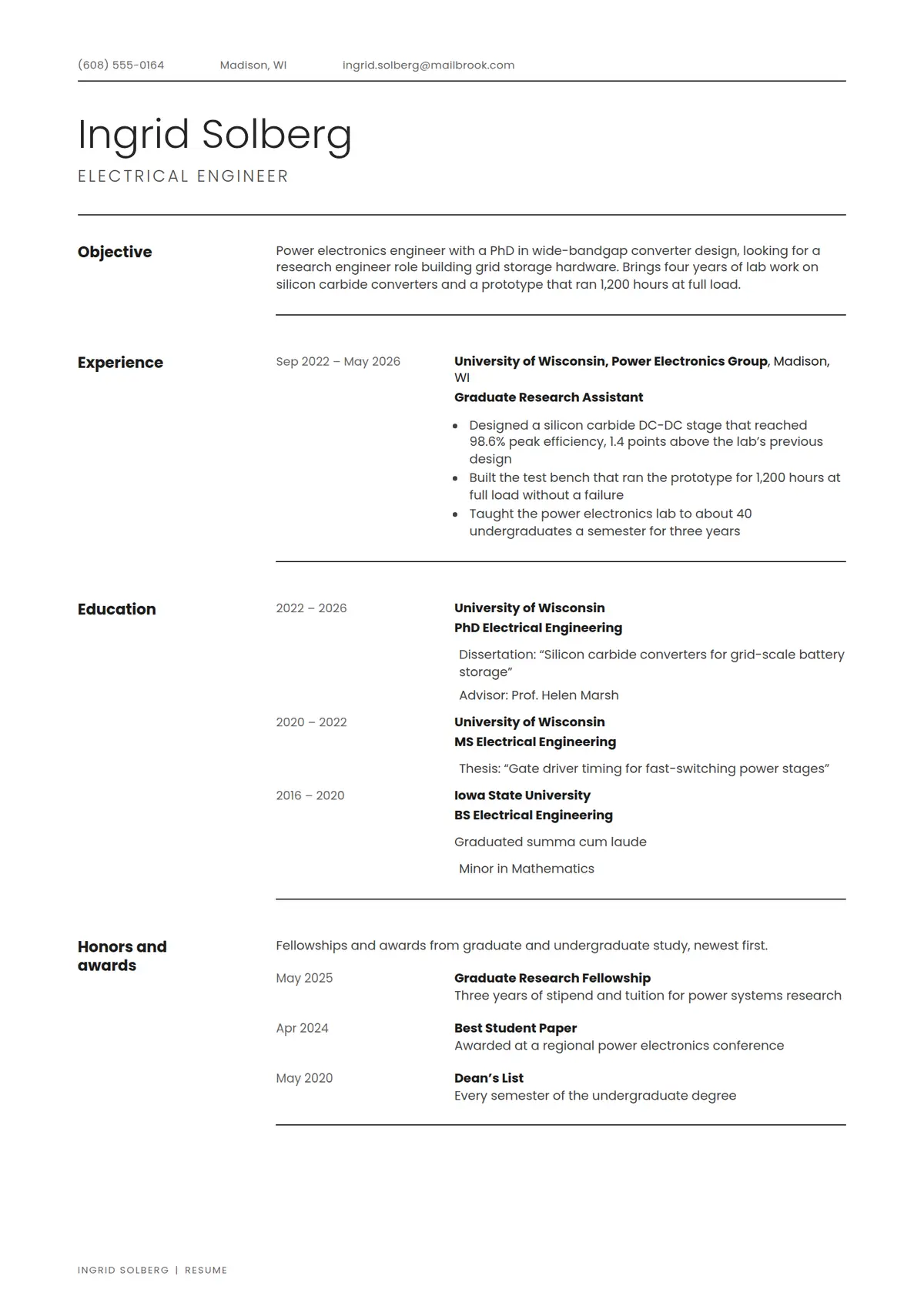
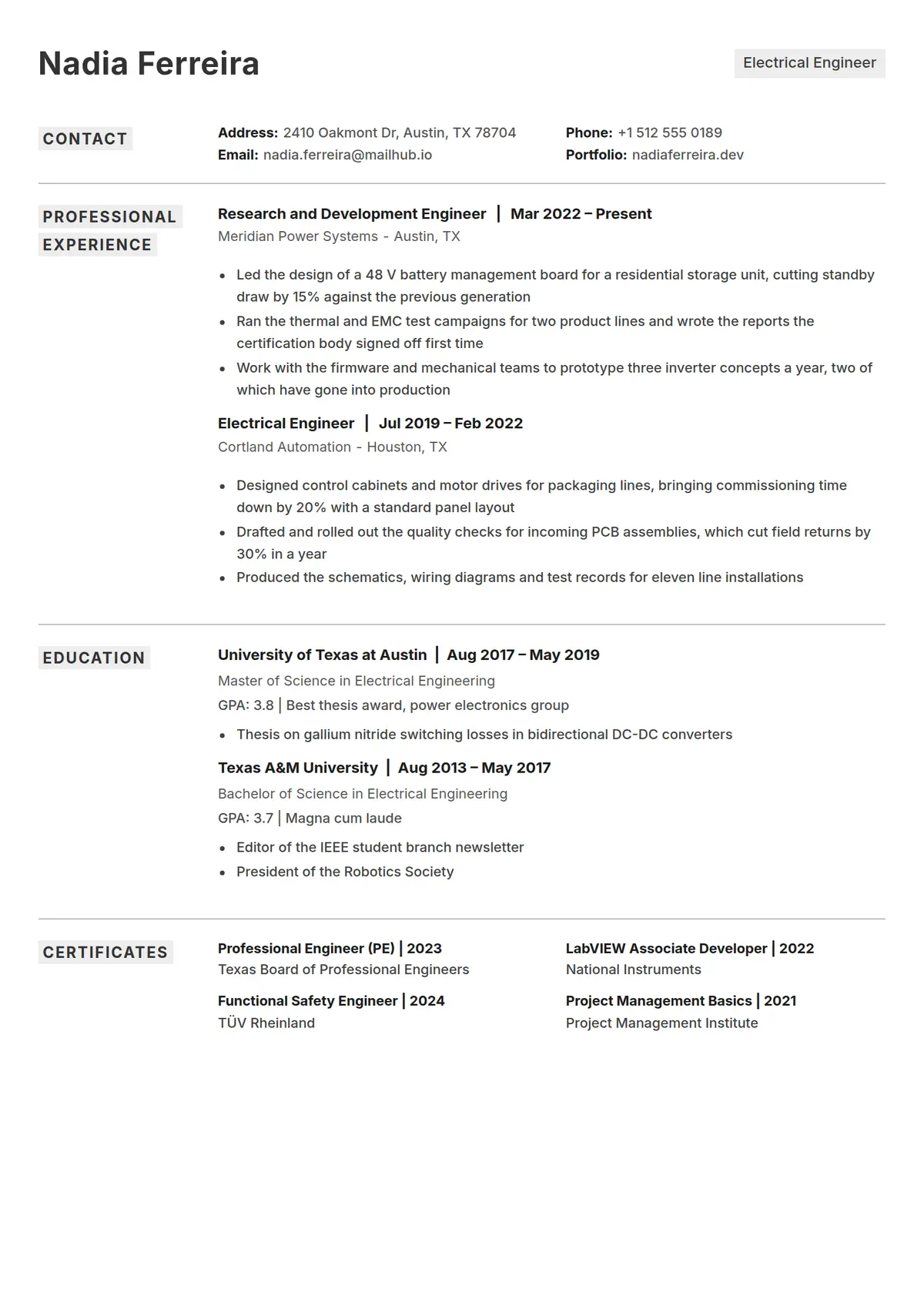
A simple CV is the most reliable format there is. One column, plain section headings, and standard fonts give a tracking system nothing to misread, which matters most when you are applying through a large job board or an agency portal.
Simple is not the same as bare. These templates still use weight, spacing, and alignment to build a hierarchy, so the page looks deliberate rather than unfinished.
Best suited for
- High-volume online applications
- Recruitment agency submissions
- Roles that ask for a plain-text or Word CV
- Anyone prioritising ATS compatibility
Looking for a different look?
Each style page collects the templates that share the same design language, so you can compare like with like.