About the Slate template
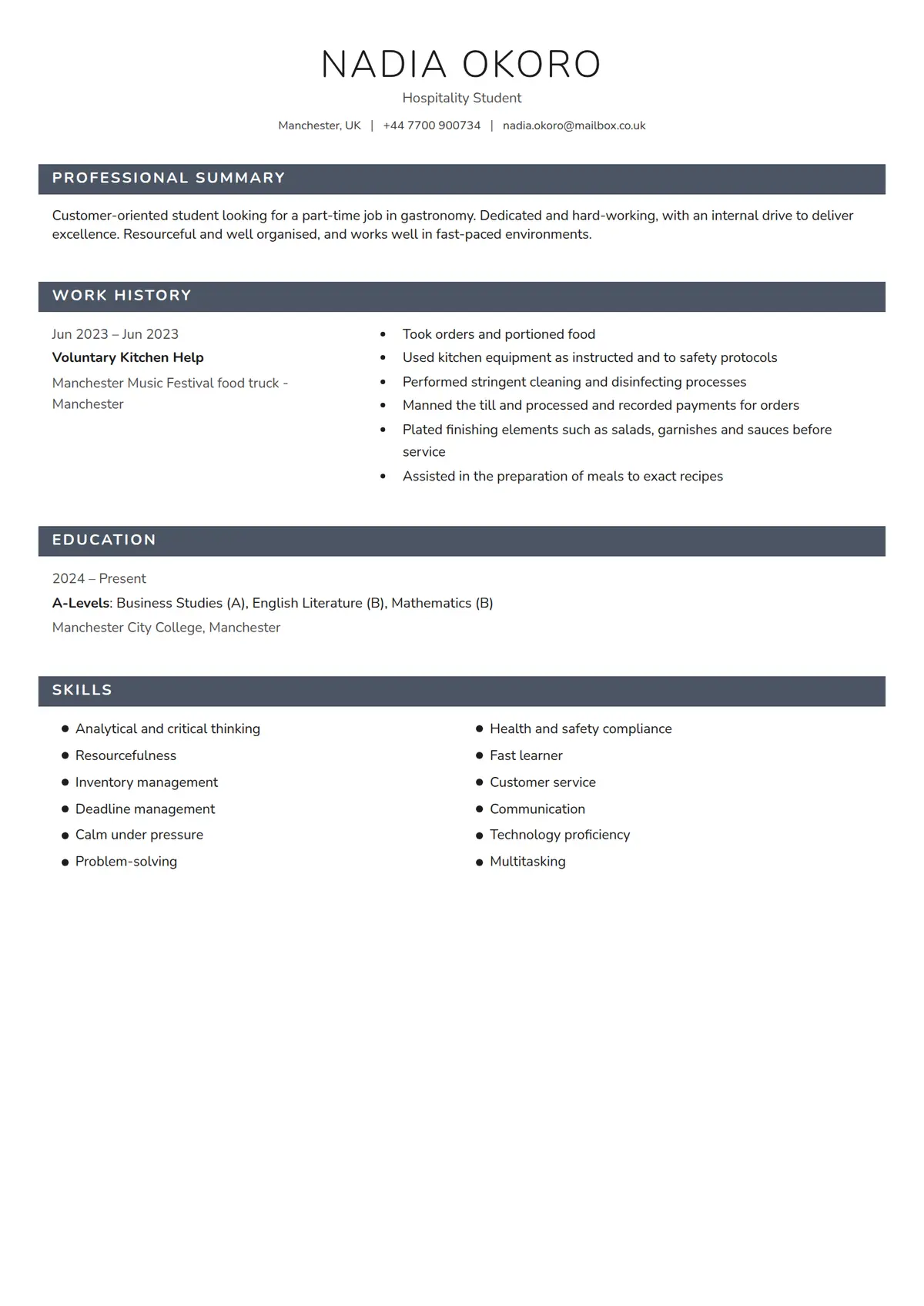
Slate opens with your name in light, widely spaced capitals and a single line of contact details, then marks every section with a solid dark band carrying its title in white. Skills run in two columns, and each role keeps its dates, title and employer in a left column so the bullet points beside them stay short and readable on a first CV.
Read the hospitality student resume shown hereNadia Okoro’s resume in full, with notes on why each part works.How it is built
- A light-weight uppercase name centred above a contact line separated by vertical bars
- Section headings set in white capitals on solid dark bands the full width of the page
- Each role with its dates, title and employer stacked in a left column beside the bullet points
- Skills as a two-column bulleted list, and A-level subjects with their grades on the qualification line
- Style
- Simple · Modern
- Best for
- Customer Service · Admin & Office · Other
- Career stage
- Entry Level
- Layout
- One Column · Without Photo
- Photo
- No photo
Templates with a similar look
These share at least one style with Slate, so they are the closest alternatives if the proportions here are not right for your history.
- HingeA one-column resume hung on a thin yellow rail, with bold capital labels in a left margin and a yellow disc wherever a section rule crosses the rail
- StrataA one-column resume in full-width grey and white bands, each section headed by a blue icon square over its label in a left margin
- FizzPink, pale blue and sand discs crowding the top right corner, and every heading a pale blue pill led by a pink icon square
- CypressA one-column serif resume with a round photo, the name in bold teal and teal headings centred between thin rules
- CloverThe name in two olive blocks and every heading opened by an olive square with a white plus, over two even columns
- CanaryA thin yellow band over a white page, a name underlined line by line, and a square photo laid over a drawn frame
Already have a resume?
Check it against the ATS before you reformat it. The score tells you what to fix, and this template is waiting when you are ready.
Check my resume